![enginehire logo thin dark 1.0.png]](https://learn.enginehire.io/hs-fs/hubfs/enginehire%20logo%20thin%20dark%201.0.png?height=40&name=enginehire%20logo%20thin%20dark%201.0.png)
During Onboarding - you'll have access to our "Get Started" Checklist
You'll find this at the left side of your screen - don't worry if yours looks a little bit different, the general navigation will be the same.
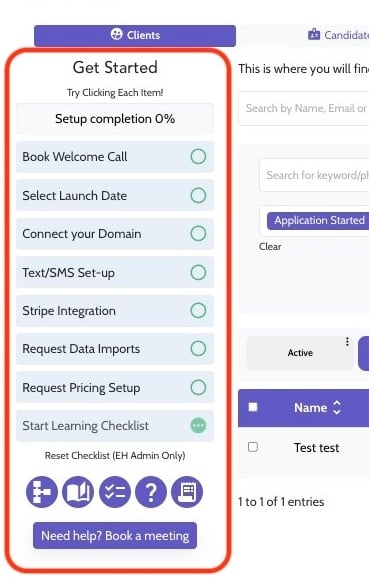
To begin your learning journey, select the "Start Learning Checklist" icon (found in the two circled locations):
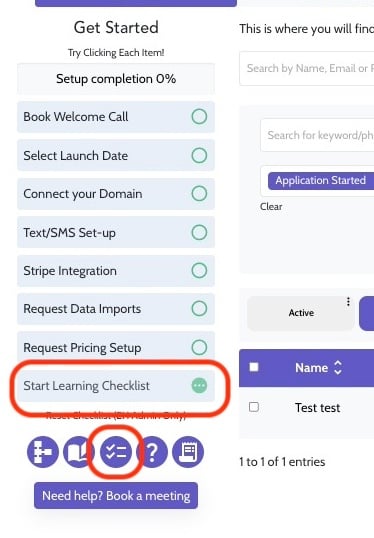
Access the checklist.
Once you select the Checklist icon, your Learning Checklist will pop-up. Click the arrow to expand each selection and review the articles within to familiarize yourself with each process.
-4.jpeg?width=688&height=417&name=ascreenshot%20(2)-4.jpeg)
Want to keep track of your progress? Select the "Go Live Launch Checklist" from within this pop-up and check off items as you go.
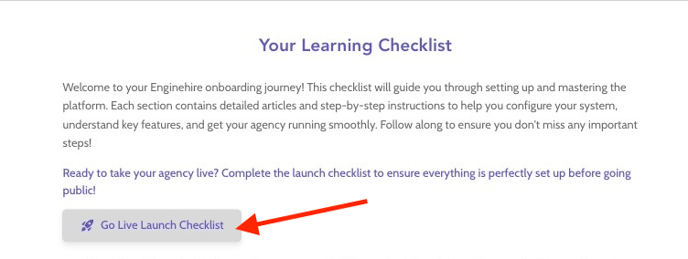
-2.jpeg?width=688&height=417&name=ascreenshot%20(4)-2.jpeg)
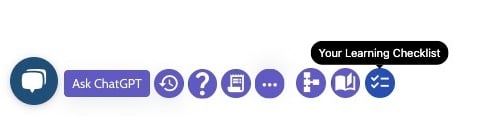
Is your agency already Live? Access your Learning Checklist and more here
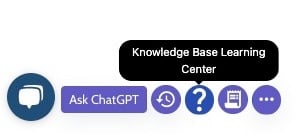
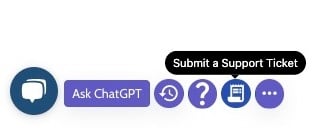
After your onboarding journey is complete, you'll find these icons at the bottom of your Agency Dashboard
- Click the ? icon to enter our Knowledge base
- Click the ticket icon to submit a support ticket
- Lastly, click these three dots to expand the menu...

- And find your Learning Checklist here