![enginehire logo thin dark 1.0.png]](https://learn.enginehire.io/hs-fs/hubfs/enginehire%20logo%20thin%20dark%201.0.png?height=40&name=enginehire%20logo%20thin%20dark%201.0.png)
-
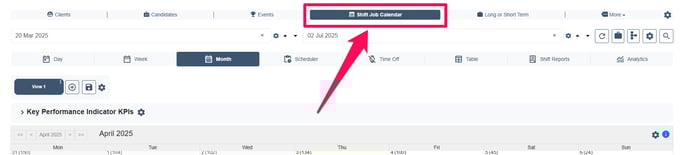
Navigate to the Shift Job Calendar in your dashboard.
Access Search Filters (If Needed)
-
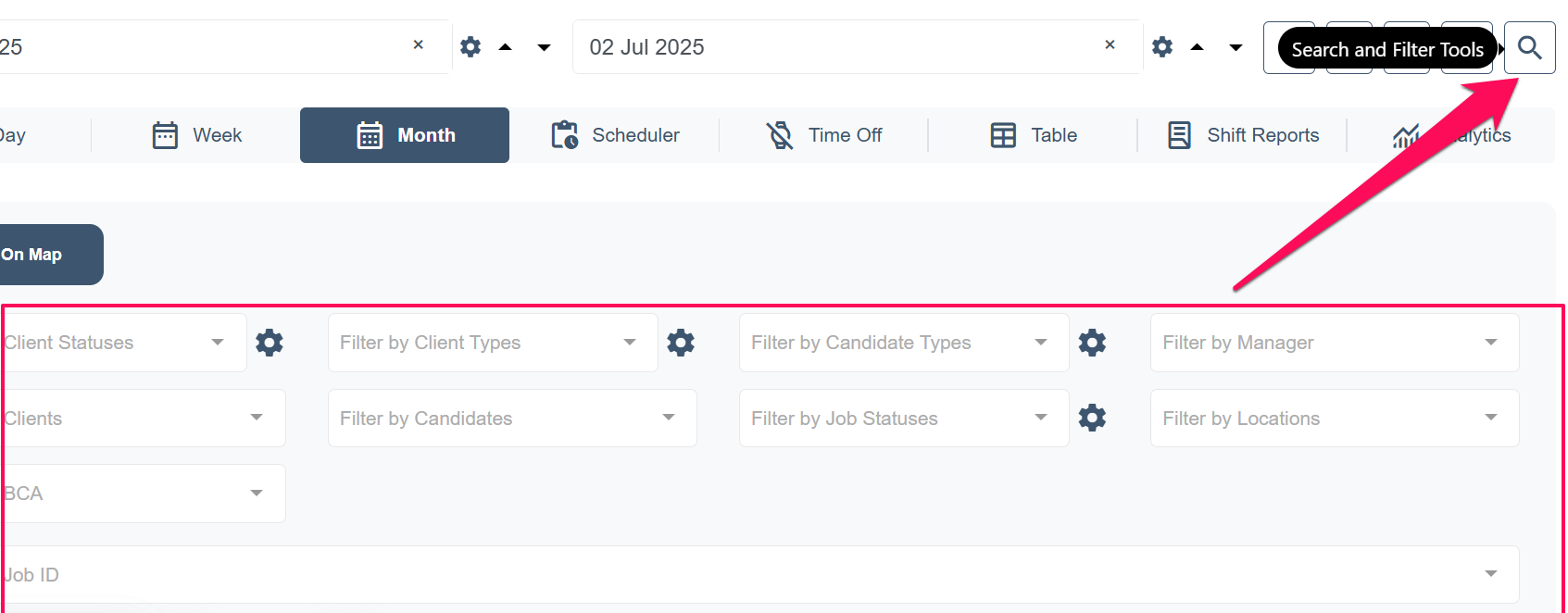
If you do not see all the search filters and the option for Backup Care Assistant, click on the Magnifying Glass icon to expand the filters.
Open Backup Care Assistant Settings
-
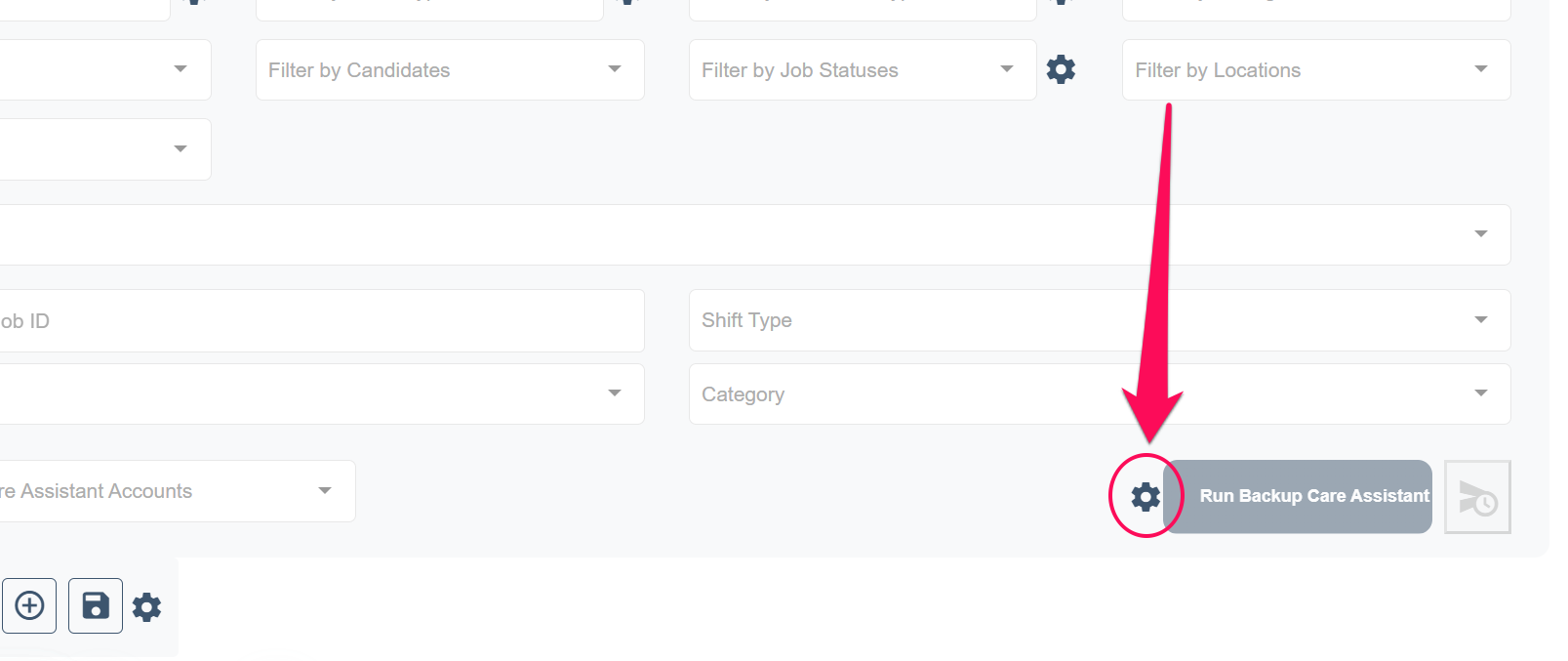
If the Backup Care Assistant is enabled, you will see a button labeled "Run Backup Care Assistant", Click on the Gear icon next to this button to open the settings.
Adjust Job Status Settings
-
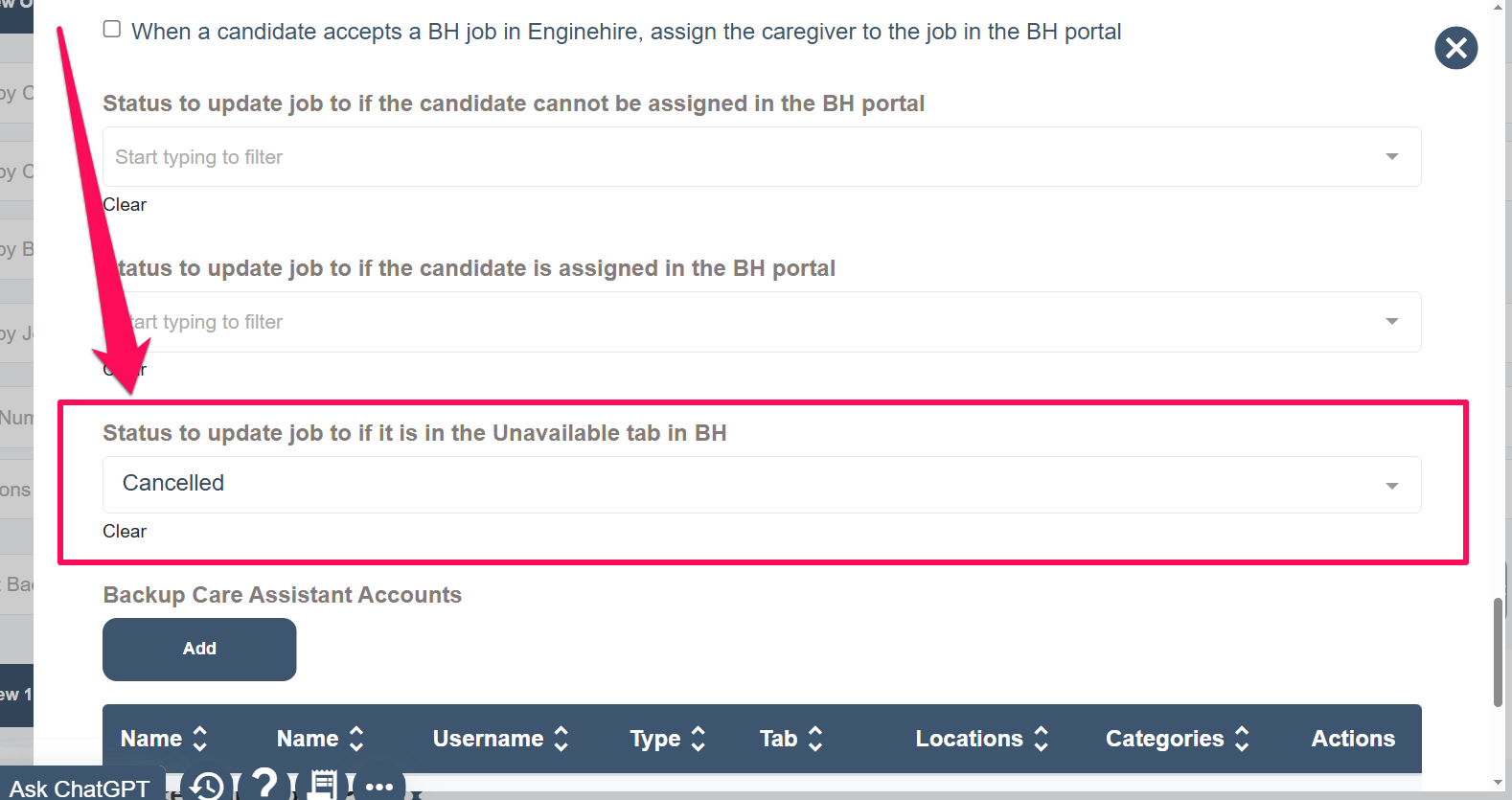
A popup window will appear. Scroll down to locate the setting:
"Status to update job to if it is in the Unavailable tab in BH." -
Select the status you want shift jobs to be automatically updated to whenever a reservation leaves the BH portal.
Save Your Changes
-
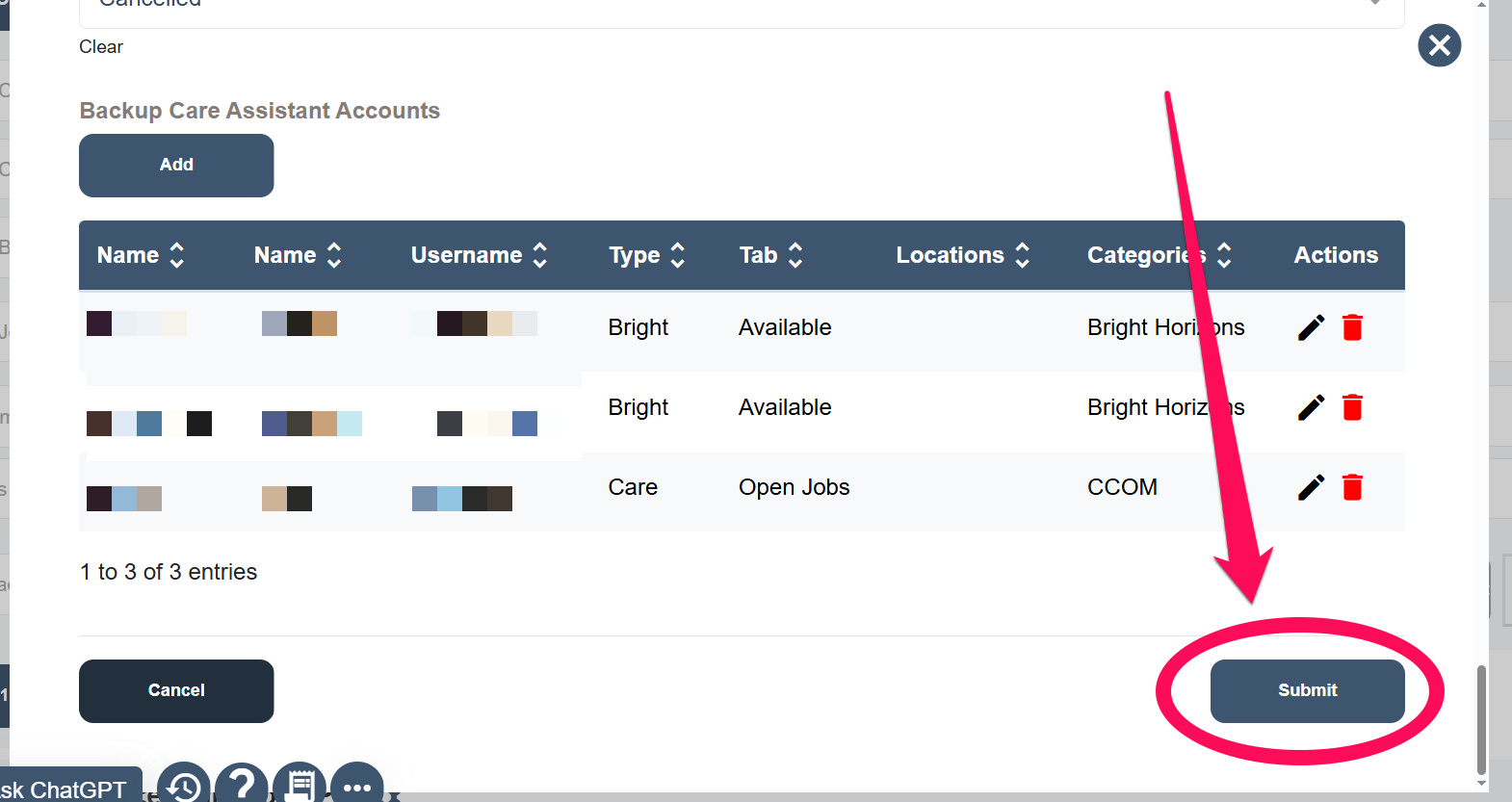
Click the "Submit" button to ensure your changes are saved.