![enginehire logo thin dark 1.0.png]](https://learn.enginehire.io/hs-fs/hubfs/enginehire%20logo%20thin%20dark%201.0.png?height=40&name=enginehire%20logo%20thin%20dark%201.0.png)
- Navigate to Shift Job Calendar
- Open any Shift Job
- Click on "View Job Listing" button 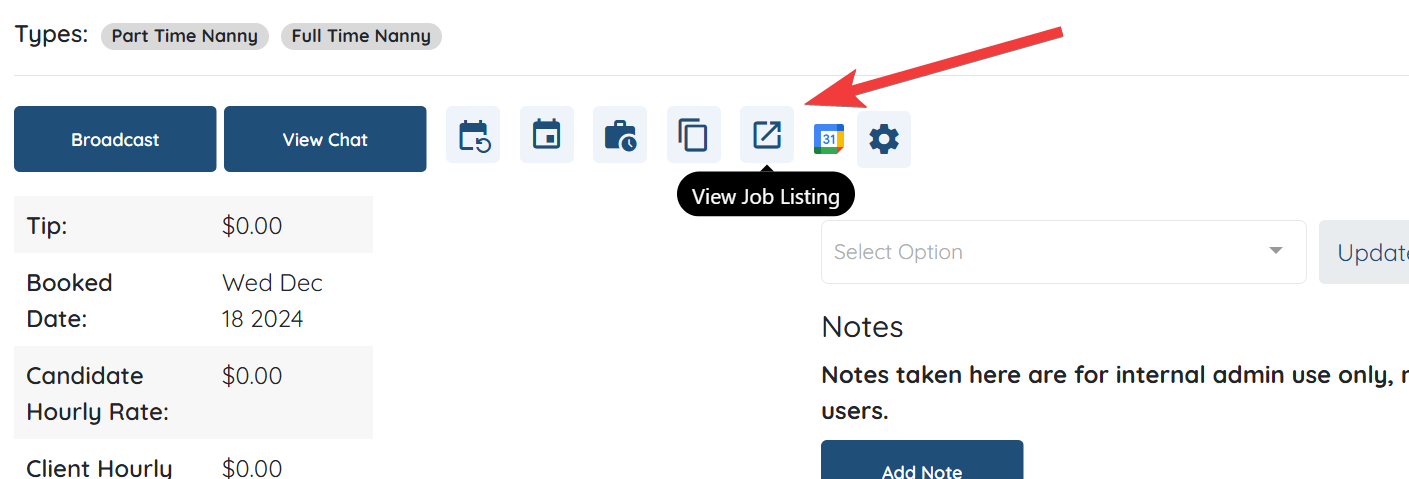
- Click on the Gear icon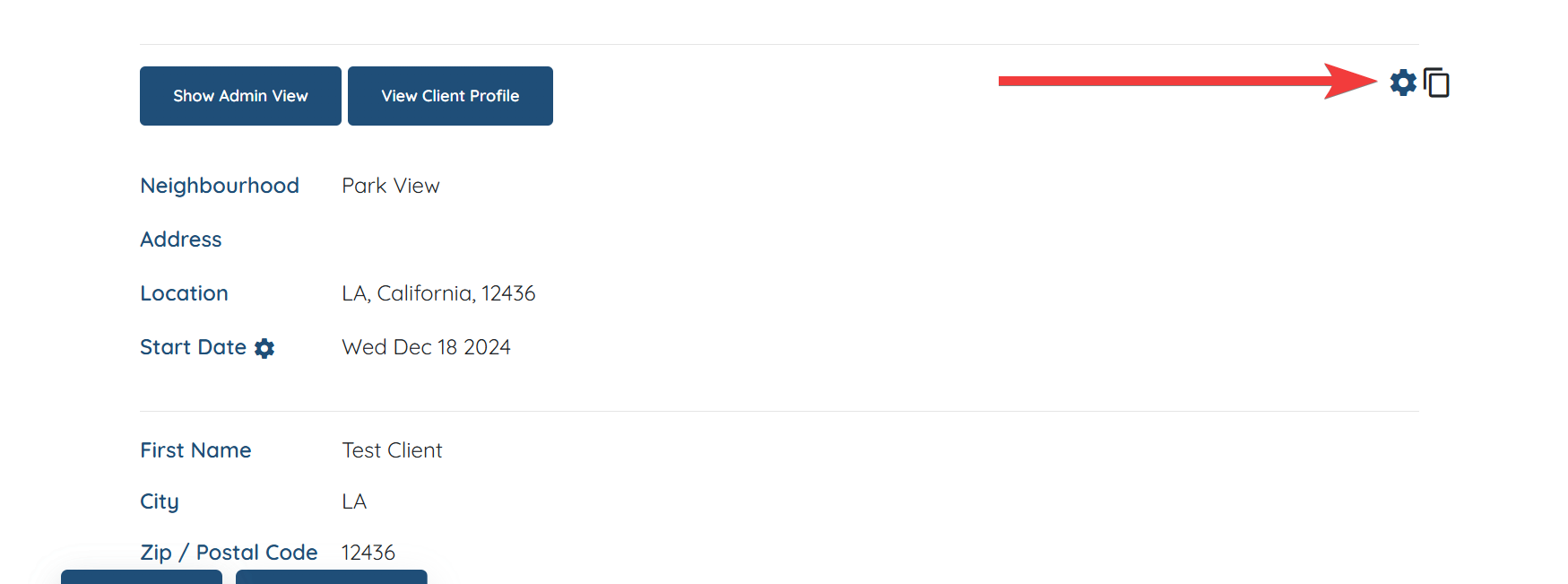
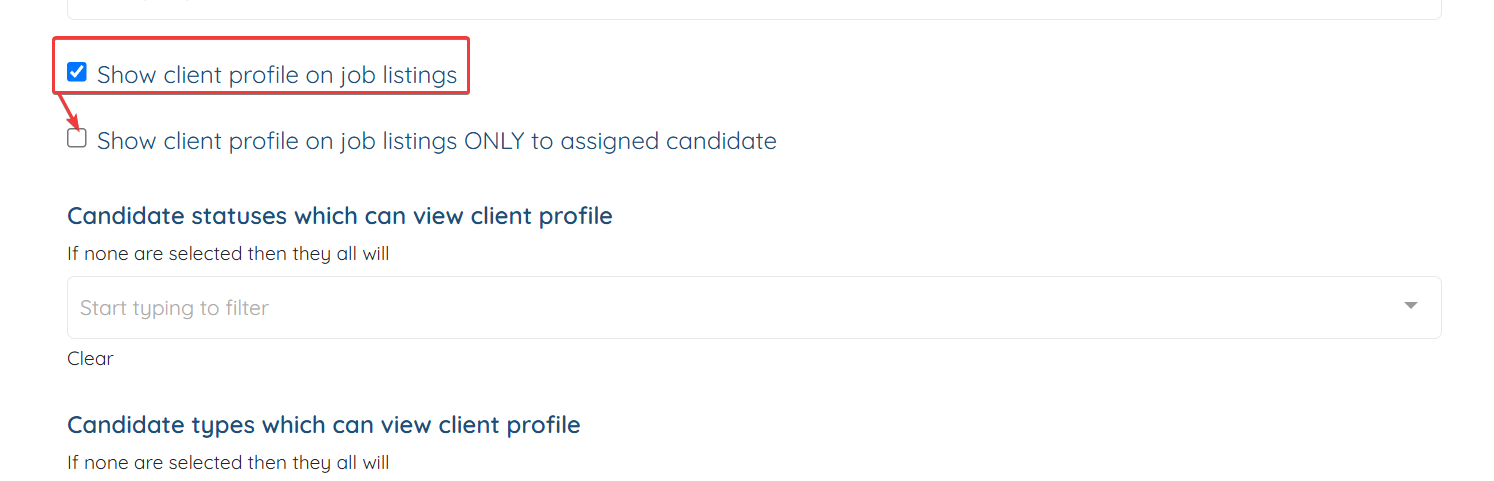
- Scroll down an enable the setting "Show client profile on job listings"
- Another setting will appear which you can enable if you only want to allow assigned candidates to view client profile