![enginehire logo thin dark 1.0.png]](https://learn.enginehire.io/hs-fs/hubfs/enginehire%20logo%20thin%20dark%201.0.png?height=40&name=enginehire%20logo%20thin%20dark%201.0.png)
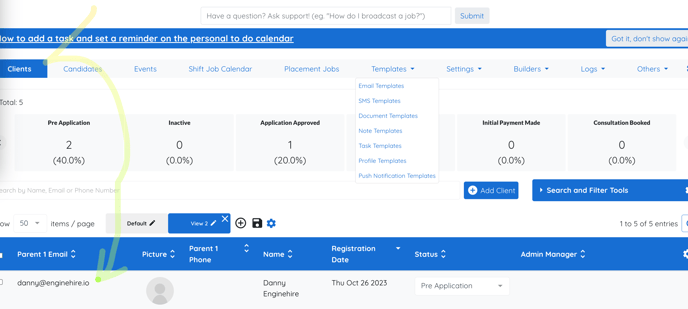
1. Select a Client. This will make the change globally.
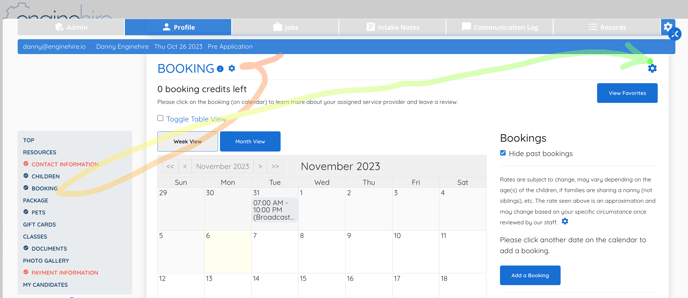
2. Select their Profile view.
3. Select the Booking section.
4. Select the Gear Icon on the right side of the screen about View Favorites.
5. Booking Settings will Open.
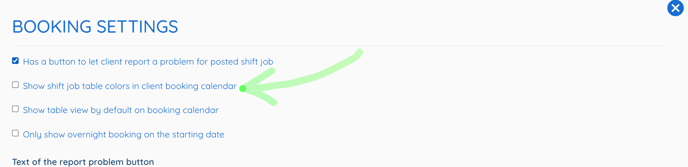
6. Check the box for Show Shift Job Table Colors in Client Booking Calendar.