![enginehire logo thin dark 1.0.png]](https://learn.enginehire.io/hs-fs/hubfs/enginehire%20logo%20thin%20dark%201.0.png?height=40&name=enginehire%20logo%20thin%20dark%201.0.png)
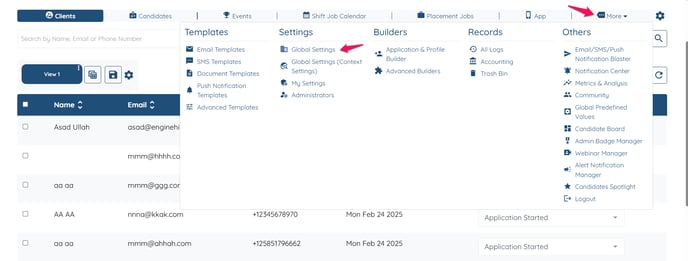
- Go to more Global Settings.
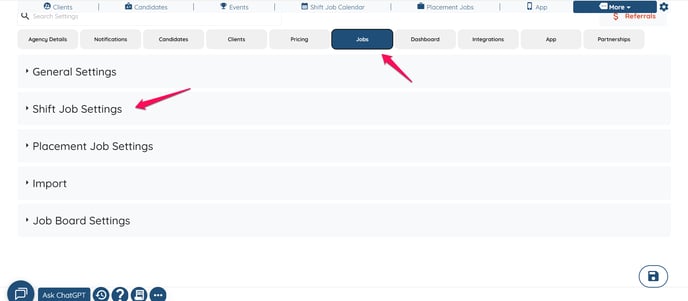
- Click of Jobs and then Shift Job settings.
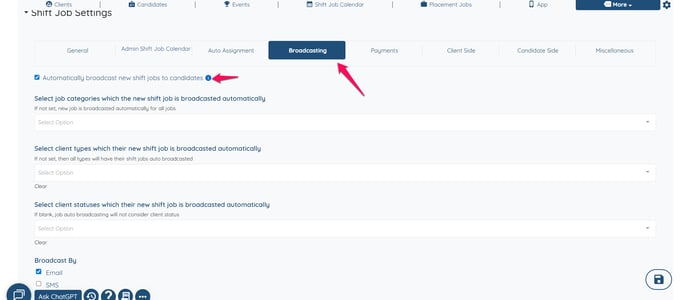
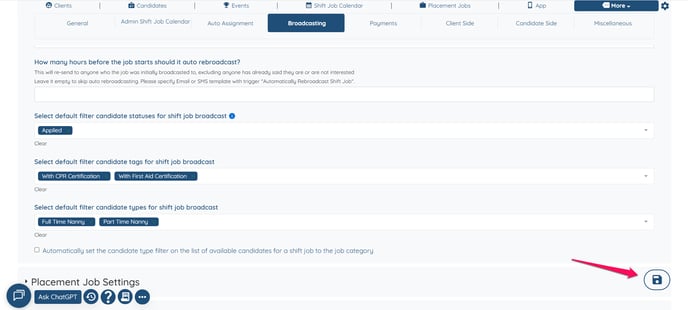
- Click on broadcasting and make sure the setting "Automatically broadcast new shift jobs to candidates " is selected.
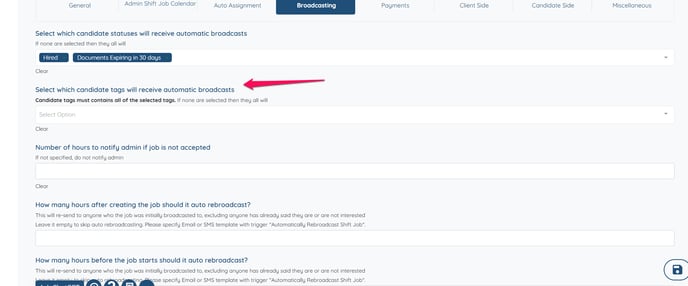
- Select the tags you want the auto-broadcast to go out to.
- Do not forget to click on "Update settings".
Learn how to send automatic broadcasts for bookings. Learn more here.