![enginehire logo thin dark 1.0.png]](https://learn.enginehire.io/hs-fs/hubfs/enginehire%20logo%20thin%20dark%201.0.png?height=40&name=enginehire%20logo%20thin%20dark%201.0.png)
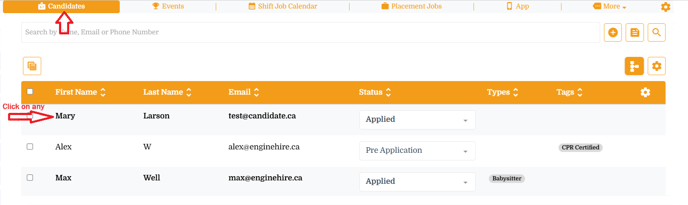
Step 1: Go to "Candidates" from main menu
Step 2: Click on any candidate - It will open a popup window
Note - Changing this setting for one will impact all candidates!
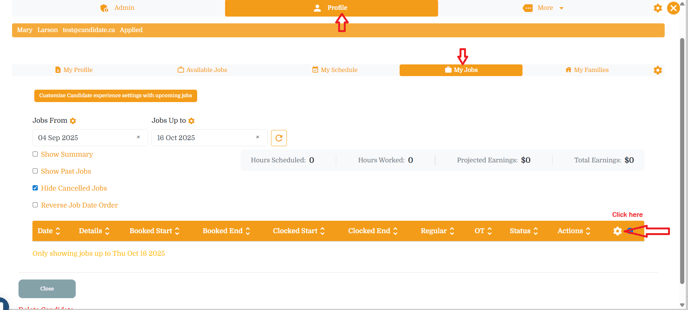
Step 3: Click on "Profile" tab and then select "My Jobs" from secondary tab
- Look for the gear icon which is located in right corner table headers - it will open a settings window
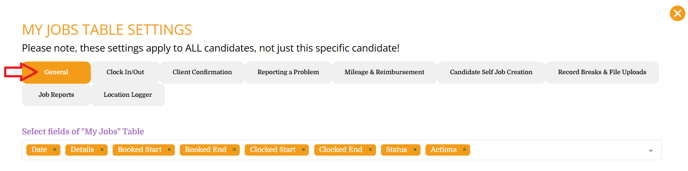
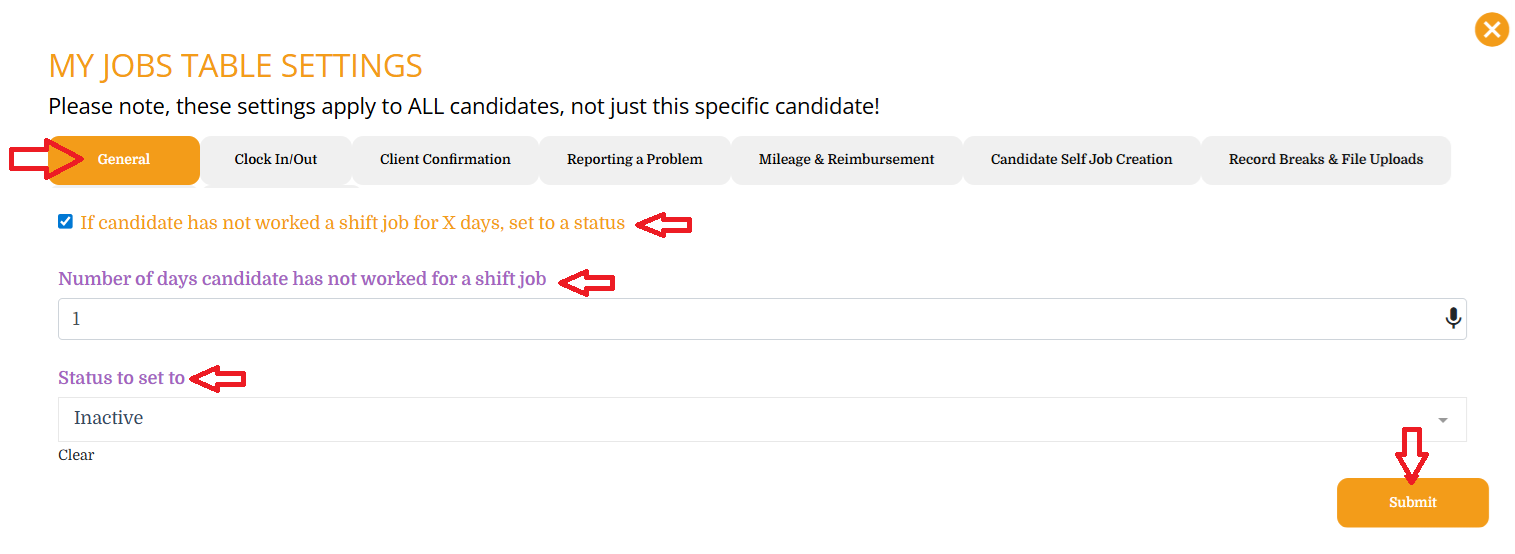
Step 4: Stay on "General" tab
Step 5: Scroll down and look for the settings listed below,
- If candidate has not worked a shift job for X days, set to a status - Check this setting
- Number of days candidate has not worked for a shift job - Enter required number of days after that needs to change status
- Status to set to - Select a status needs to be set. Example Inactive
Step 6: Click on "Submit" button to save the changes.
Result: After enabling a setting - once candidate did not worked for selected days the candidate will be moved to set status like "Inactive"
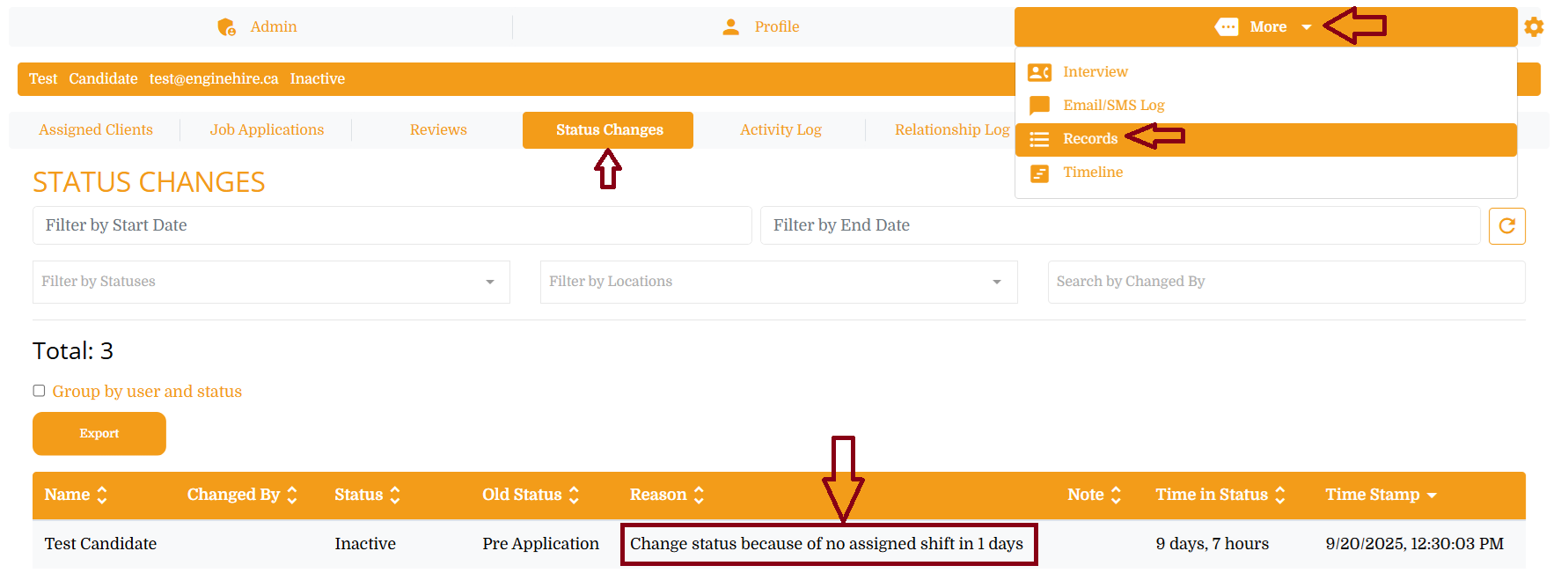
You will find the status change record in candidate profile -> More-> Records ->Status Changes tab.