![enginehire logo thin dark 1.0.png]](https://learn.enginehire.io/hs-fs/hubfs/enginehire%20logo%20thin%20dark%201.0.png?height=40&name=enginehire%20logo%20thin%20dark%201.0.png)
Step 1: Integrate your zoom account, click here for the steps.
Step 2: Once your zoom account is integrated, click on Settings -> Admin Settings -> Schedule
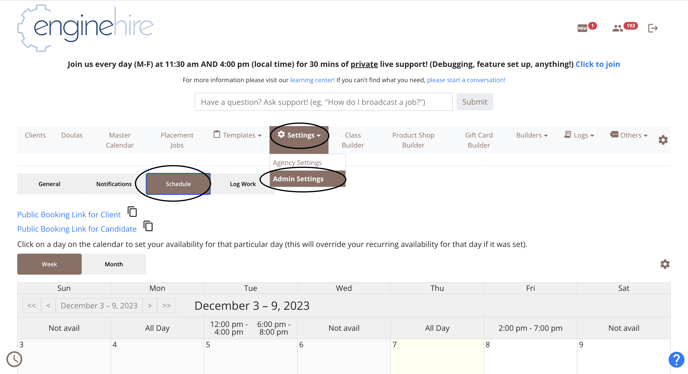
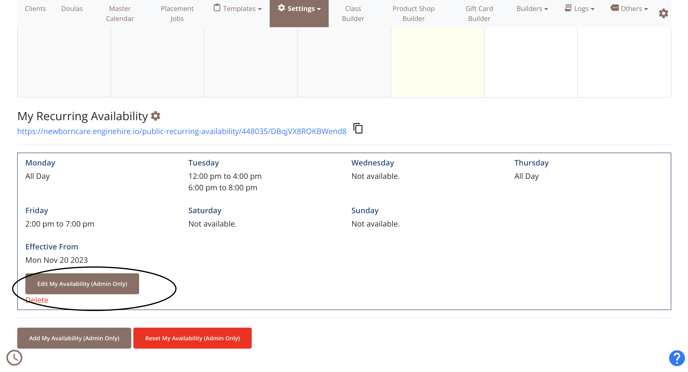
Step 3: Scroll down and input your recurring availability, clients and candidates will only be able to book meetings with you based on this availability.
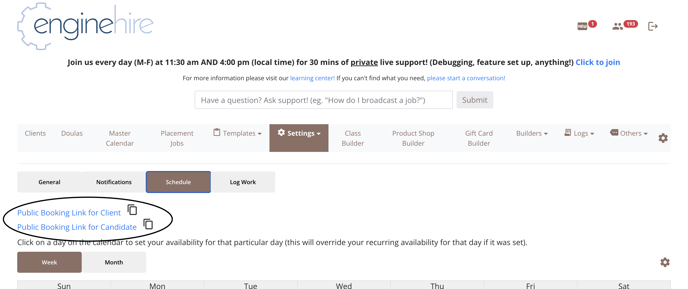
Step 4: Now you can copy the public booking link for clients and candidates and share it with them to book a meeting with you.
Step 5: Once a client/candidate books a meeting with you, both you and the client/candidate will receive an email with a zoom link.
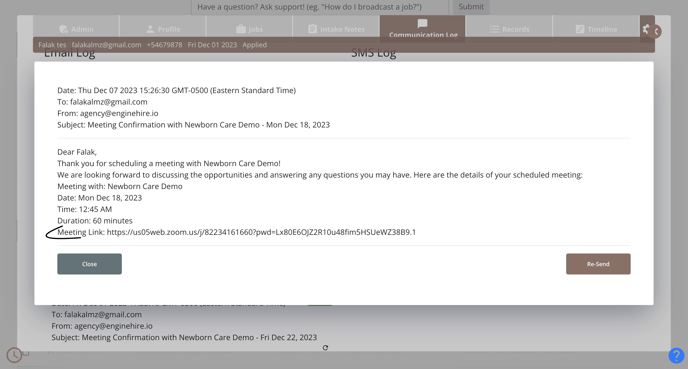
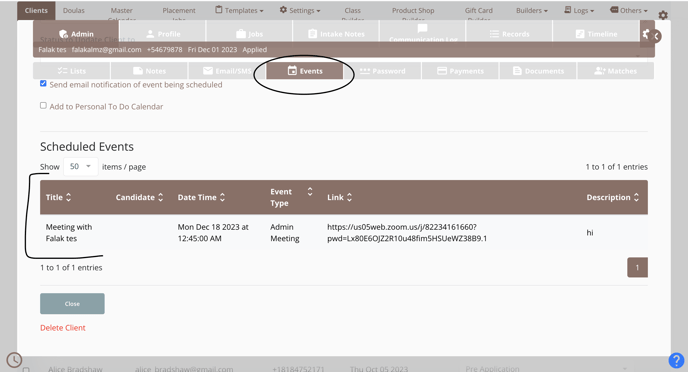
In every client/candidates file, there is an events tab where you will find the meeting details as well.
Other Important Settings to Add: (Optional)
How to add the admin internal scheduler to client/candidate profiles.