![enginehire logo thin dark 1.0.png]](https://learn.enginehire.io/hs-fs/hubfs/enginehire%20logo%20thin%20dark%201.0.png?height=40&name=enginehire%20logo%20thin%20dark%201.0.png)
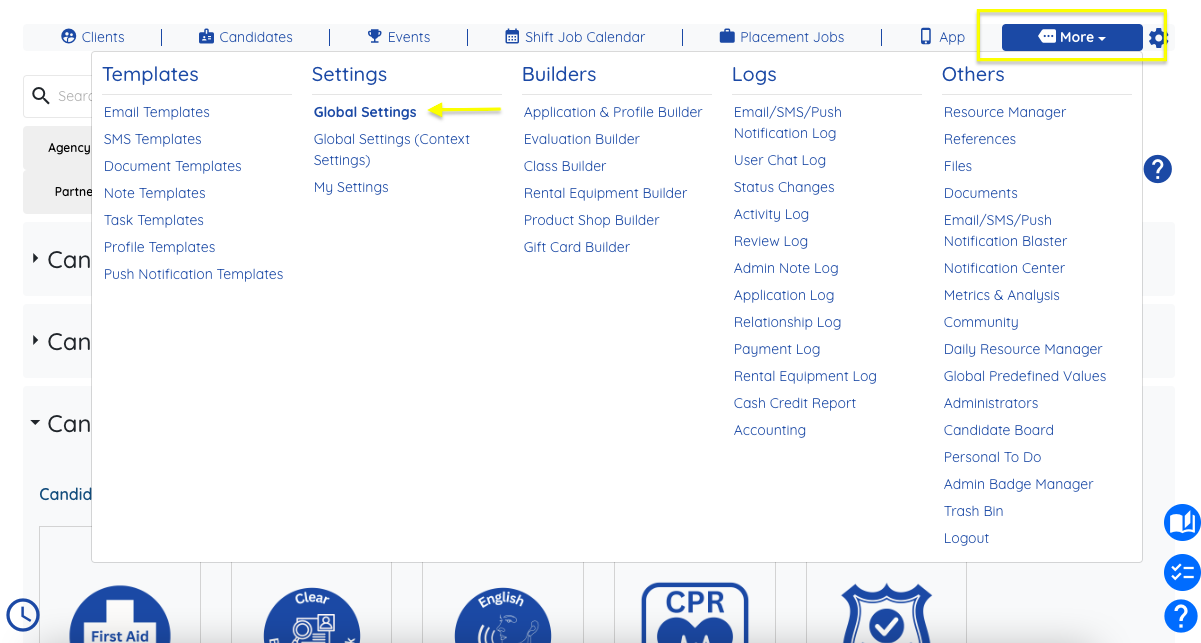
Navigate to More > Global Settings
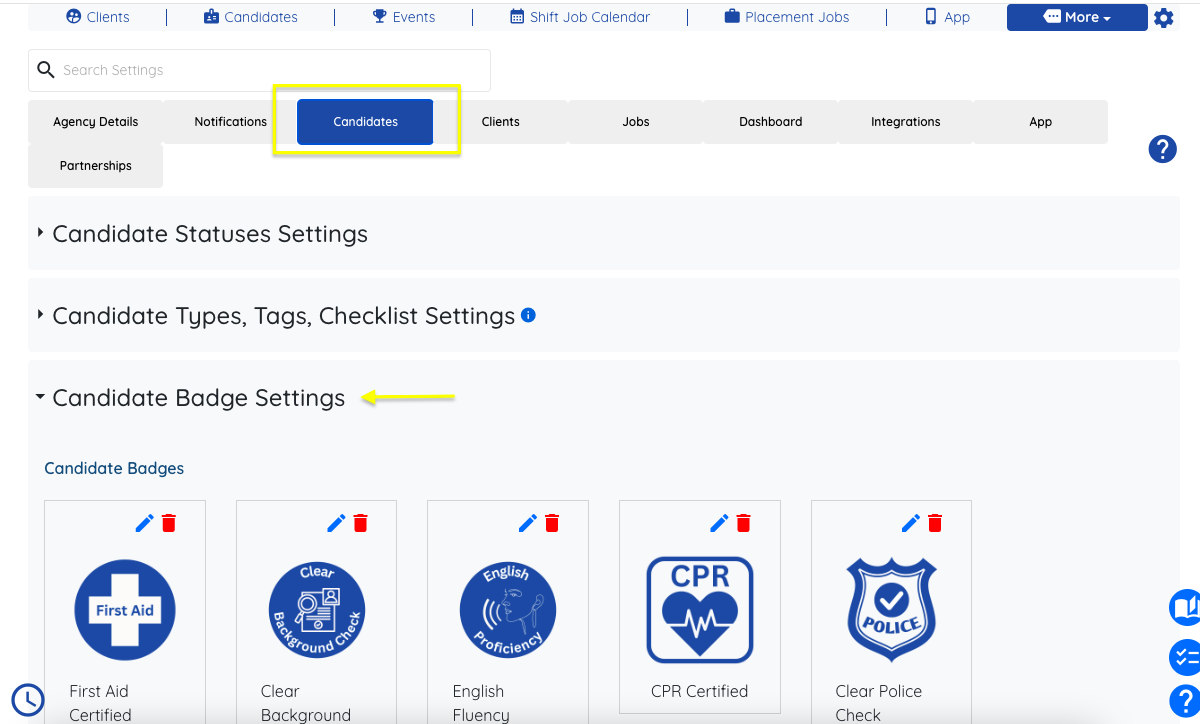
Choose the Candidates tab > open the Candidate Badge Settings drop down menu
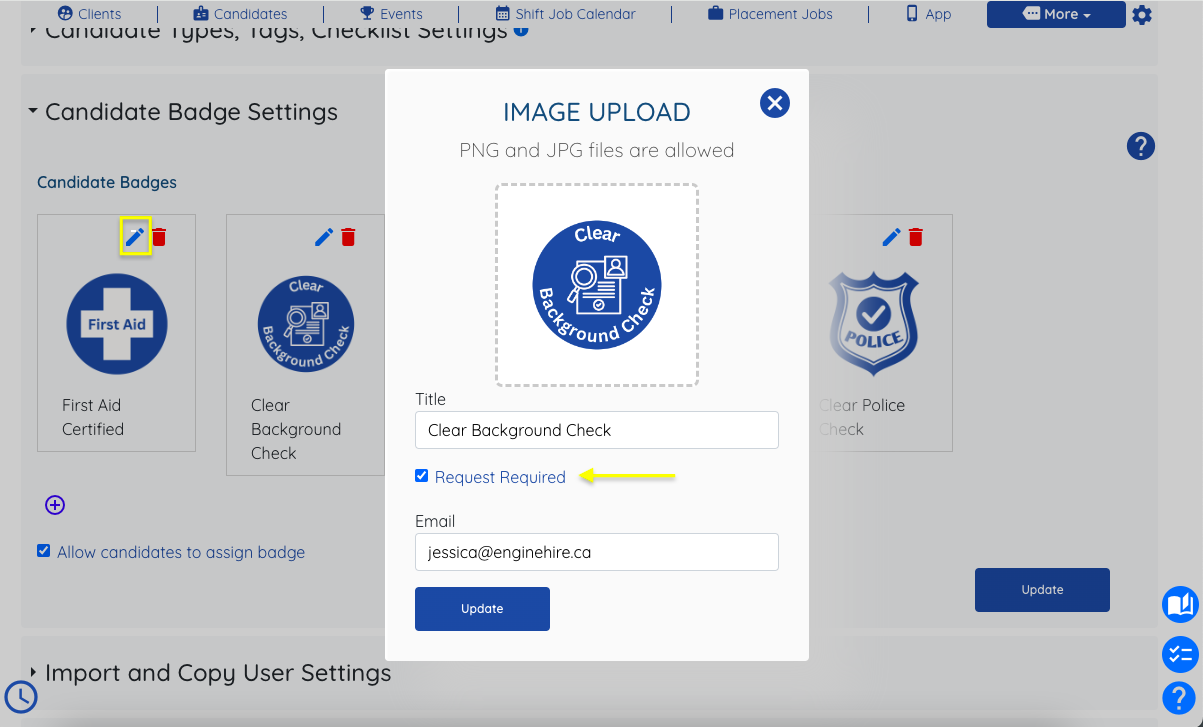
Click the pencil icon to edit settings for each badge >
To require badge admin approval: "Request Required" should be checked and the appropriate admin email approving/denying requests should be in the email section
To turn off badge admin approval requirements: "Request Required" should be unchecked
If this doesn't answer your questions you can always contact us by clicking here