![enginehire logo thin dark 1.0.png]](https://learn.enginehire.io/hs-fs/hubfs/enginehire%20logo%20thin%20dark%201.0.png?height=40&name=enginehire%20logo%20thin%20dark%201.0.png)
To set up notifications when a client cancels or changes a shift job go to More -> Global Settings -> Notifications -> Job Based Notifications:
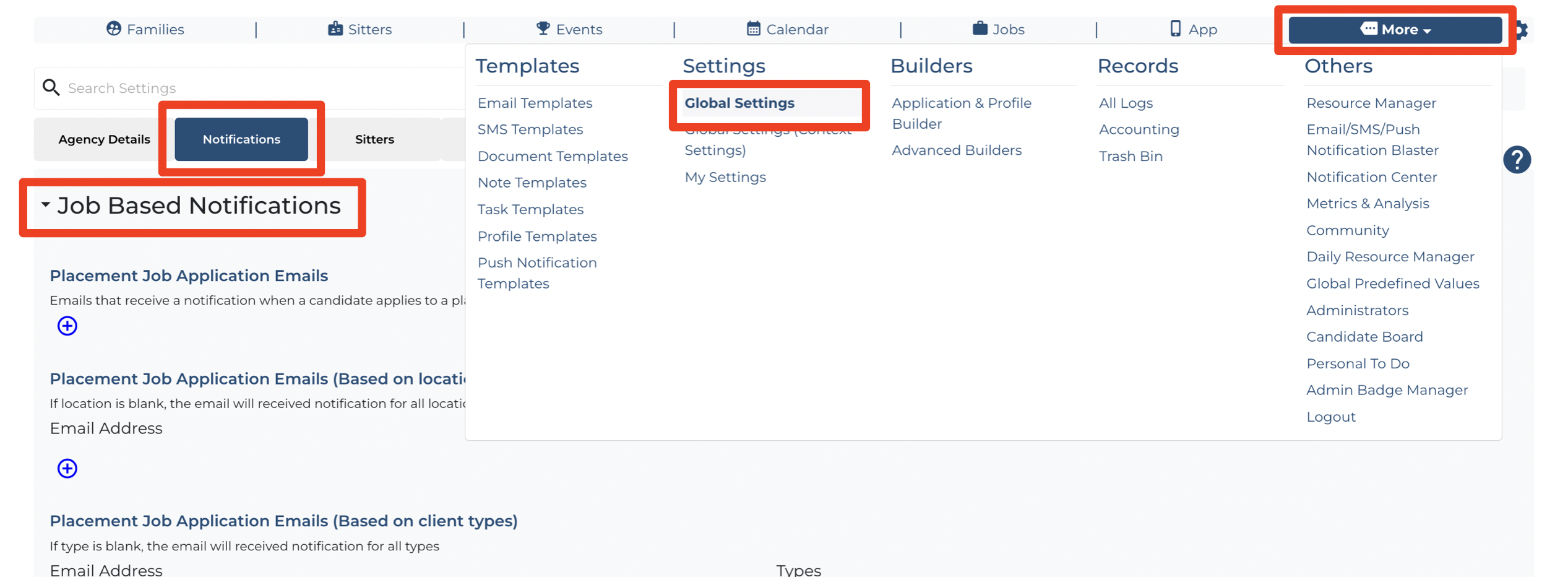
Scroll down to the setting "Shift Job Client Change/Cancel Request Emails"

You can add as many email addresses as you'd like to be notified (click the + icon to add another email address)
If this doesn't answer your questions you can always contact us by clicking here