![enginehire logo thin dark 1.0.png]](https://learn.enginehire.io/hs-fs/hubfs/enginehire%20logo%20thin%20dark%201.0.png?height=40&name=enginehire%20logo%20thin%20dark%201.0.png)
Step 1: Go to MORE
Step 2: Click on Profile and Applicaiton Builder
Step 3: Click ADD
Step 4: click ADD USER as the builder type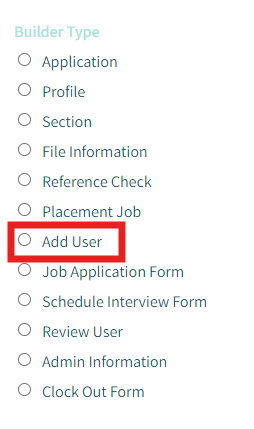
Step 5: Then click candidate or client for the add user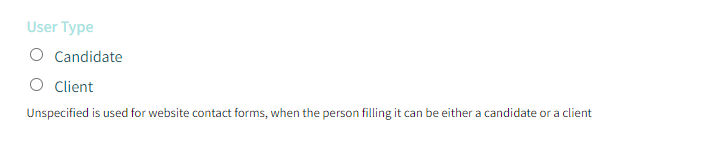
Step 6:
You can now add fields and adjust the fields.
Step 1: Go to MORE
Step 2: Click on Profile and Applicaiton Builder
Step 3: Click ADD
Step 4: click ADD USER as the builder type
Step 5: Then click candidate or client for the add user
Step 6:
You can now add fields and adjust the fields.