![enginehire logo thin dark 1.0.png]](https://learn.enginehire.io/hs-fs/hubfs/enginehire%20logo%20thin%20dark%201.0.png?height=40&name=enginehire%20logo%20thin%20dark%201.0.png)
You can change these colors!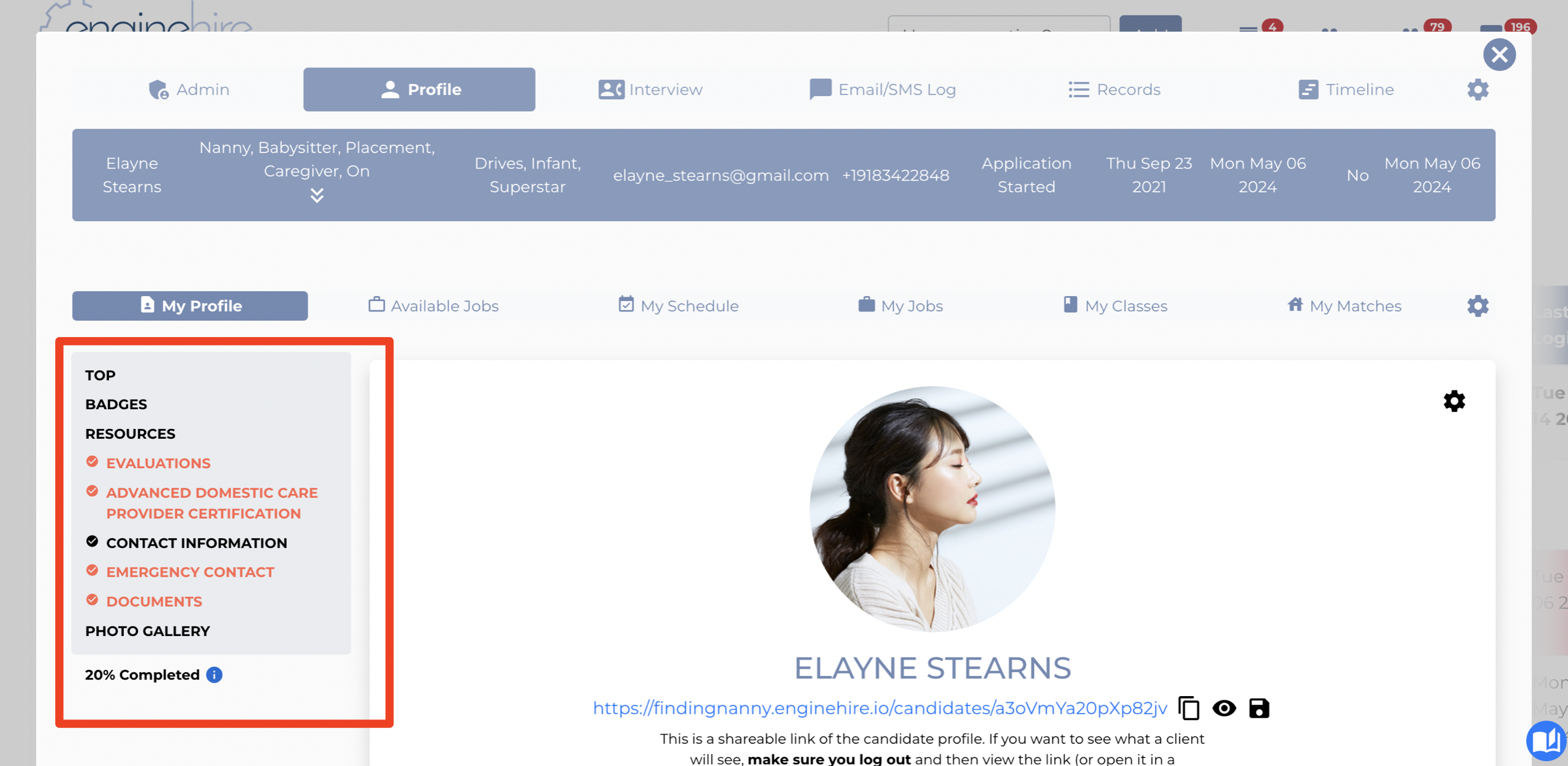
Go to Global Settings -> Candidates -> Other Settings 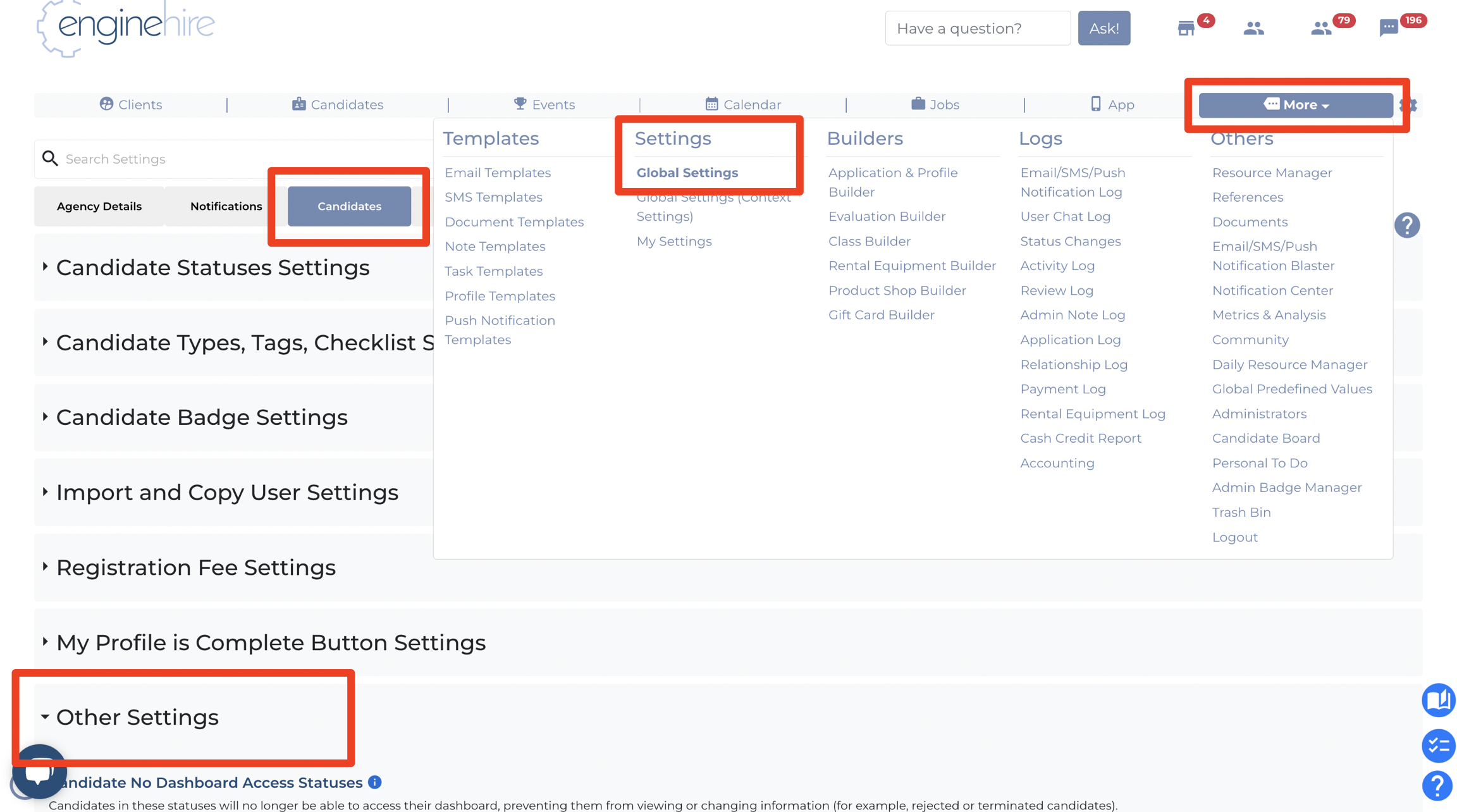
Look for these settings to the change the navigation bar background and text colors 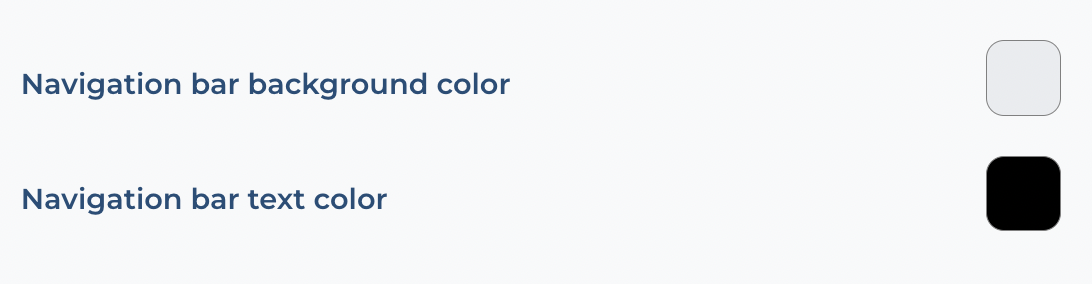
If this doesn't answer your questions you can always contact us by clicking here
You can change these colors!
Go to Global Settings -> Candidates -> Other Settings
Look for these settings to the change the navigation bar background and text colors
If this doesn't answer your questions you can always contact us by clicking here