![enginehire logo thin dark 1.0.png]](https://learn.enginehire.io/hs-fs/hubfs/enginehire%20logo%20thin%20dark%201.0.png?height=40&name=enginehire%20logo%20thin%20dark%201.0.png)
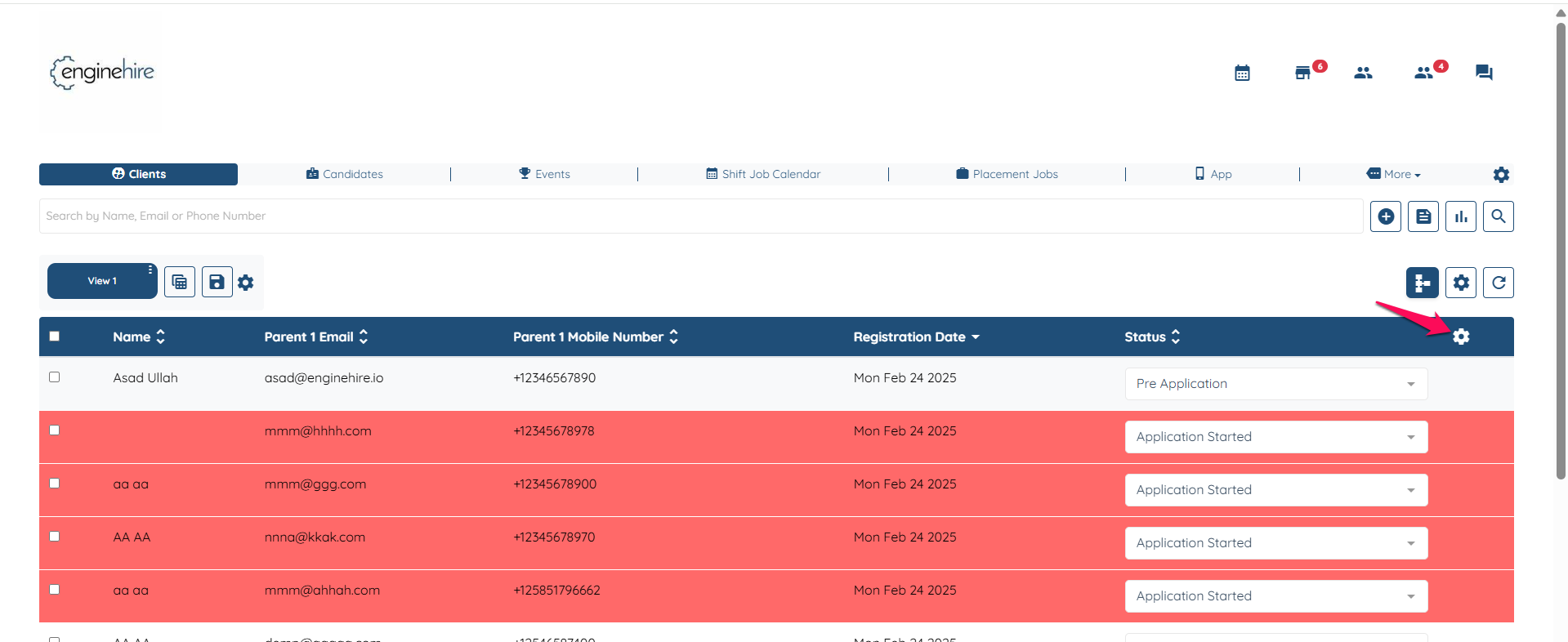
- Go to Dashboard and click on the gear icon.
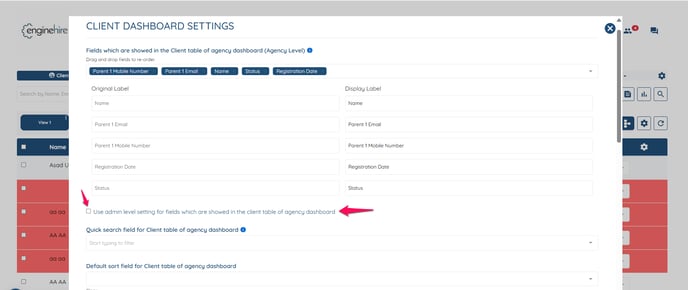
- Scroll down and check the box setting "Use admin level setting for fields which are showed in the client table of agency dashboard"
- Click on submit in the end to save the setting.
Note: You’ll need to follow the same steps for both clients and candidates. Doing it only on the client side won’t automatically apply to candidates — each must be set up separately.