![enginehire logo thin dark 1.0.png]](https://learn.enginehire.io/hs-fs/hubfs/enginehire%20logo%20thin%20dark%201.0.png?height=40&name=enginehire%20logo%20thin%20dark%201.0.png)
Click on Builders > Application & Profile Builder

Go to the application and click on the pencil edit icon

Click on Add Field

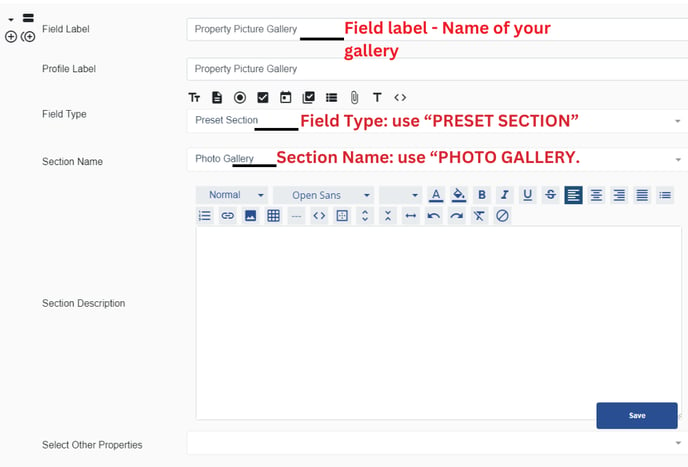
Add your gally picture a name on the field label.
Field Type: use “PRESET SECTION”
Section Name: use “PHOTO GALLERY.
Then click on save.
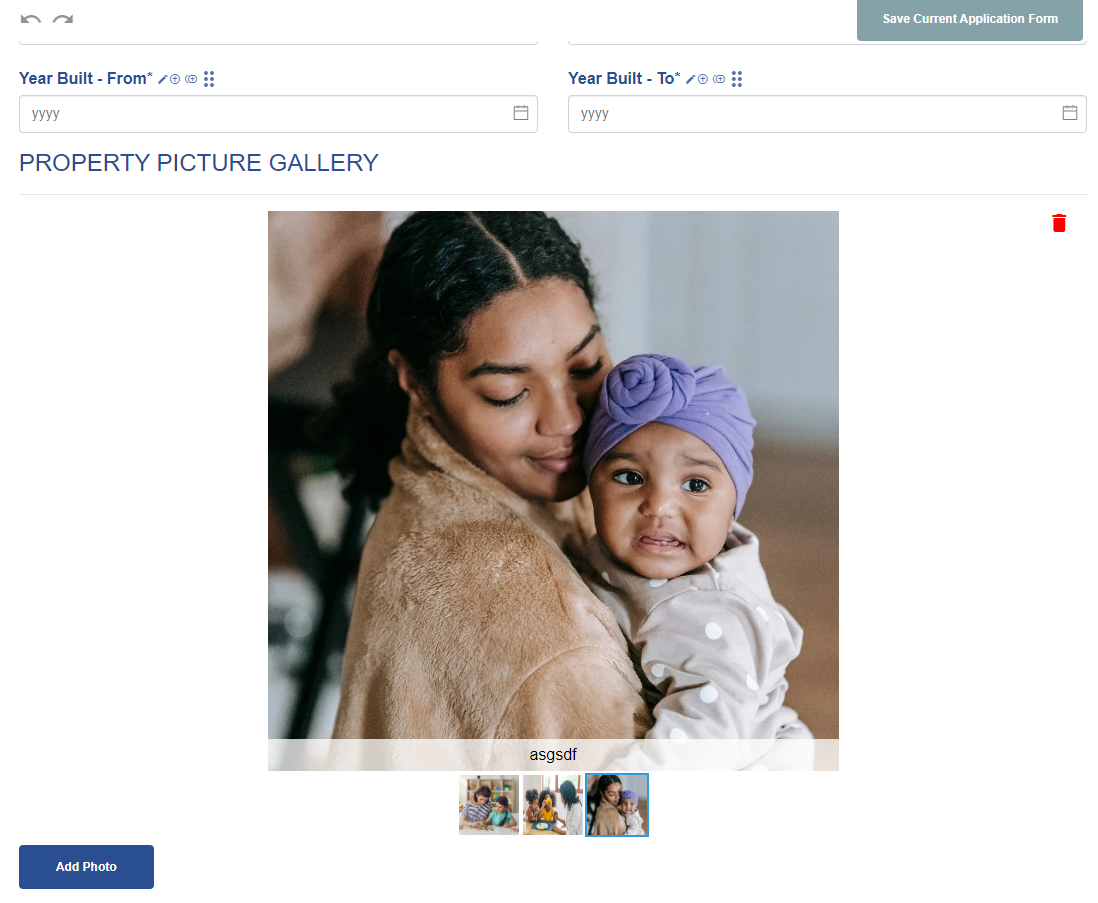
On the application form, it will look like this below: