![enginehire logo thin dark 1.0.png]](https://learn.enginehire.io/hs-fs/hubfs/enginehire%20logo%20thin%20dark%201.0.png?height=40&name=enginehire%20logo%20thin%20dark%201.0.png)
1. Go to More -> Global Settings -> Jobs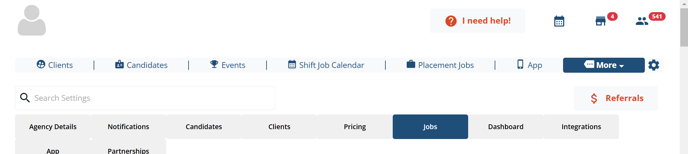
2. Look for the "Shift Job Settings" section -> select "Admin Shift Job Calendar" Settings
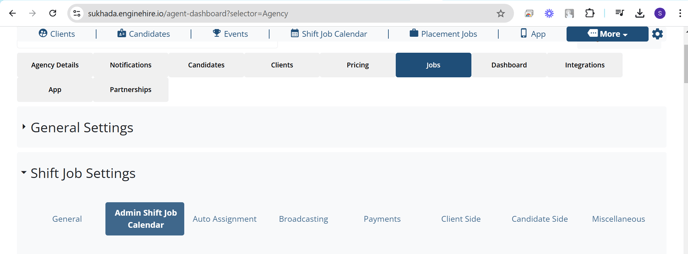
3. Click on -> General tab

4. Check for the setting -> Which fields will be used for client name in Shift Job Calendar

5. Select the required field to show from dropdown and click on icon to save the updated settings.