![enginehire logo thin dark 1.0.png]](https://learn.enginehire.io/hs-fs/hubfs/enginehire%20logo%20thin%20dark%201.0.png?height=40&name=enginehire%20logo%20thin%20dark%201.0.png)
Enable Share Type Jobs
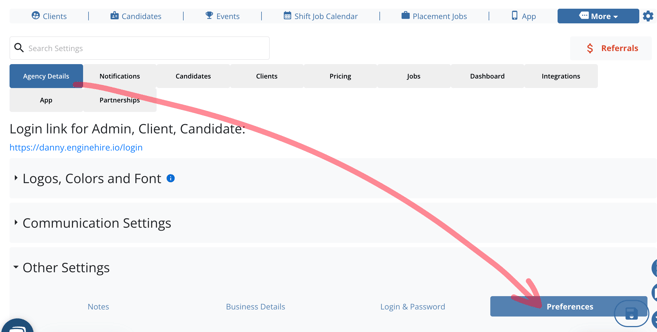
1. From More select Global Settings.
2. Select Agency Details.
3. Select Other Settings.
4. Select Preferences.
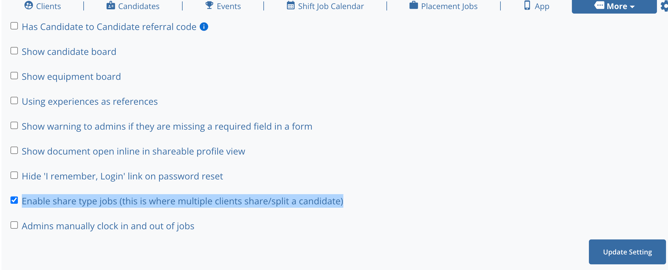
5. Select Enable Share Type Jobs.
In Use
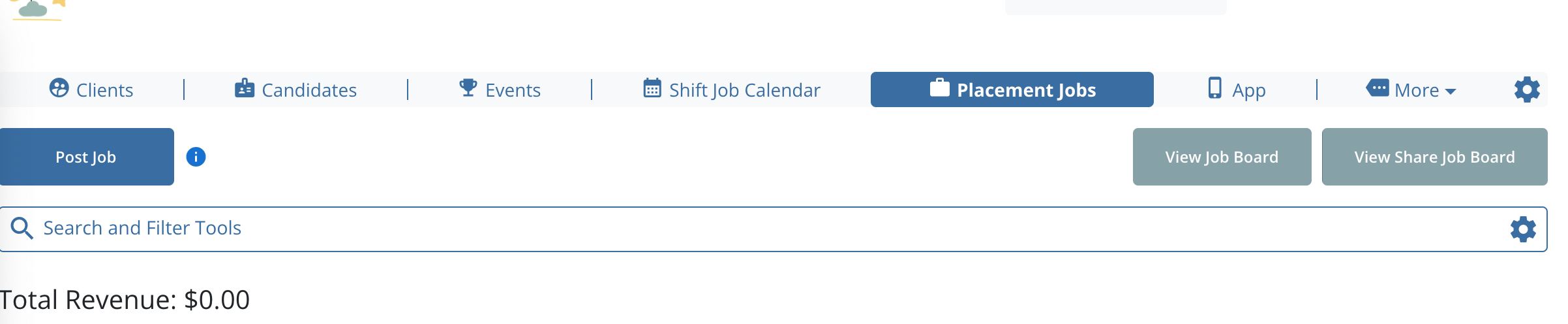
1. Select Placement Jobs.
2. Select Post Job.
3. At the bottom of the Job Post select This is a Share Type Position and select Post.

View the Share Job Board
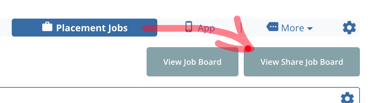
1. Select Placement Jobs.
Select View Share Job Board.