![enginehire logo thin dark 1.0.png]](https://learn.enginehire.io/hs-fs/hubfs/enginehire%20logo%20thin%20dark%201.0.png?height=40&name=enginehire%20logo%20thin%20dark%201.0.png)
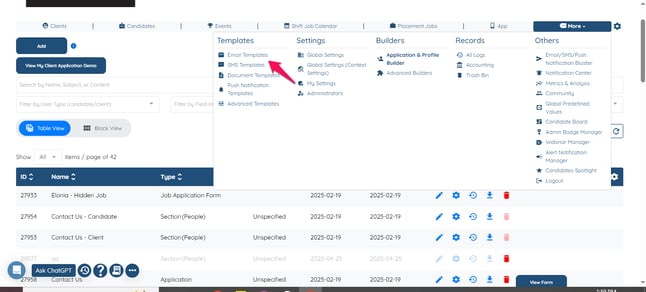
1. More - Templates - Email Templates
2. Create New Email Template
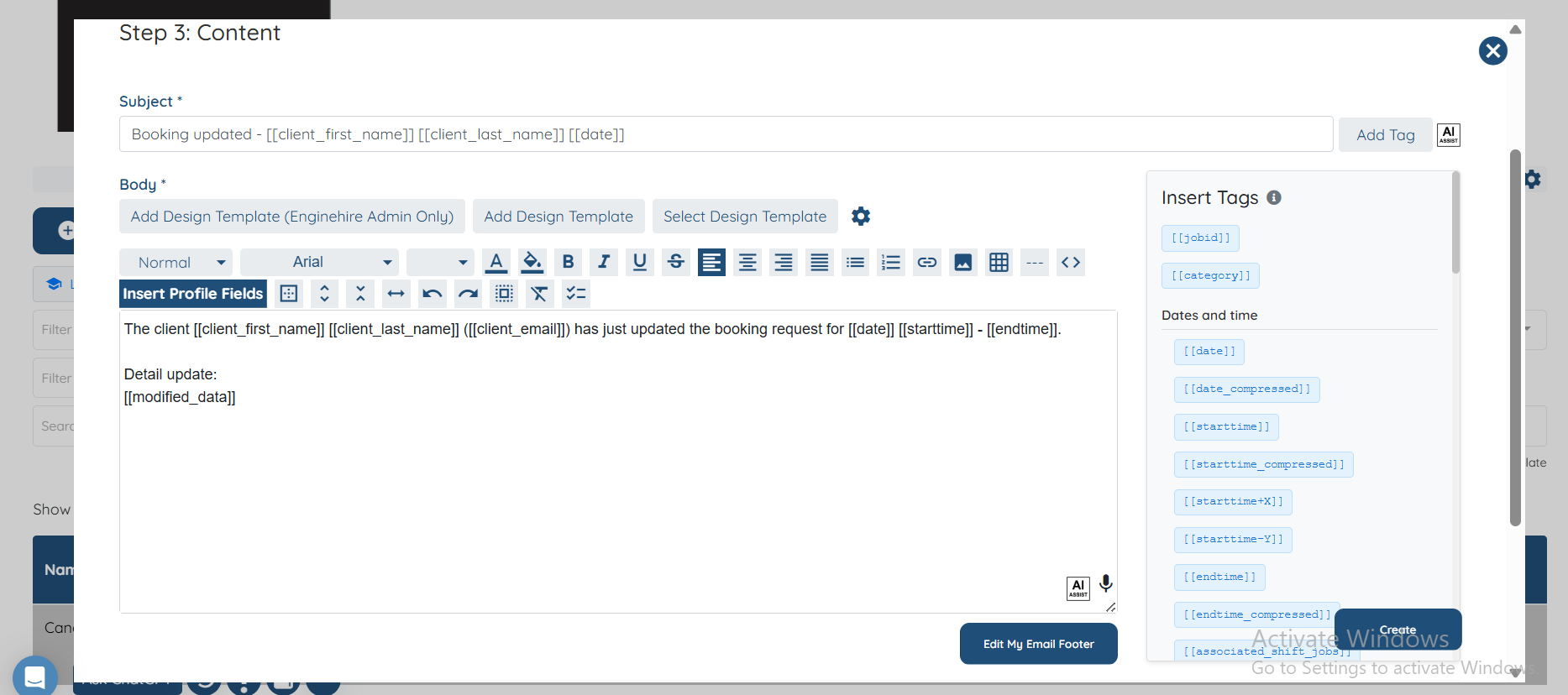
Audience = Job
Trigger = Shift Job Updated Candidate Notification
2. Create New Email Template
Audience = Job
Trigger = Shift Job Updated Candidate Notification
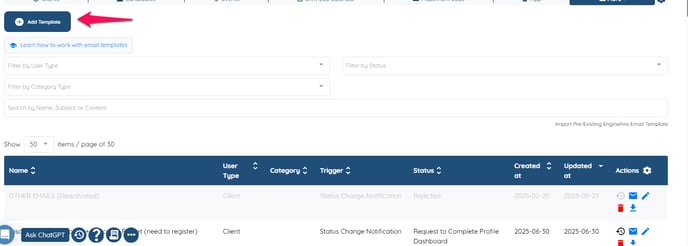
- Then Click on Add.
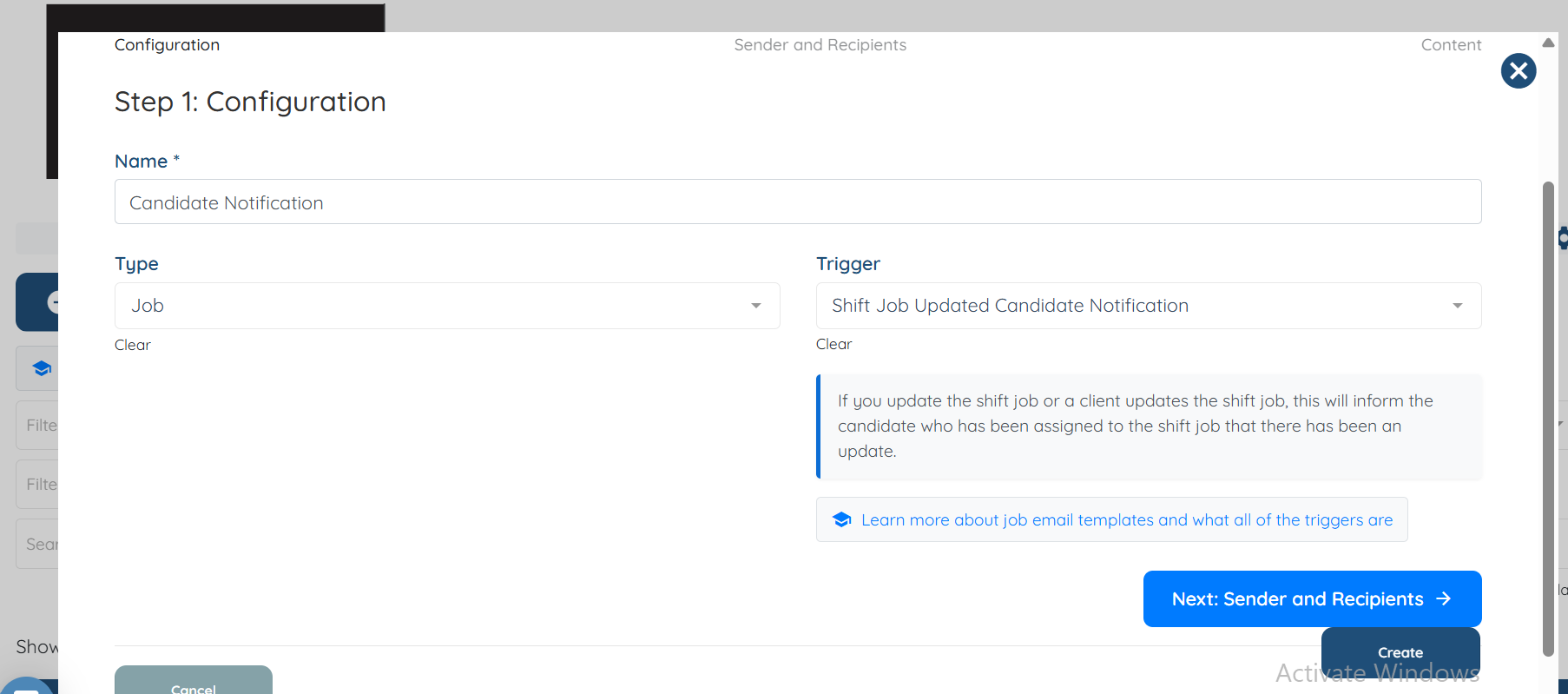
- Name the email template, then select types as job and select Trigger = Shift Job Updated Candidate Notification
- Click Next if you do not want to use any of the option.
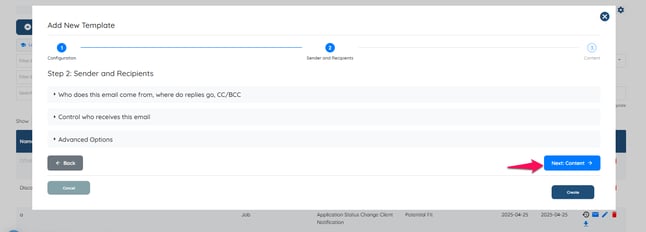
- Click on Create, and an Email template will be created.