![enginehire logo thin dark 1.0.png]](https://learn.enginehire.io/hs-fs/hubfs/enginehire%20logo%20thin%20dark%201.0.png?height=40&name=enginehire%20logo%20thin%20dark%201.0.png)
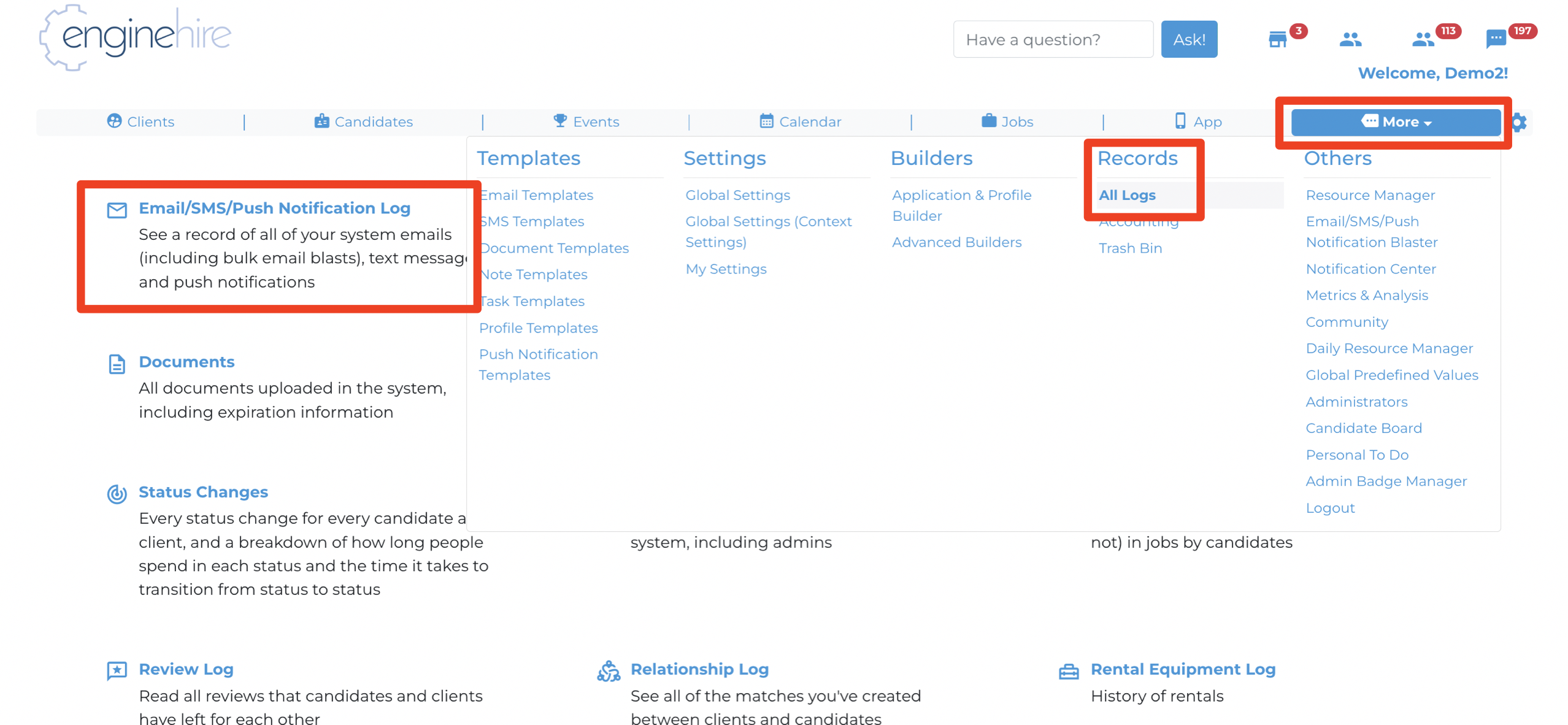
1. From Mission Control, select All Logs.
2. Select Email/SMS/Push Notification Logs.
3. Use the Communication Channel dropdown and select Email Blaster.

4. View the Total sent, amount Delivered, amount Opened, and amount Clicked.
.png?width=688&height=172&name=Enginehire%20Email%20Banners%20(1).png)
5. Metric meanings.
- Total: the complete amount of email addresses the blast was sent.
- Delivered: the amount of emails that reached their destination.
- Opened: the amount of emails that were open by the user.
- Clicked: the amount of times a link within the email was selected.