![enginehire logo thin dark 1.0.png]](https://learn.enginehire.io/hs-fs/hubfs/enginehire%20logo%20thin%20dark%201.0.png?height=40&name=enginehire%20logo%20thin%20dark%201.0.png)
Step 1: Click on MORE
Step 2: Click on APPLICATION & PROFILE BUILDER
Step 3: Click the gear icon of the application

Step 4: Click INSTRUCTIONS & MESSAGING

Step 5
Type in the Profile Instructions
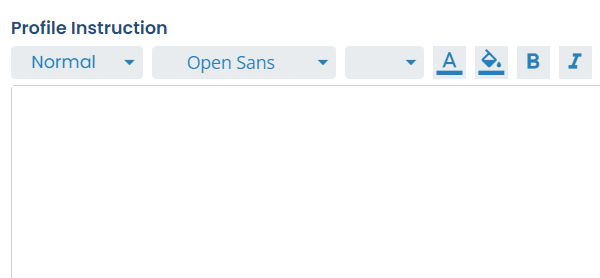
Once done click save
Step 2: Click on APPLICATION & PROFILE BUILDER
Step 3: Click the gear icon of the application
Step 4: Click INSTRUCTIONS & MESSAGING
Step 5
Type in the Profile Instructions
Once done click save