![enginehire logo thin dark 1.0.png]](https://learn.enginehire.io/hs-fs/hubfs/enginehire%20logo%20thin%20dark%201.0.png?height=40&name=enginehire%20logo%20thin%20dark%201.0.png)
Step One:
Click MORE on the menu tab
Step Two:
Click on Email Templates
Step Three:
Click Add Template
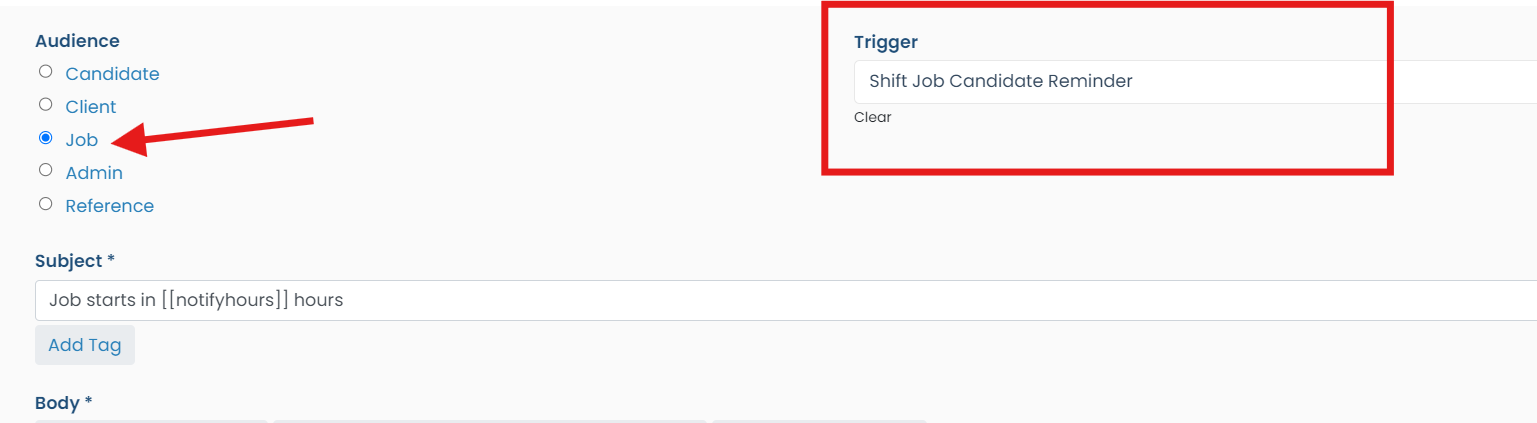
Set up for Candidate Reminder:
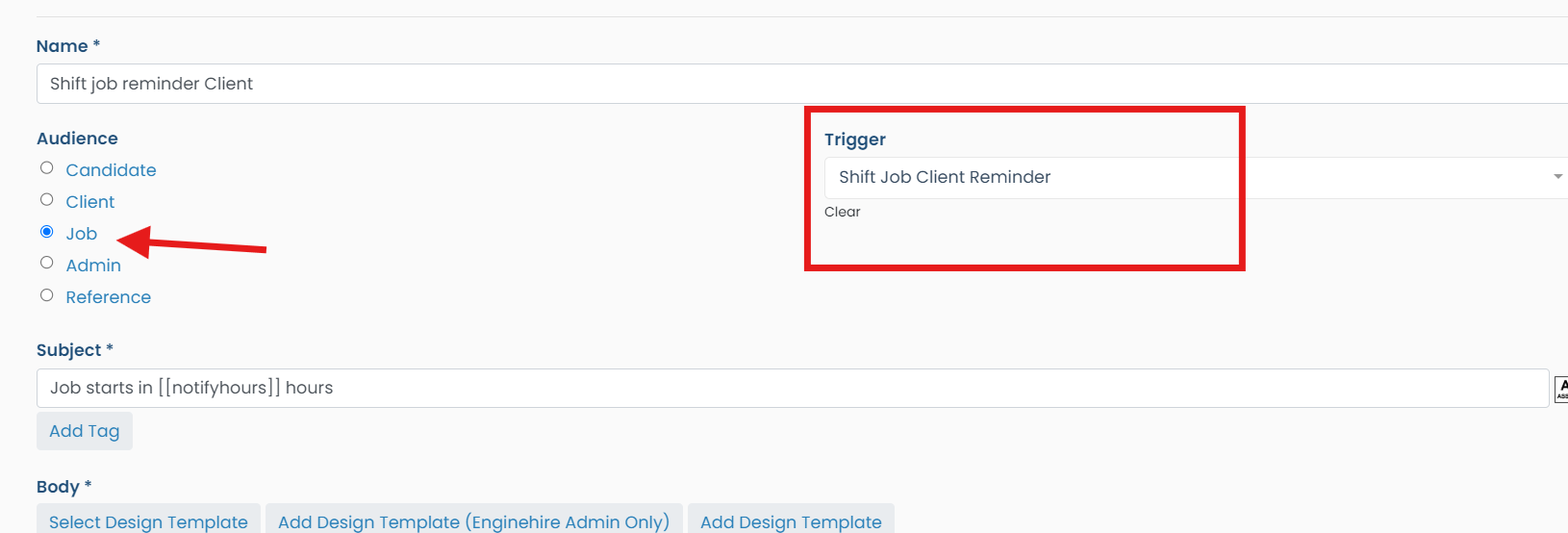
Set up for Client Reminder
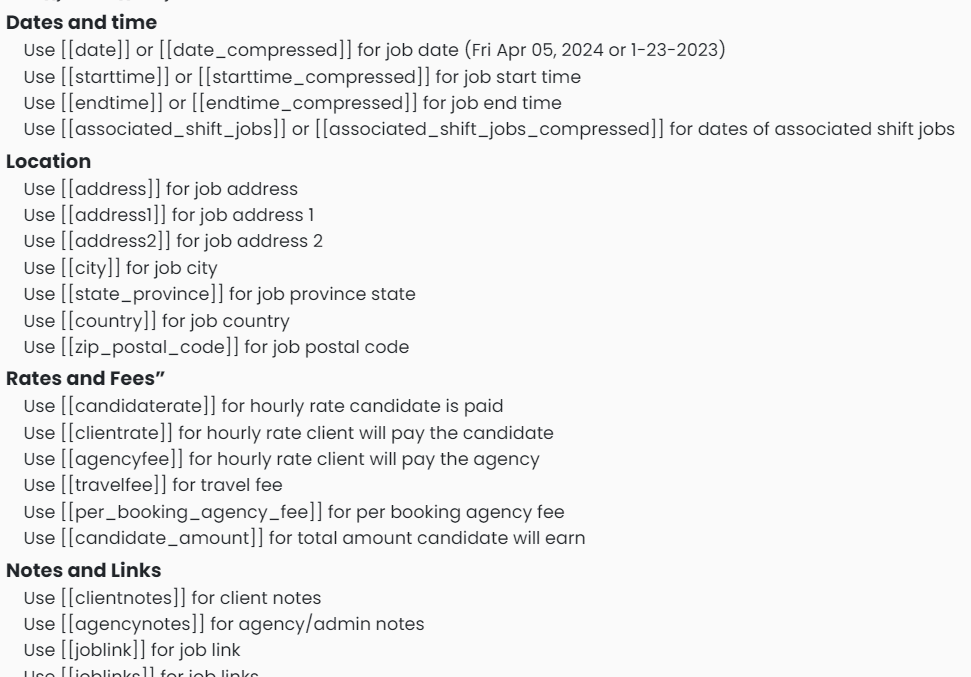
Under the body of the email there are tags that you can use to auto populate information.
Click MORE on the menu tab
Step Two:
Click on Email Templates
Step Three:
Click Add Template
Set up for Candidate Reminder:
Set up for Client Reminder
Under the body of the email there are tags that you can use to auto populate information.