![enginehire logo thin dark 1.0.png]](https://learn.enginehire.io/hs-fs/hubfs/enginehire%20logo%20thin%20dark%201.0.png?height=40&name=enginehire%20logo%20thin%20dark%201.0.png)
1.From Mission Control select Placement Jobs.
2. Select Post Job.

3. Create a Job.
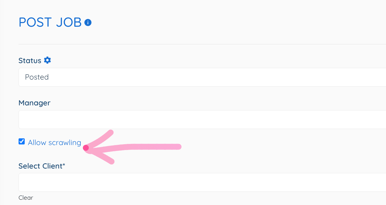
4. Select Allow Scrawling.
5. Open Zapier.
6. Select Create a Zap.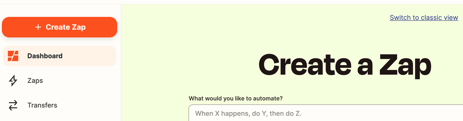
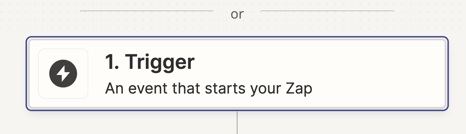
7. Select a Trigger.
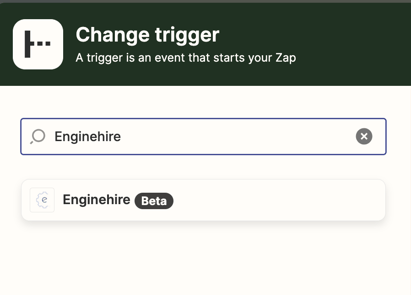
8. Select Enginehire.
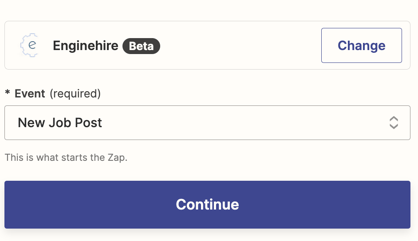
9. Select New Job Post.
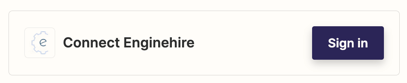
10. Select Sign In to connect Enginehire.
11. In Enginehire, select Settings.
12. Select Agency Settings.
13. Select Integrations.
14. Scroll down to Zapier Integration and select Get Zapier Token.

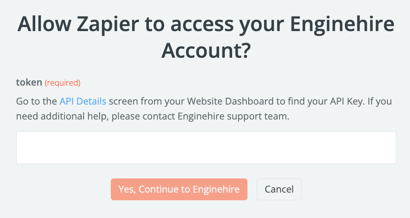
15. A code of numbers and letters will appear. Copy code and paste it into the Zapier Token page and select Yes, Continue to Enginehire.
16. In Zapier select Continue.
.png?width=402&height=402&name=Pink%20Inspirational%20Instagram%20Quote%20(1).png)
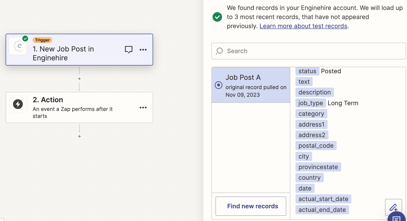
17. Select Test Trigger.
Note: If it isn't connected, go back to step 4.
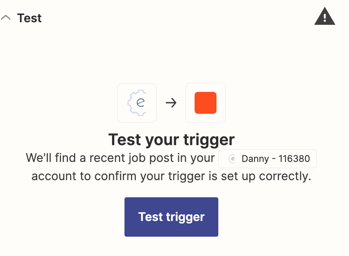
18. Select a position. Then select continue with selected record.
(Example Job Post A)
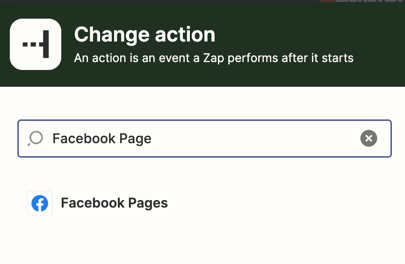
19. Select Facebook Page.
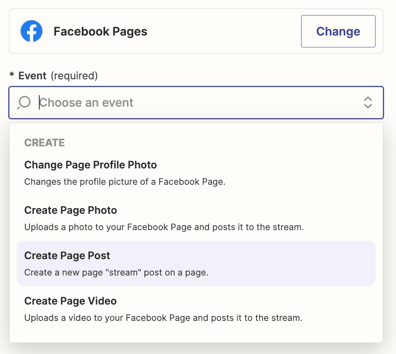
20. Select Create Page Post.
21. Select what page to connect.
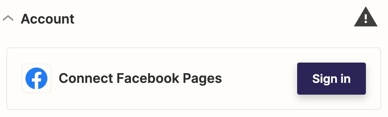
22. Select ok.
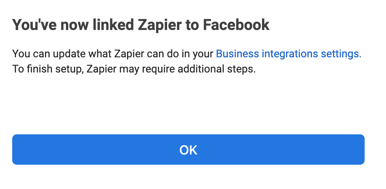
23. Select the Page for this post to appear.
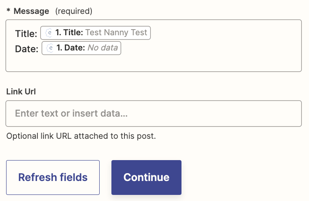
24. In Message, select field to populate the post.
.png?width=356&height=356&name=Pink%20Inspirational%20Instagram%20Quote%20(2).png)
25. Select Continue.
26. Select Test.
27. Once the test verifies the connection select Publish to push the position to the Facebook page.
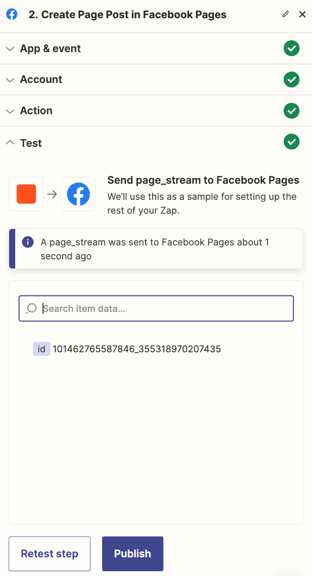
28. The Connection is completed and will work for all jobs created in the future with Allow Scrawling selected.