![enginehire logo thin dark 1.0.png]](https://learn.enginehire.io/hs-fs/hubfs/enginehire%20logo%20thin%20dark%201.0.png?height=40&name=enginehire%20logo%20thin%20dark%201.0.png)
Step 1:
Go to MORE
Step 2:
Click EMAIL TEMPLATES
Step 3:
Click ADD NEW TEMPLATE
Step 4:
For the Audience, select CLIENT
For the trigger, select REFERENCE CHECK NOTIFICATION.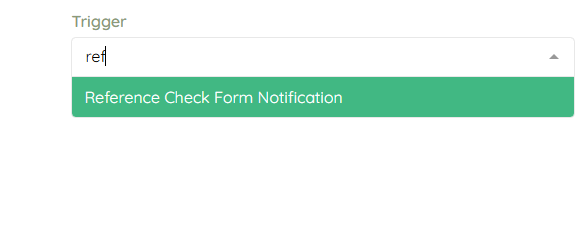
Step 5:
Add or edit the subject and body of the email. Click save when completed.