![enginehire logo thin dark 1.0.png]](https://learn.enginehire.io/hs-fs/hubfs/enginehire%20logo%20thin%20dark%201.0.png?height=40&name=enginehire%20logo%20thin%20dark%201.0.png)
1. From Mission Control select Candidate Community, a tab at the top of the screen.

2. From inside the Candidate Community select the Gear Icon on next to the tabs General and New Features. 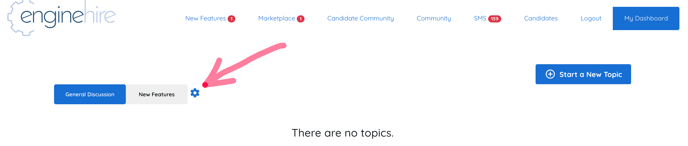
3. Select the Status or Type or both Status and Type of candidates that are able to access the Candidate Community using the dropdown.
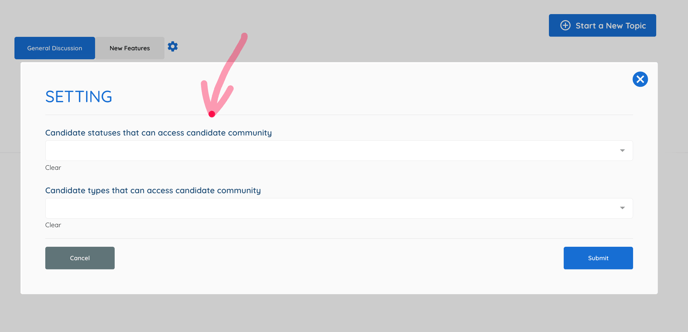
4. Select Submit.