![enginehire logo thin dark 1.0.png]](https://learn.enginehire.io/hs-fs/hubfs/enginehire%20logo%20thin%20dark%201.0.png?height=40&name=enginehire%20logo%20thin%20dark%201.0.png)
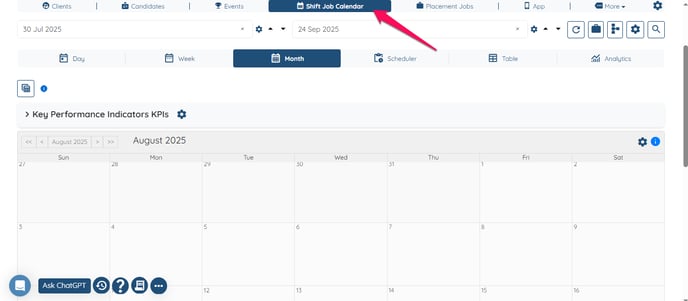
- Go to shift job Calendar.
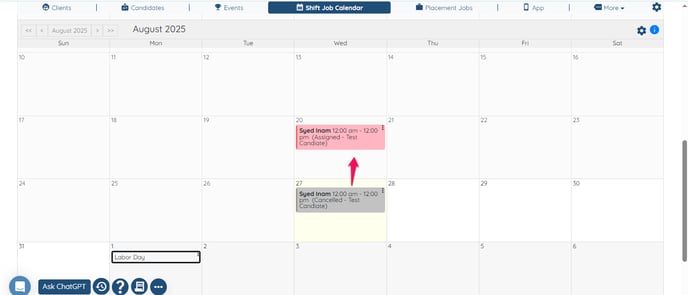
- Click on any any job listing.
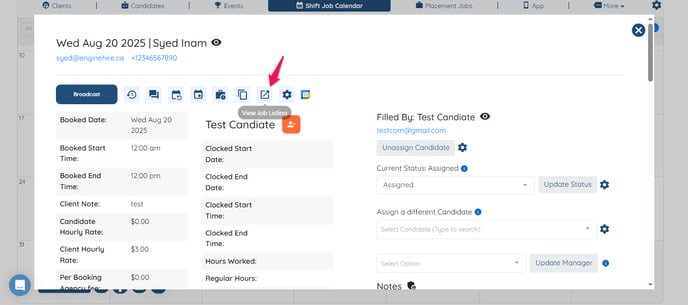
- Click view job listing.
- Click on gear icon.
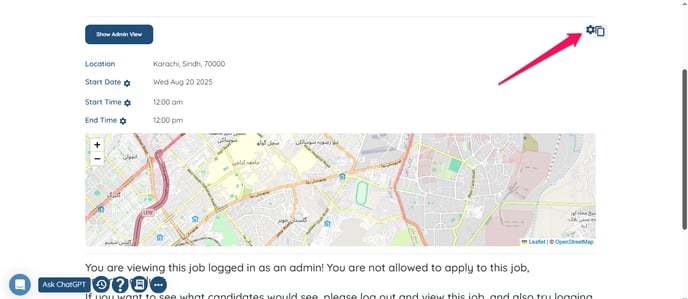
- Scroll down to the bottom where you see Shift job fields to show to candidate, Shift job fields to show to logged-in candidate and Shift job fields to show to assignee.
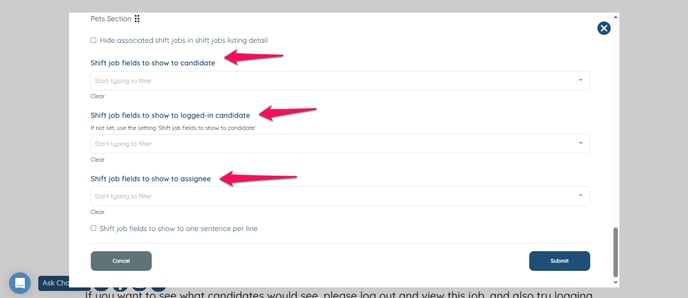
- Customize the fields in each column as per your needs and click submit.
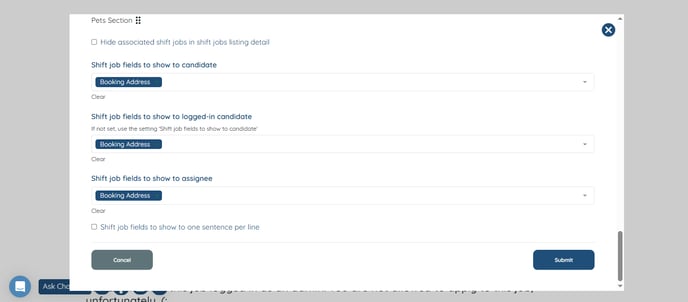
- The desired field will be shown as selected.