![enginehire logo thin dark 1.0.png]](https://learn.enginehire.io/hs-fs/hubfs/enginehire%20logo%20thin%20dark%201.0.png?height=40&name=enginehire%20logo%20thin%20dark%201.0.png)
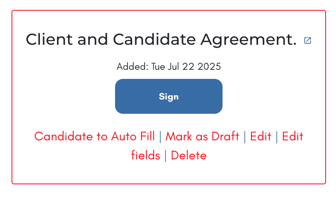
1. Add a Client + Candidate Document Template to a Client.
2. Select Candidate to Auto Fill.
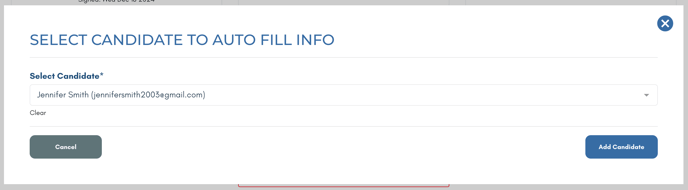
3. Select a candidate, so that their information is added to the document.
Learn more about creating Client/Candidate signed documents here
Open the document to view that the candidate's information has been added.