![enginehire logo thin dark 1.0.png]](https://learn.enginehire.io/hs-fs/hubfs/enginehire%20logo%20thin%20dark%201.0.png?height=40&name=enginehire%20logo%20thin%20dark%201.0.png)
1. From More select Global Settings.
2. Select Jobs.
3. Select Shift Jobs.
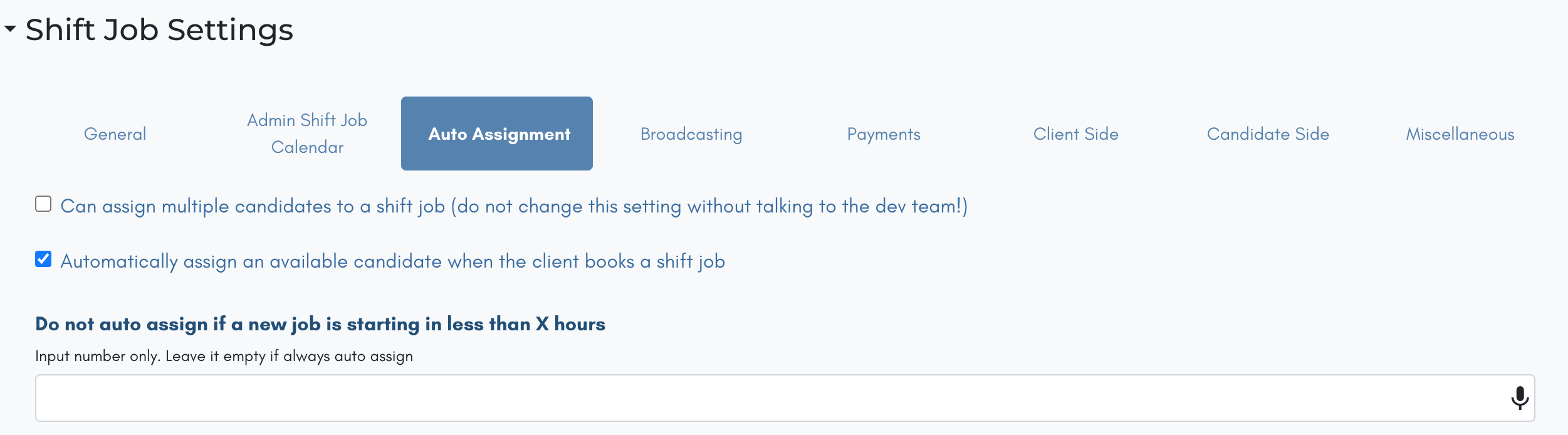
4. Select Auto Assign.
5. Select Automatically assign an available candidate when the client books a shift job
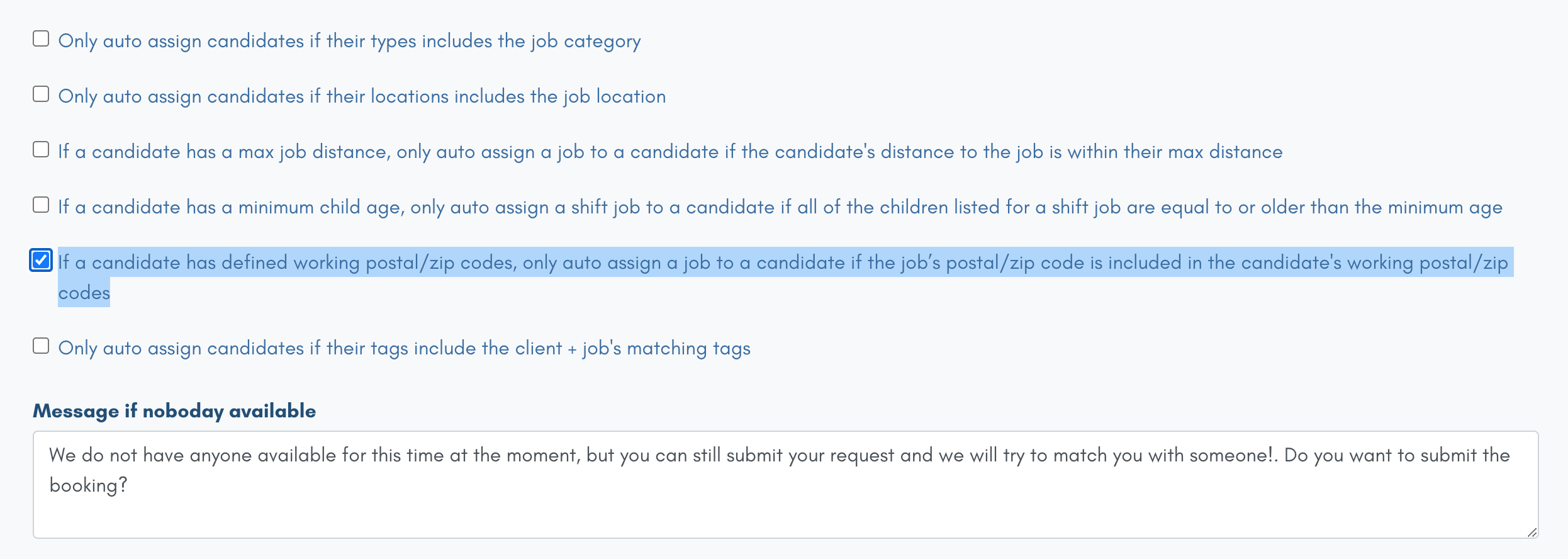
6. More options will appear and now select, If a candidate has defined working postal/zip codes, only auto assign a job to a candidate if the job’s postal/zip code is included in the candidate's working postal/zip codes