![enginehire logo thin dark 1.0.png]](https://learn.enginehire.io/hs-fs/hubfs/enginehire%20logo%20thin%20dark%201.0.png?height=40&name=enginehire%20logo%20thin%20dark%201.0.png)
Step 1:
Select Candidates from main menu.

Step 2:
Click on a candidate (You can pick any candidate)
- Select "Profile" tab
- Look for "Available Jobs" in secondary tabs and click on it
- Hit the button "Customize how Candidates view and interact with shift jobs"

Step 3:
In setting popup click on option " Requesting to work and accepting shifts"
- Find the setting "Candidates can self assign themselves to shift jobs" - Enable it
- Save the changes.

Adjusting this setting for one candidate will adjust this setting for all candidates.
Result:
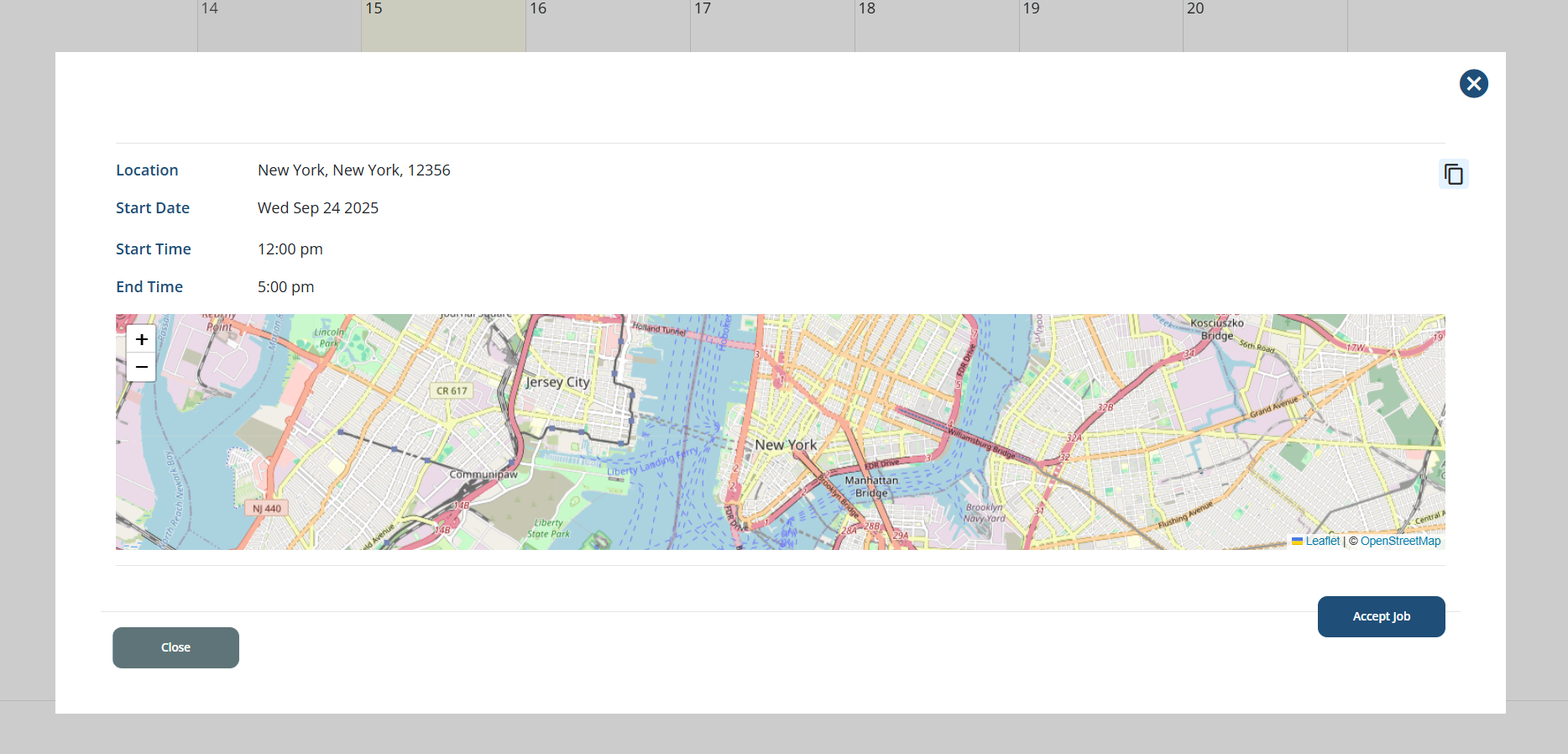
Candidate will be able to see "Accept Job" button for a shift job on "Available Job" tab
The following video is from a previous interface but the information is still accurate.