![enginehire logo thin dark 1.0.png]](https://learn.enginehire.io/hs-fs/hubfs/enginehire%20logo%20thin%20dark%201.0.png?height=40&name=enginehire%20logo%20thin%20dark%201.0.png)
1. Select a candidate.
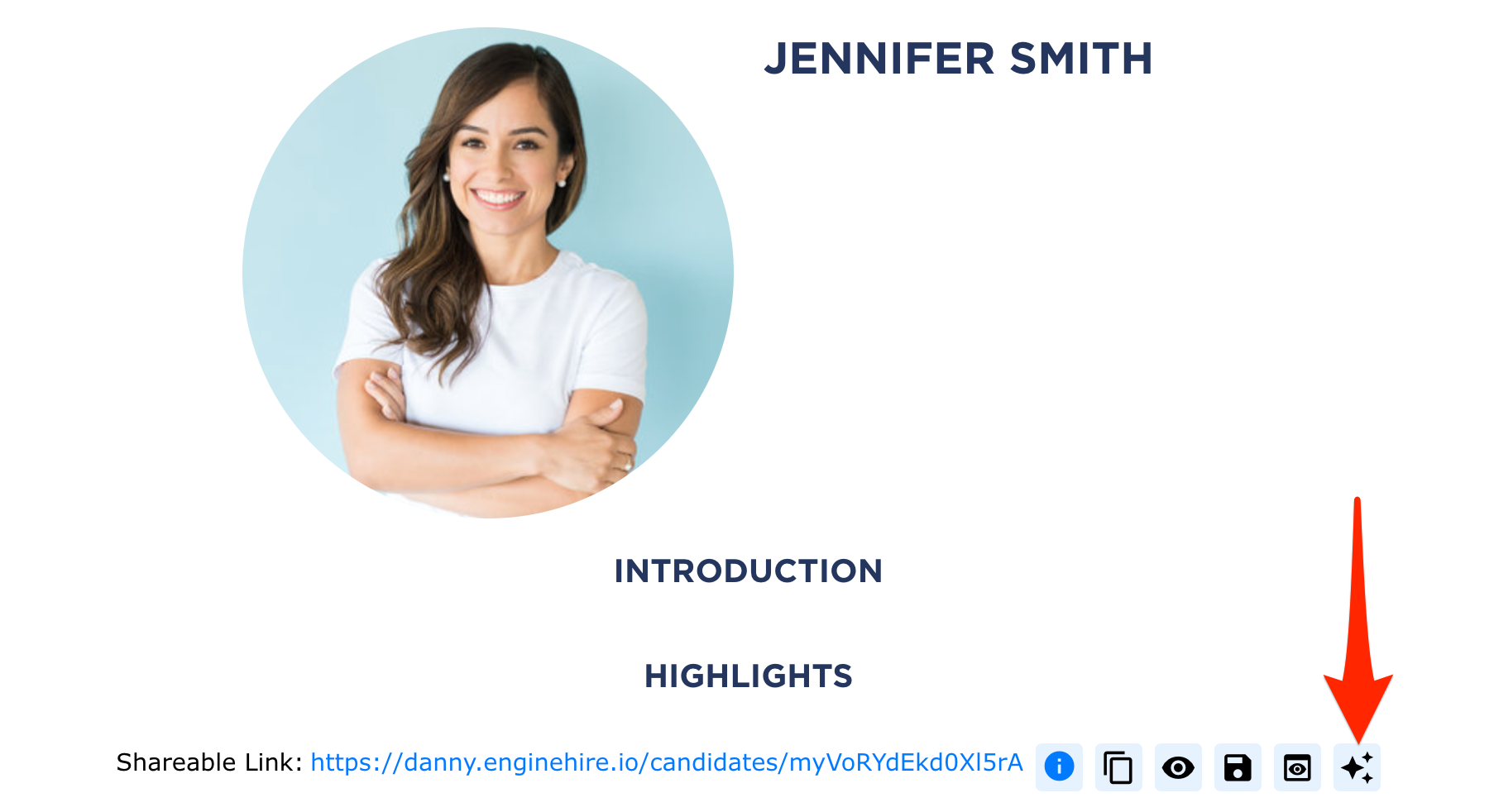
2. At the top of their profile, Select the AI Icon to create a summary.
3. Allow the AI to search and create the summary.
4. The summary will appear as a pop-up. 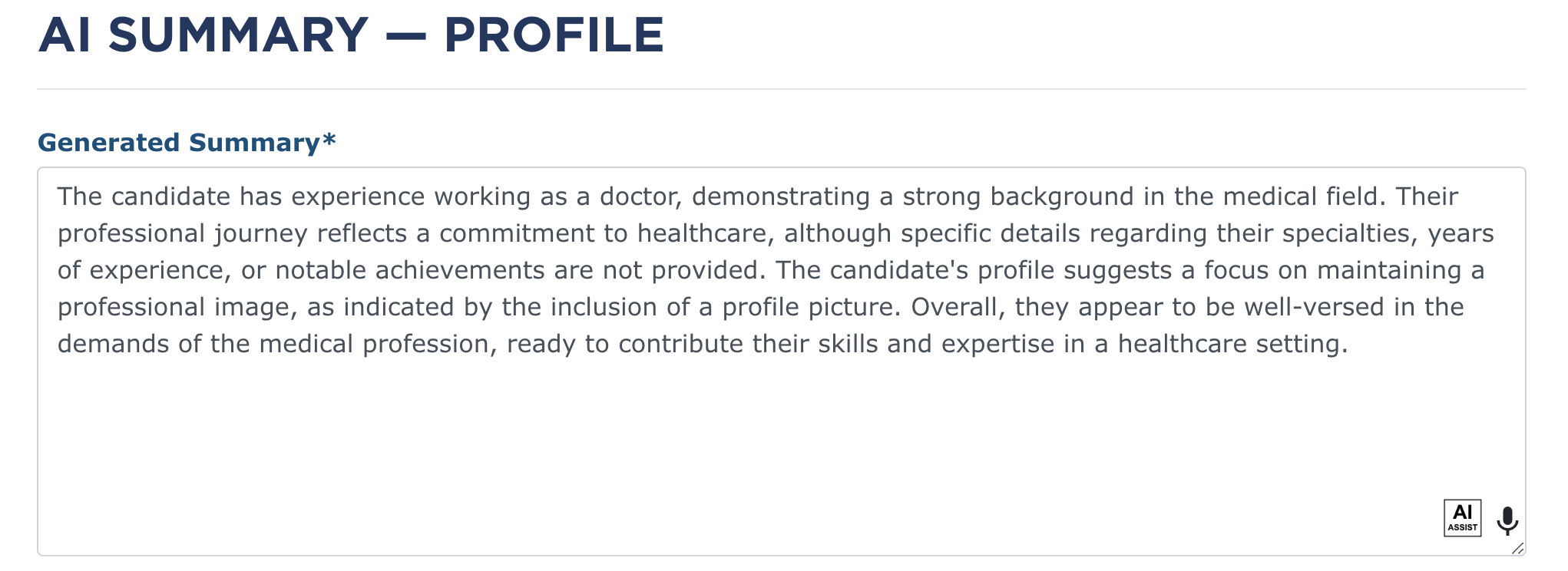
Tip: The summary will not be stored, as profiles can be updated. It is best to continually recreate the summary or save it to a section of the profile.