![enginehire logo thin dark 1.0.png]](https://learn.enginehire.io/hs-fs/hubfs/enginehire%20logo%20thin%20dark%201.0.png?height=40&name=enginehire%20logo%20thin%20dark%201.0.png)
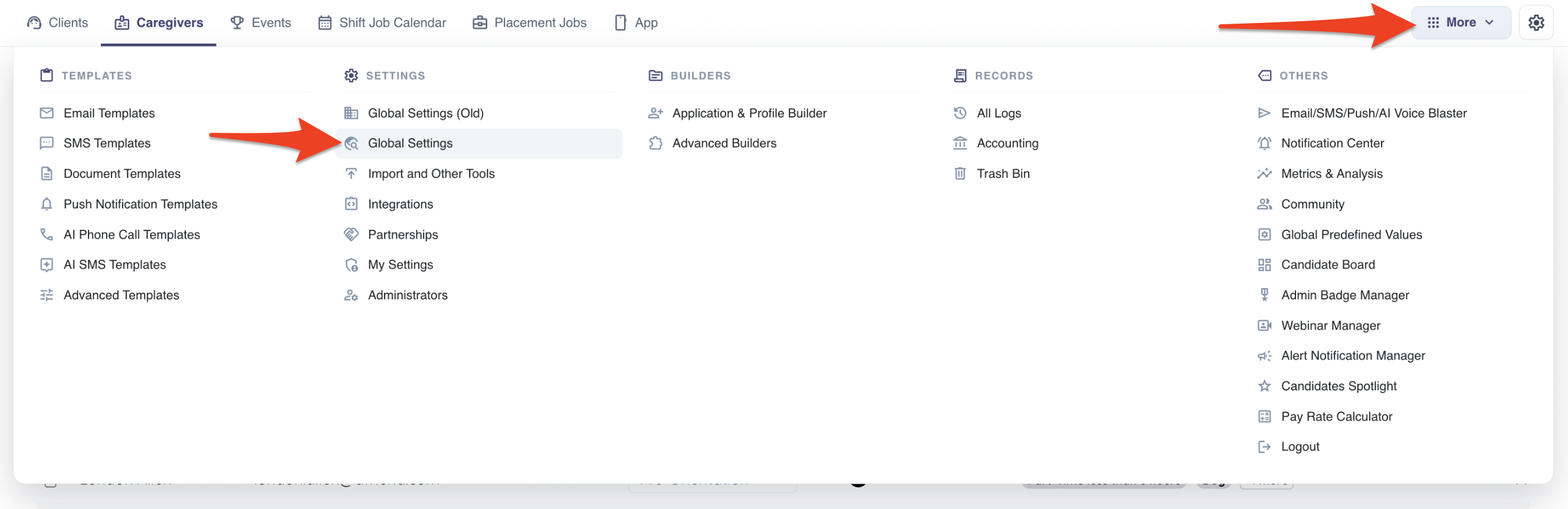
To access the Instant Book settings, go to More -> Global Settings:
In the search bar, type in the words "Instant Book", and the relevant settings will appear:
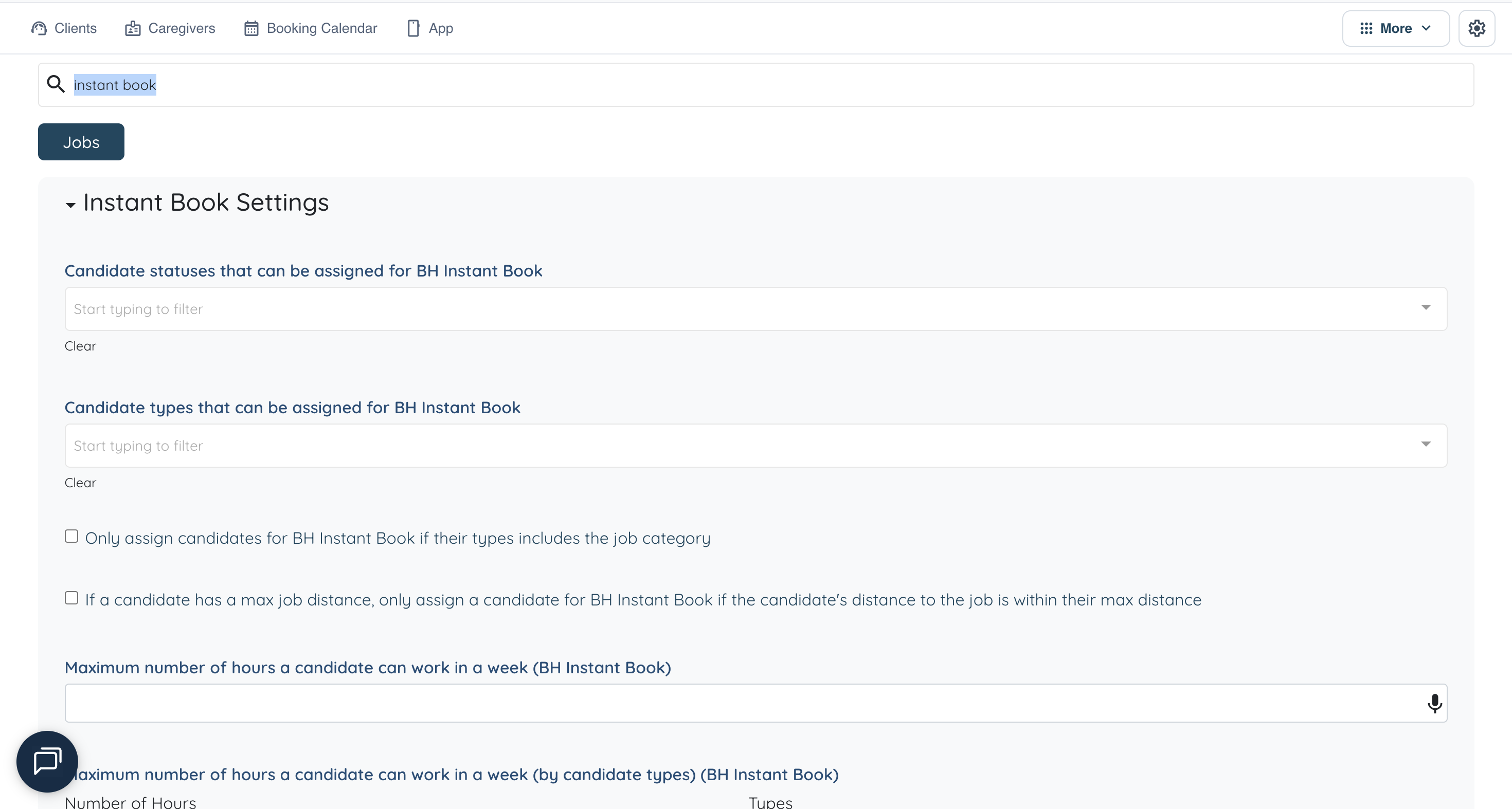
It is likely a good idea to create a new candidate type such as "Instant Book" and add it to the setting "Candidate types that can be assigned for BH Instant Book". This way you can easily control specifically which candidates you want to be staffed via Instant Book.
The setting “If a candidate has a max job distance, only assign a candidate for BH Instant Book if the candidate's distance to the job is within their max distance” will factor in the maximum distance a caregiver is willing to travel for a job. However, this setting is in addition to the locations based zip code matching. The zip code based location matching is required for the Instant Book at this time. If a caregiver has no locations selected, they will not match for Instant Book, regardless of what their address may be, so this is essential to set up. Here is a guide on how to add locations and associate zip codes with them, if you do not have this set up already.