![enginehire logo thin dark 1.0.png]](https://learn.enginehire.io/hs-fs/hubfs/enginehire%20logo%20thin%20dark%201.0.png?height=40&name=enginehire%20logo%20thin%20dark%201.0.png)
Let’s get started 🚀
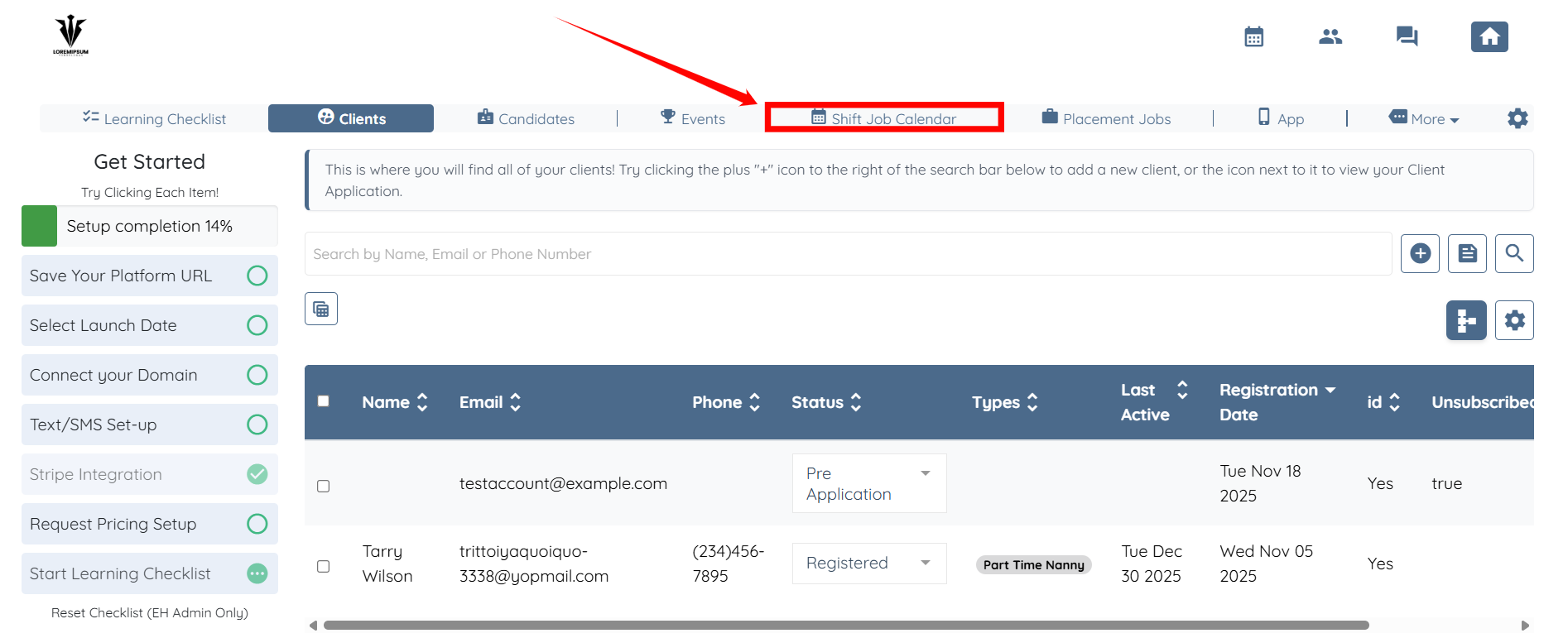
Step 1: Log in to your agent dashboard and click the Shift Job Calendar in the top navigation bar.
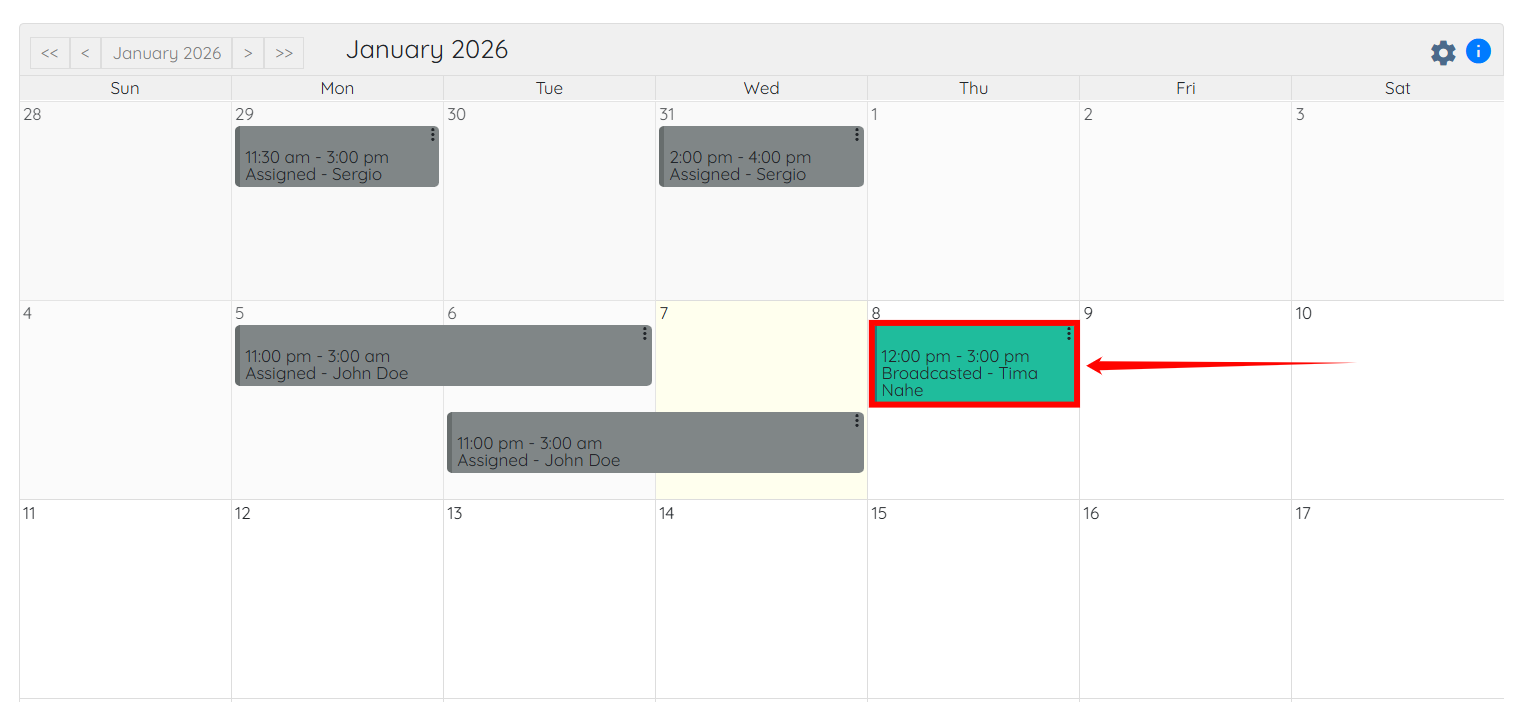
Step 2: Scroll down and click on the shift job for which you want to see the candidates to whom the job was sent as a broadcast.
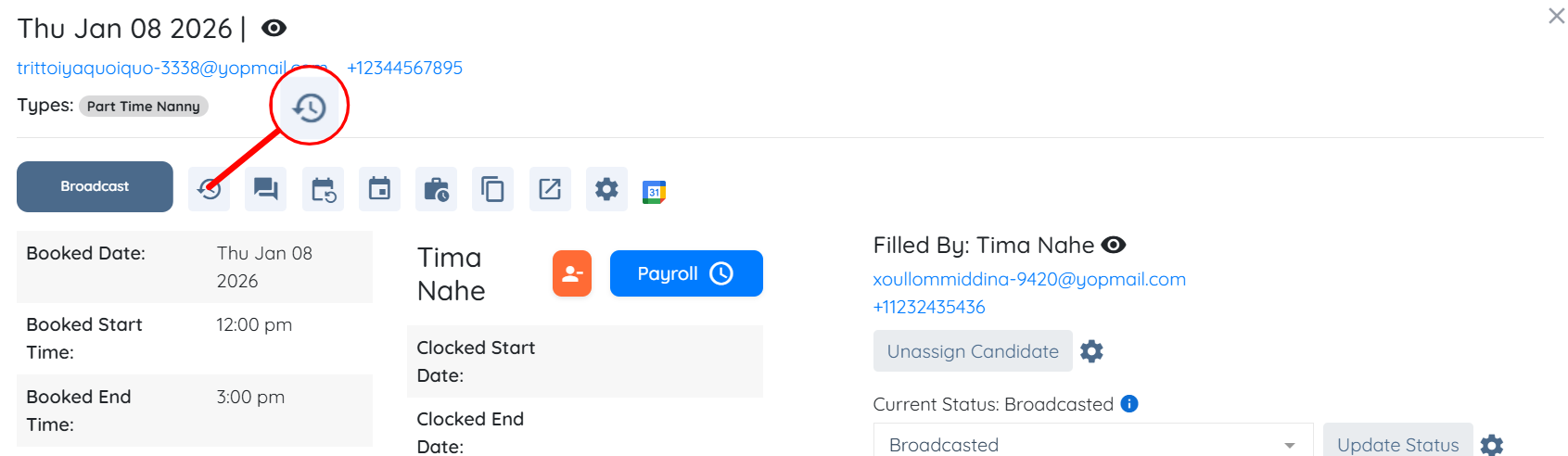
Step 3: Click the button shown in the screenshot below to view the broadcast record/history.
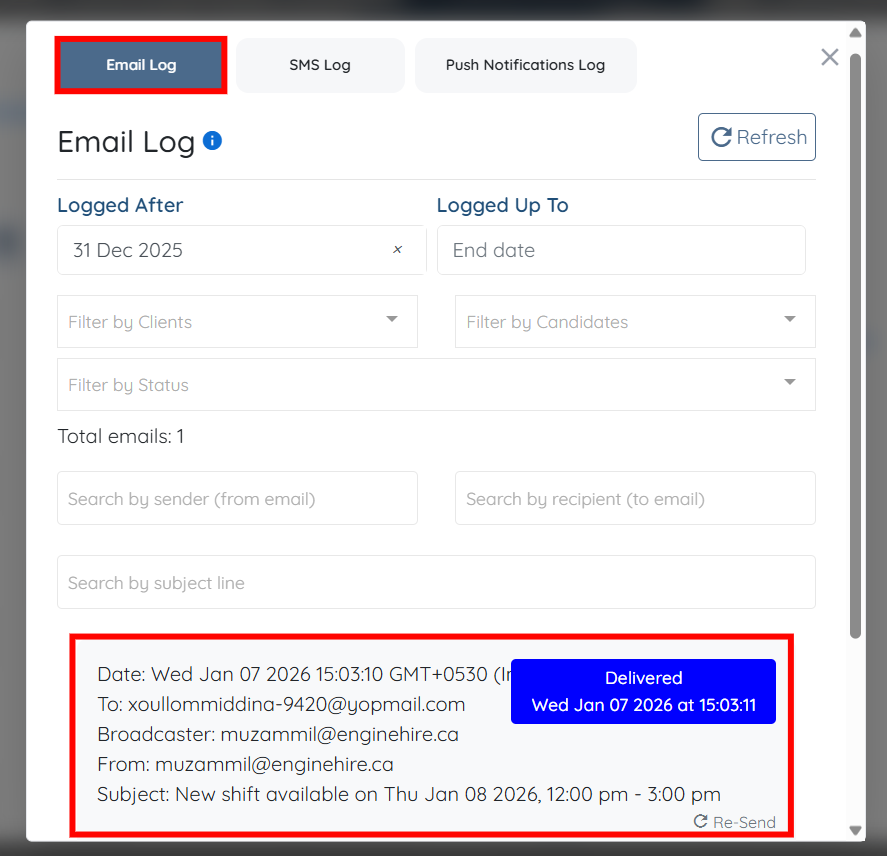
Under the Email Log option, you can view all broadcast records showing whom this job was broadcast to, along with the date, time, and current delivery status.