![enginehire logo thin dark 1.0.png]](https://learn.enginehire.io/hs-fs/hubfs/enginehire%20logo%20thin%20dark%201.0.png?height=40&name=enginehire%20logo%20thin%20dark%201.0.png)
Let’s get started 🚀
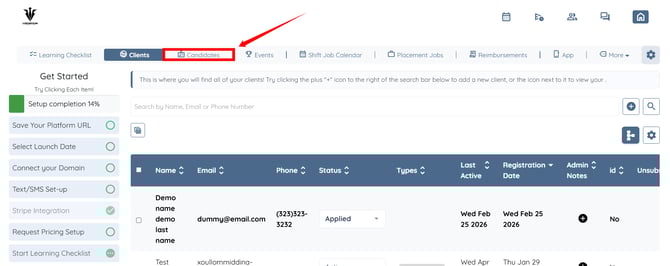
Step 1: Log in to your agent dashboard and click Candidates in the navigation bar.
Step 2: Click on the candidate in the list for whom you want to check the jobs where the candidate is placed.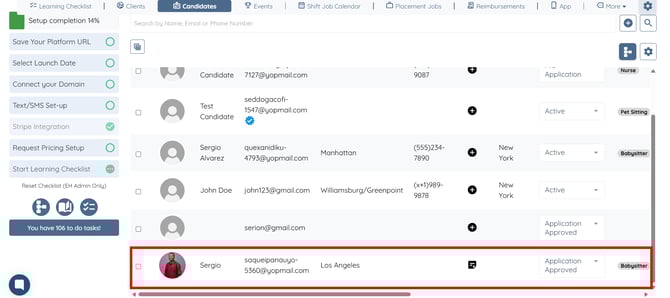
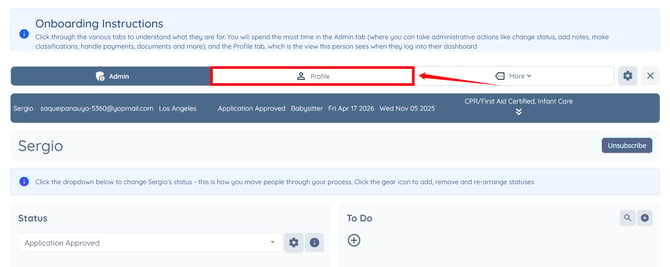
Step 3: Click the Profile tab to navigate to the candidate profile.
Step 4: Click the My Jobs tab from the available tabs.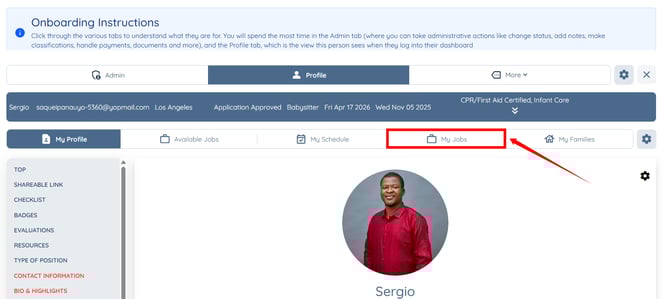
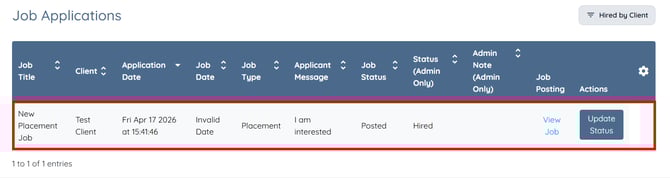
Step 5: Click the Hired by Client button.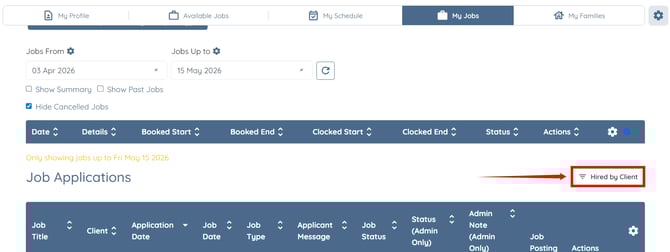
You can see all the jobs where the selected candidate has been hired.