![enginehire logo thin dark 1.0.png]](https://learn.enginehire.io/hs-fs/hubfs/enginehire%20logo%20thin%20dark%201.0.png?height=40&name=enginehire%20logo%20thin%20dark%201.0.png)
The best way to test this agent is to use it with a test client or candidate that you feel comfortable testing with, so that you can review the results and adjust the call script as needed.
Let’s get started 🚀
Step 1: Log in to your agent dashboard and click More > Email/SMS/Push/AI Voice Blaster as shown in the screenshot below.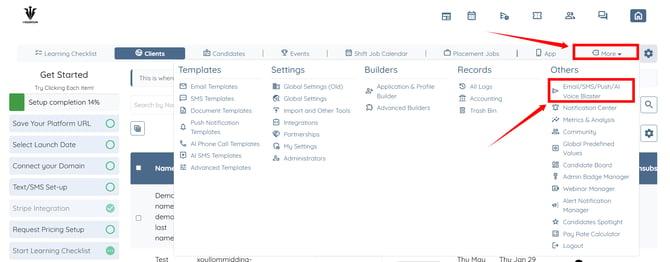
Step 2: Select the audience type.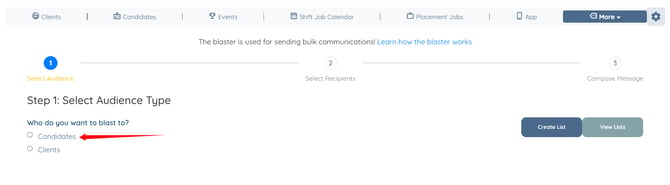
Step 3: Click the Next: Select Recipients button. 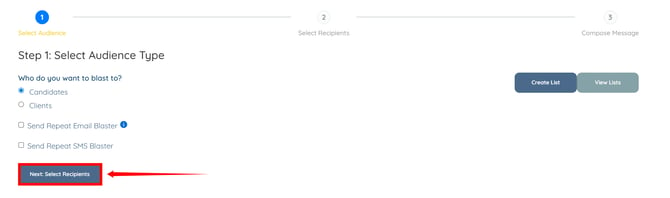
Step 4: Select the recipient(s) to whom you want to send the AI voice calls. Then, click the Next: Compose Message button. 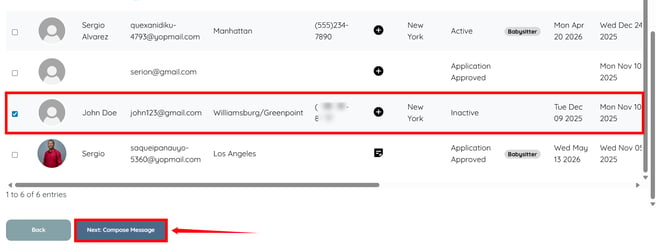
Step 5: Click the AI Voice Call option to expand its details.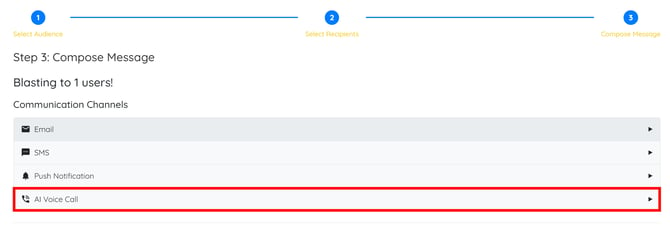
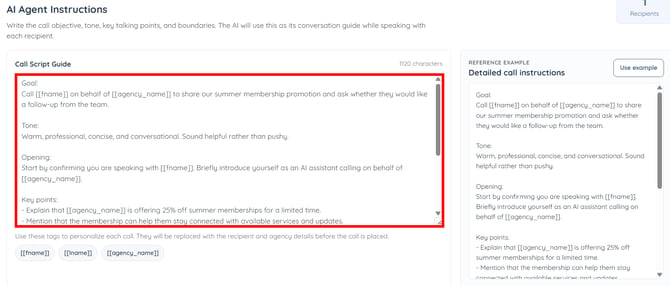
Step 6: Enter the call script guide, including the call objective, tone, key talking points, and conversation boundaries.
The AI will use this script guide as the conversation framework while speaking with each recipient.
You can also use tags to personalize each call. The tags are automatically replaced with recipient and agency information before the call is placed. 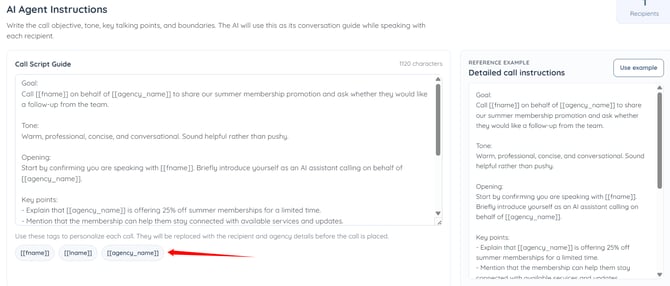
Step 7: Scroll down and click the Start Call Blast button. 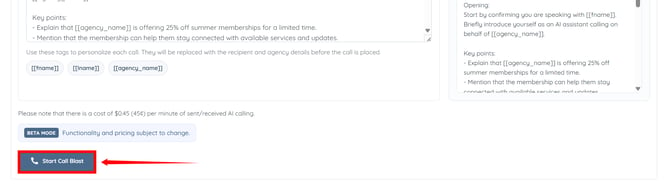
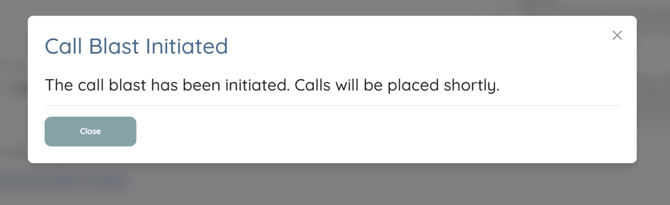
The call blaster will be initiated successfully and calls will be made to the selected recipients.
Setting up and configuring an AI Agent does not automatically activate it. After completing the configuration, please contact Support to have your system connected to the AI Agent and complete the activation process.