![enginehire logo thin dark 1.0.png]](https://learn.enginehire.io/hs-fs/hubfs/enginehire%20logo%20thin%20dark%201.0.png?height=40&name=enginehire%20logo%20thin%20dark%201.0.png)
For demonstration purposes, this article uses email templates. The same tag can also be used in SMS and profile headers.
Let’s get started 🚀
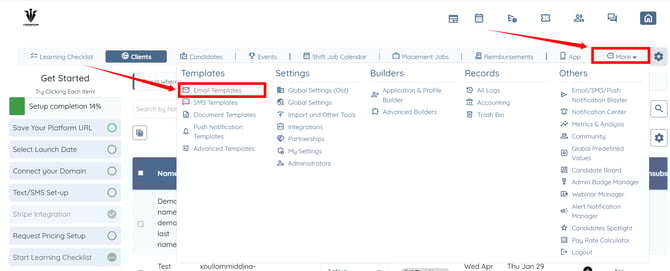
Step 1: Log in to your agent dashboard and click More > Email Templates as shown in the screenshot below.
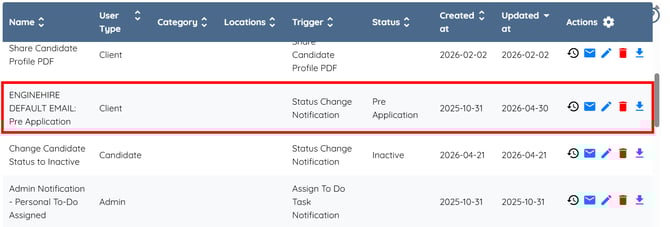
Step 2: Click the email template where you want to use the user’s last name initial.
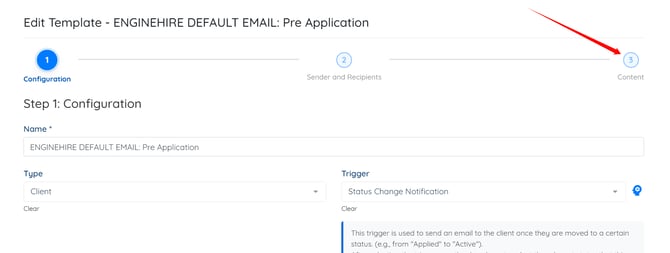
Step 3: Click the Content option to edit the email template content.
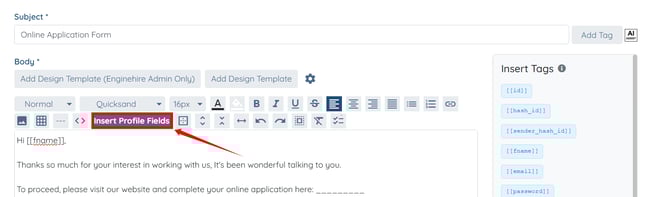
Step 4: Click the Insert Profile Fields button.
Step 5: Search for the Last Name Initial tag and select it from the dropdown list.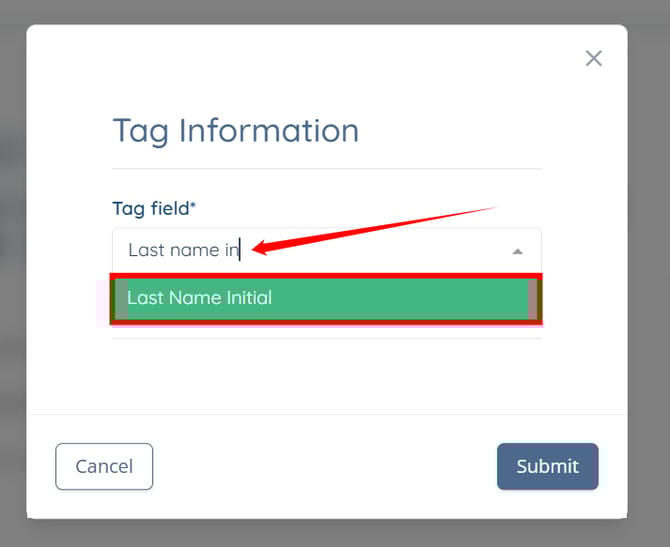
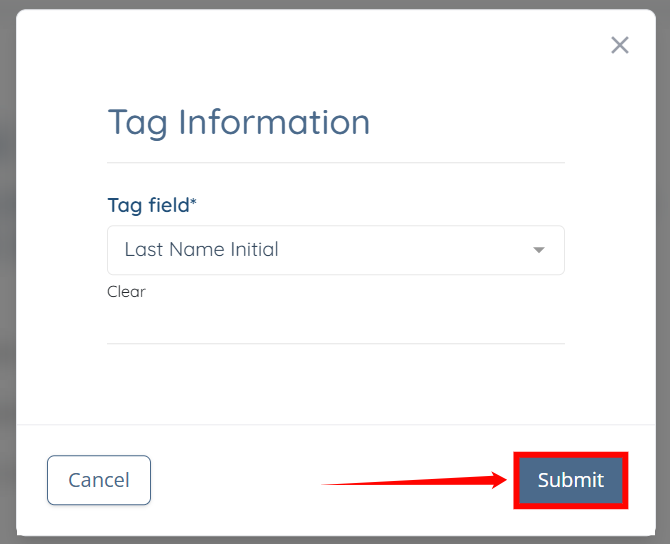
Step 6: Click the Submit button to proceed.
Step 7: Scroll to the bottom and click the Update button.
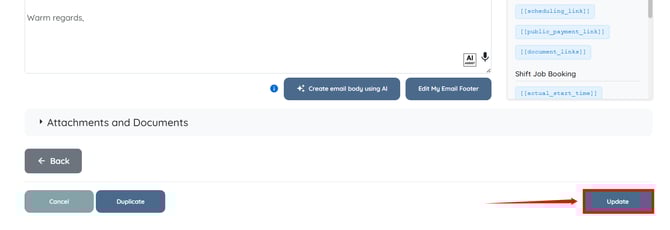
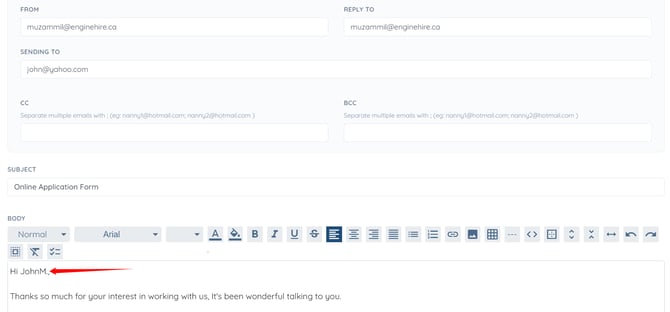
The initial of the last name will be successfully added to the email template content.