![enginehire logo thin dark 1.0.png]](https://learn.enginehire.io/hs-fs/hubfs/enginehire%20logo%20thin%20dark%201.0.png?height=40&name=enginehire%20logo%20thin%20dark%201.0.png)
Let’s get started 🚀
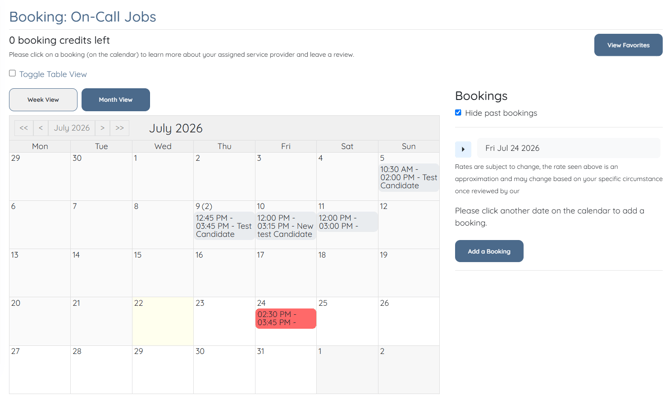
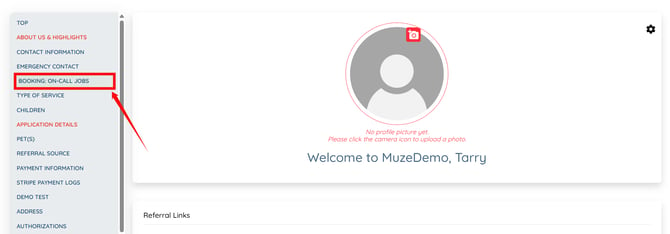
Step 1: Log in to your dashboard and click the Booking: On-Call Jobs option in the left navigation bar to navigate to the Bookings section.
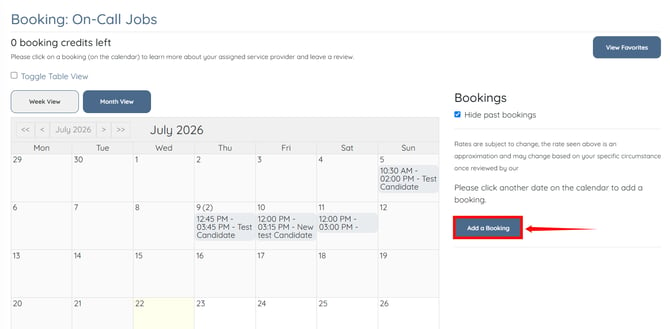
Step 2: Click the Add a Booking button.
Step 3: Enter the required booking details, such as the booking date, start time, end time, additional details, and any other required information.
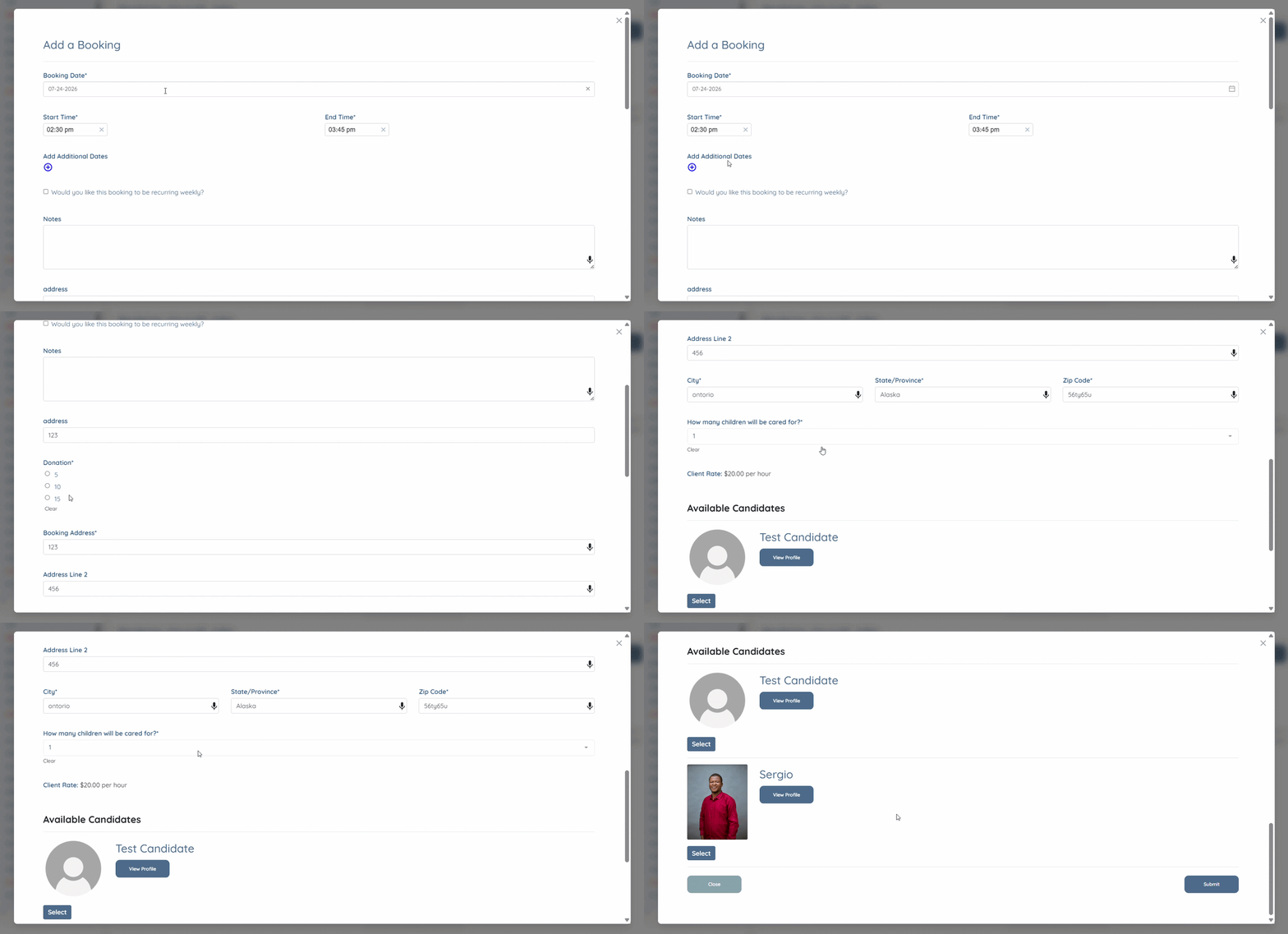
Step 4: After entering all the required booking details, click the Submit button.
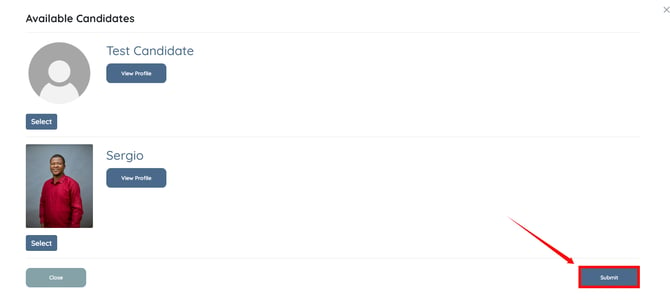
The booking request will be submitted successfully. It will appear on the selected date in your calendar, and your agency will be notified to review and process the request.