![enginehire logo thin dark 1.0.png]](https://learn.enginehire.io/hs-fs/hubfs/enginehire%20logo%20thin%20dark%201.0.png?height=40&name=enginehire%20logo%20thin%20dark%201.0.png)
Let's get started 🚀
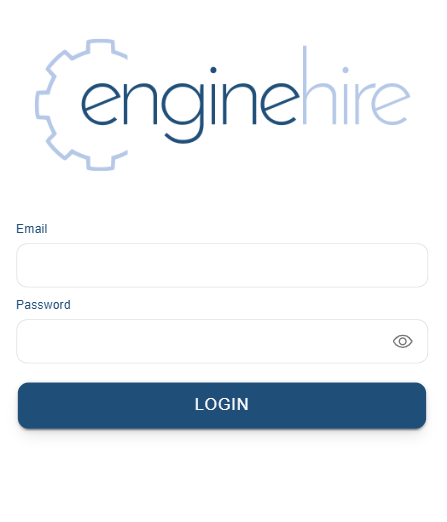
Step 1: Open the Enginehire mobile app to access the login screen.
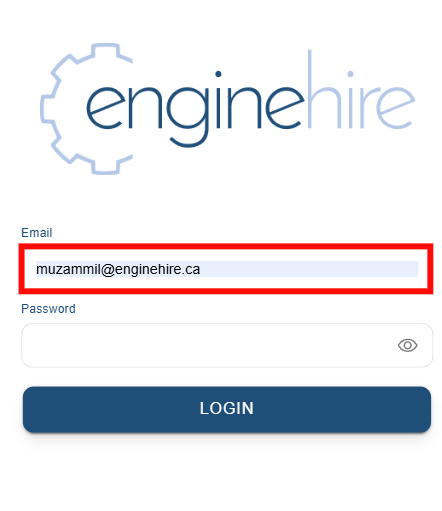
Step 2: Enter your email address in the email field.
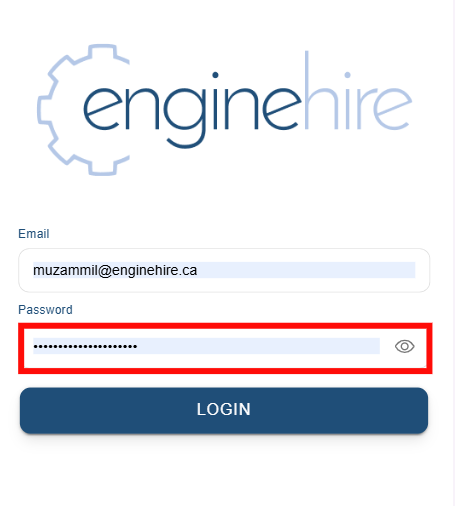
Step 3: Enter your password in the password field.
Step 4: Click the eye icon next to the password field to show or hide your password.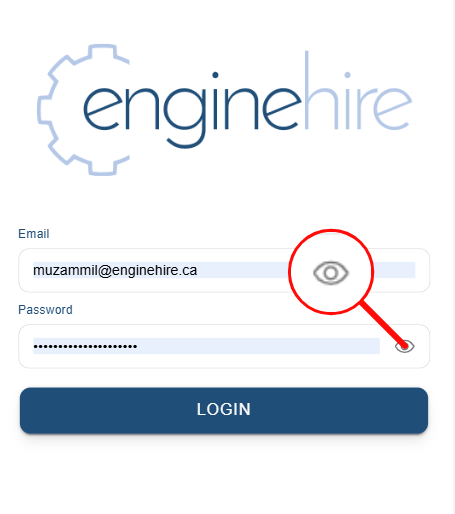
You can now verify your password before logging in.