![enginehire logo thin dark 1.0.png]](https://learn.enginehire.io/hs-fs/hubfs/enginehire%20logo%20thin%20dark%201.0.png?height=40&name=enginehire%20logo%20thin%20dark%201.0.png)
Let’s get started 🚀
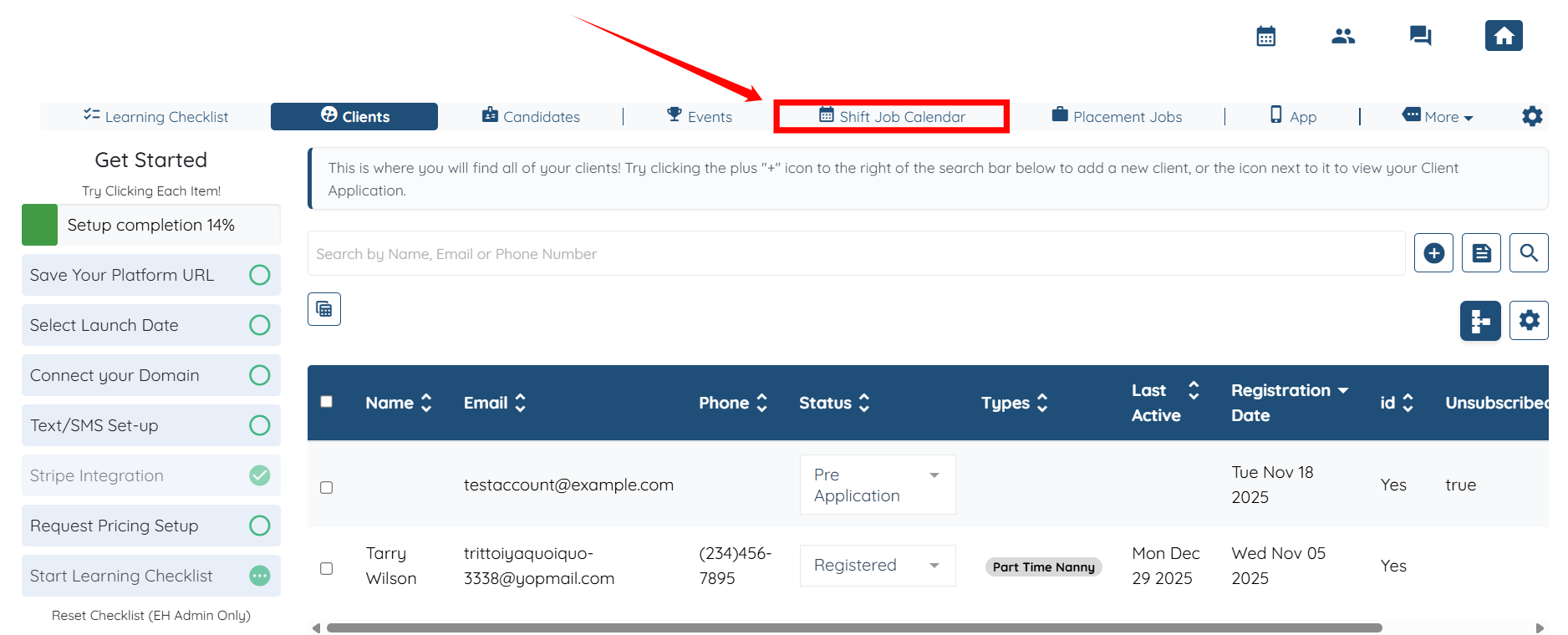
Step 1: Log in to your agent dashboard and click the Shift Job Calendar in the top navigation bar.
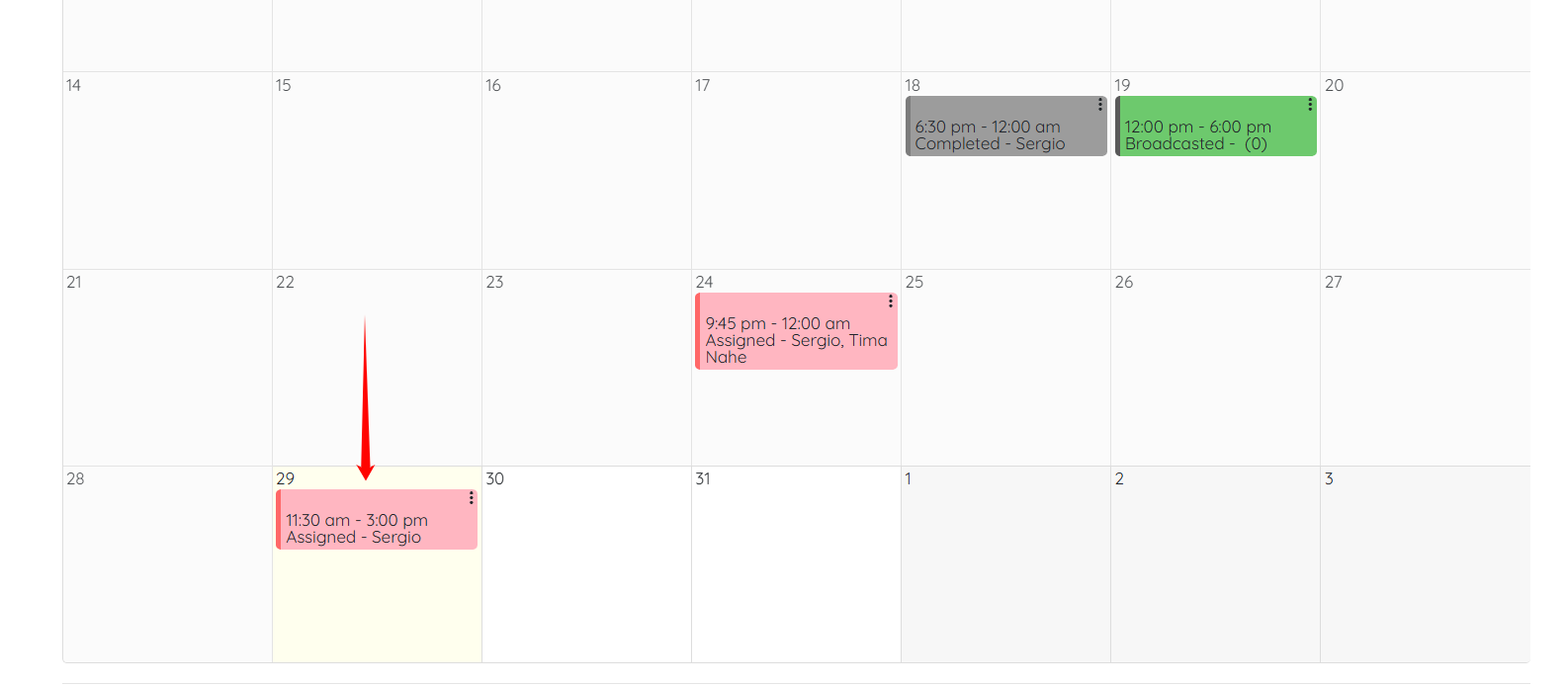
Step 2: Scroll down and click on any of the shift jobs.
Step 3: Scroll down and click the View Job Listing button.

Step 4: Click the Gear icon, as shown in the screenshot.
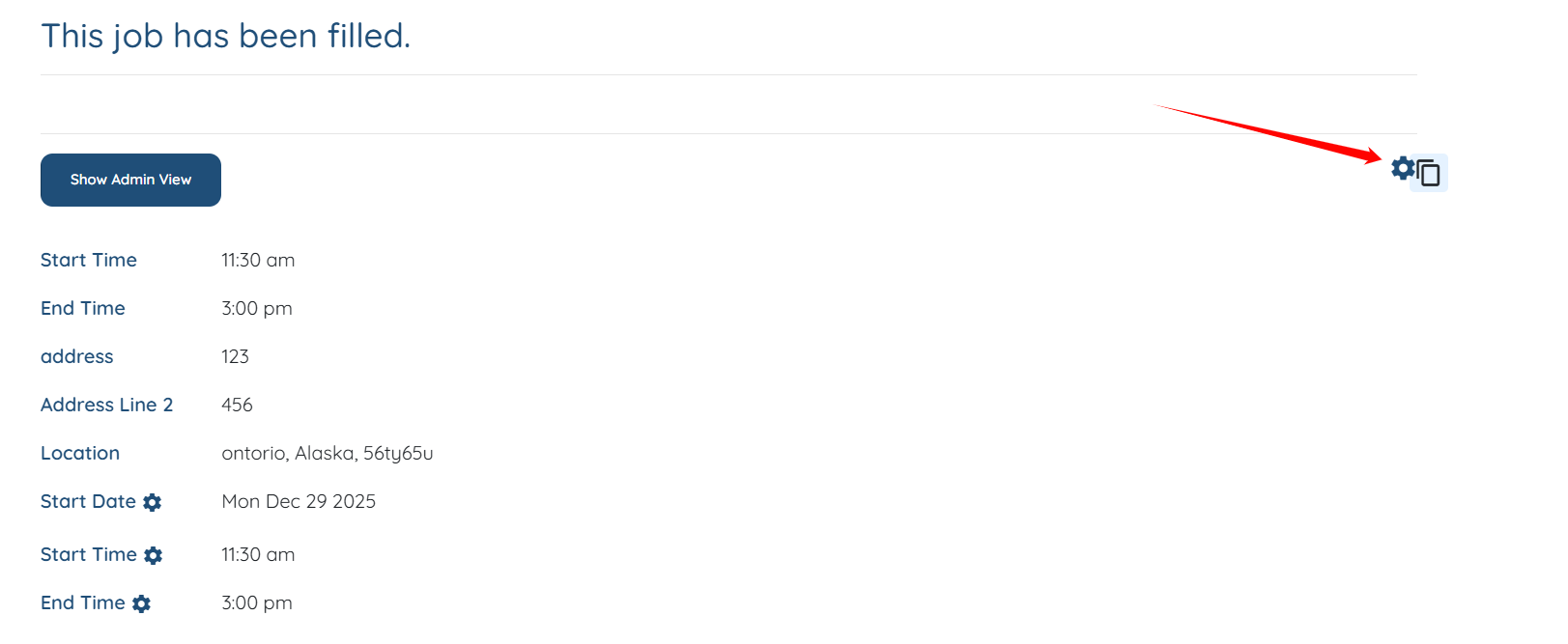
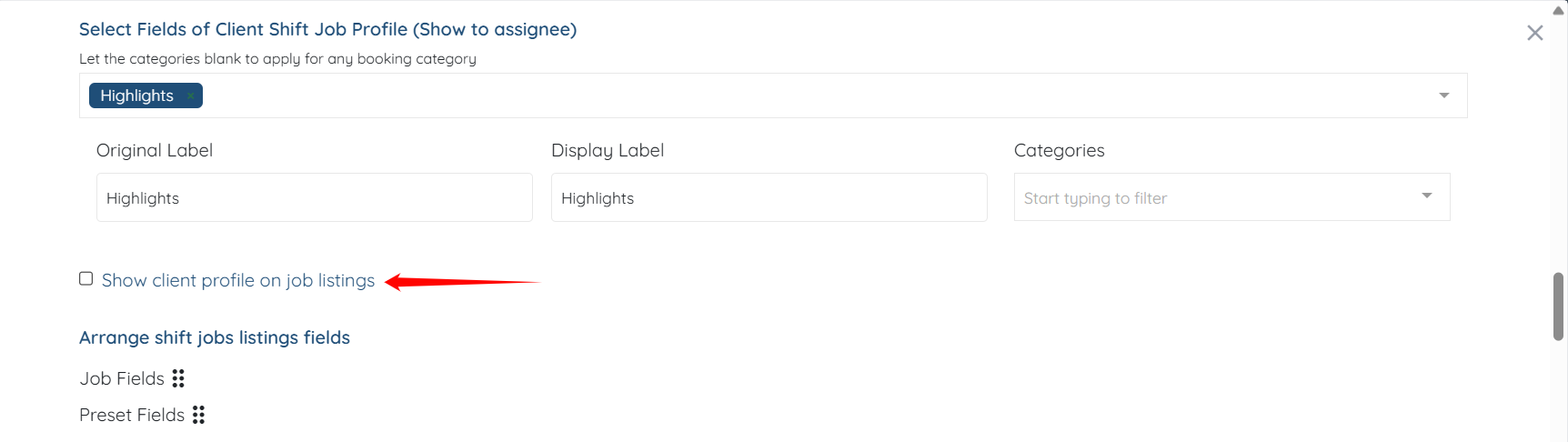
Step 5: Check the Show client profile on job listings checkbox.
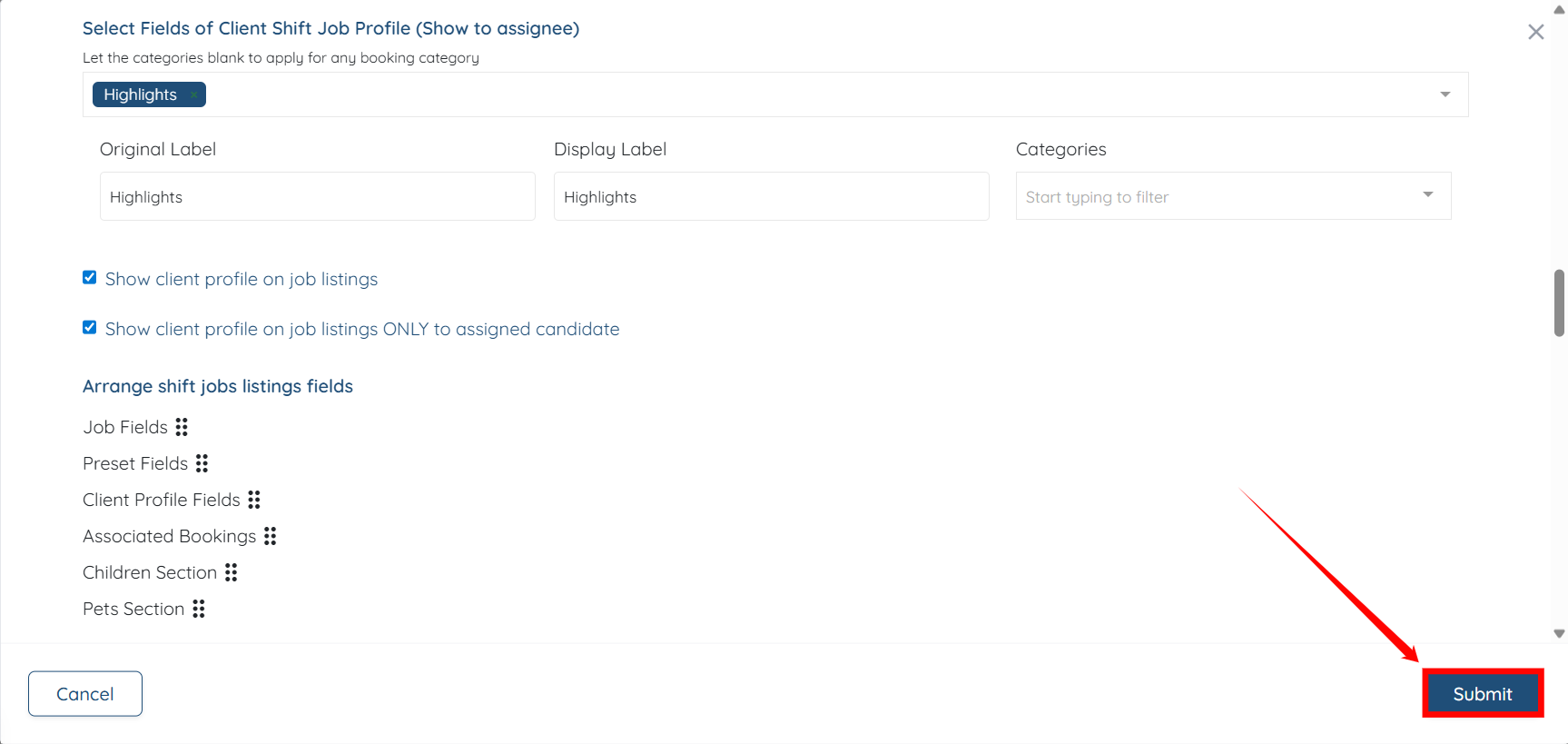
Step 6: Click on Submit button to confirm the changes.
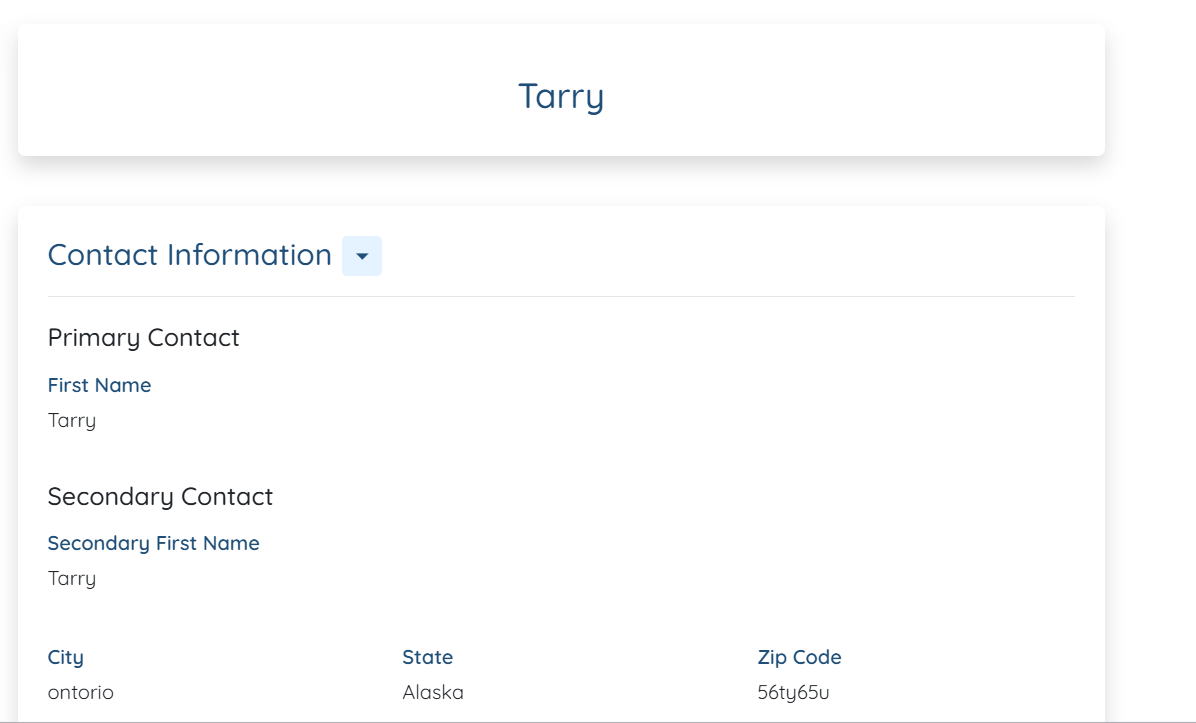
Step 7: You will see a View Client Profile button. Click it to open the client profile.
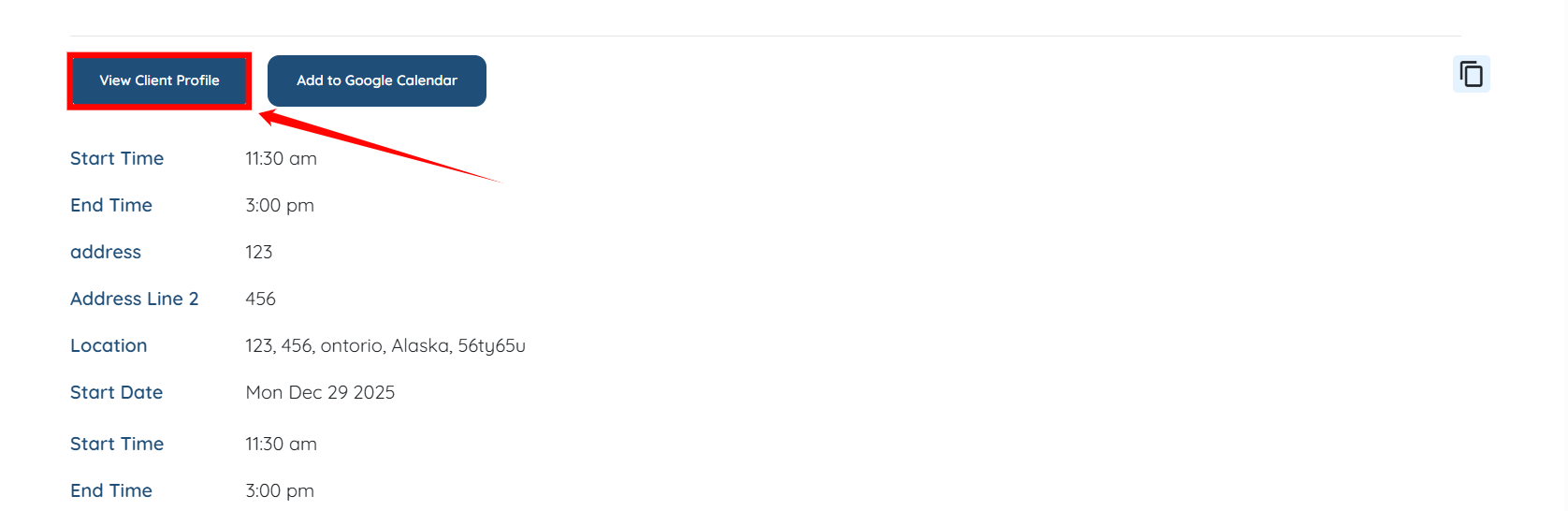
The client profile will be displayed successfully to the candidate.