![enginehire logo thin dark 1.0.png]](https://learn.enginehire.io/hs-fs/hubfs/enginehire%20logo%20thin%20dark%201.0.png?height=40&name=enginehire%20logo%20thin%20dark%201.0.png)
Let’s get started 🚀
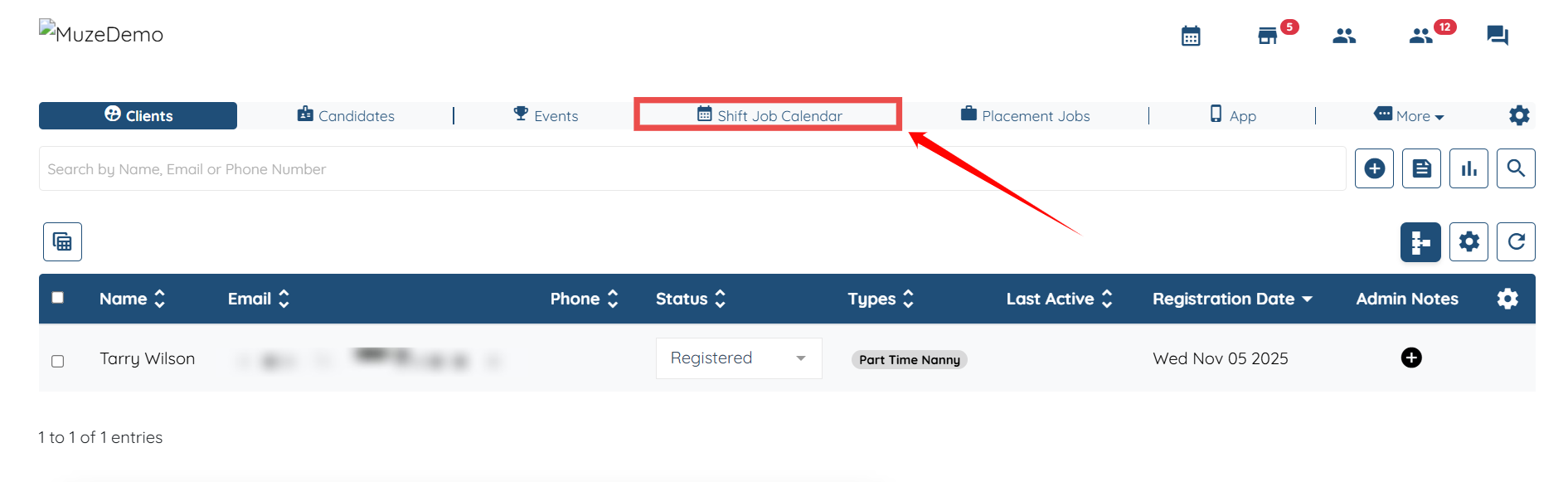
Step 1: Log in to your agent dashboard, and then navigate to Shift Job Calendar using the top navigation bar.
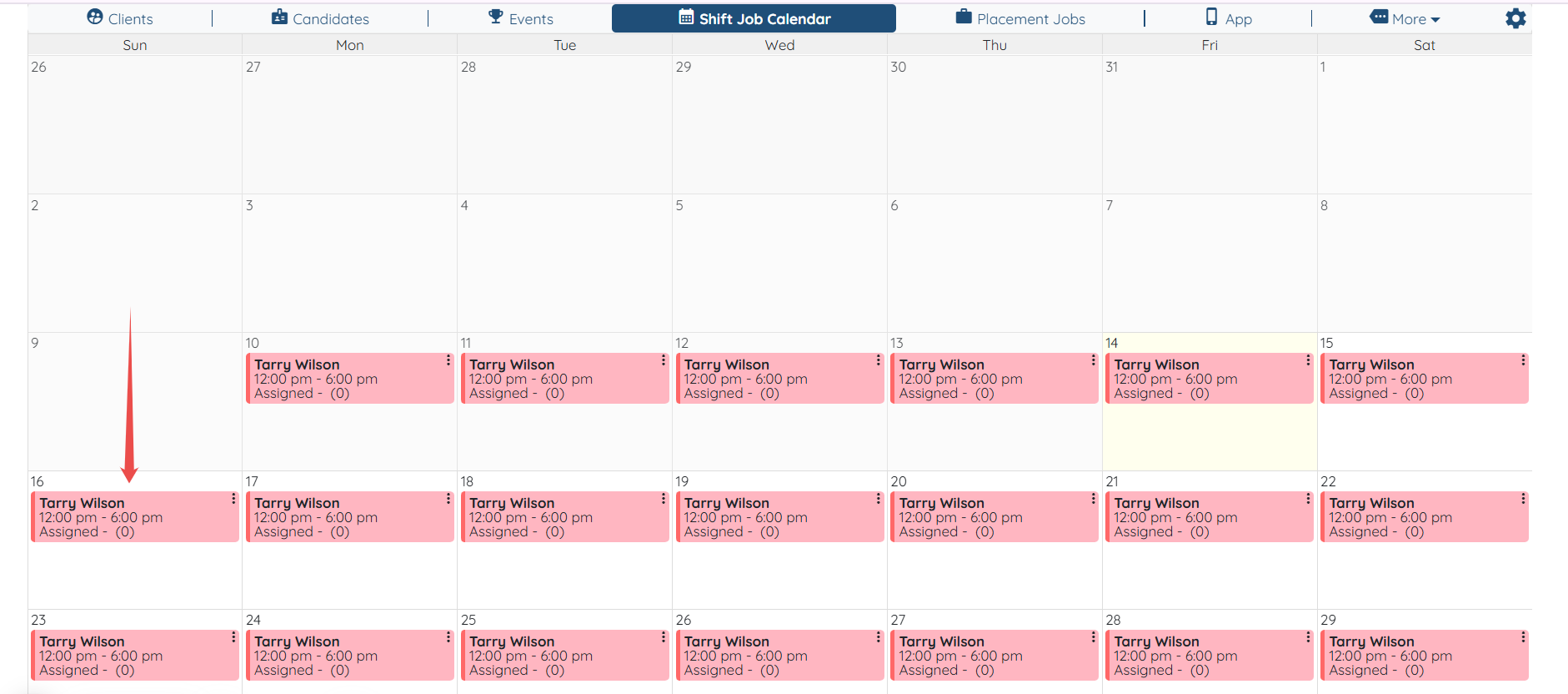
Step 2: Scroll down and open any shift job on the calendar.
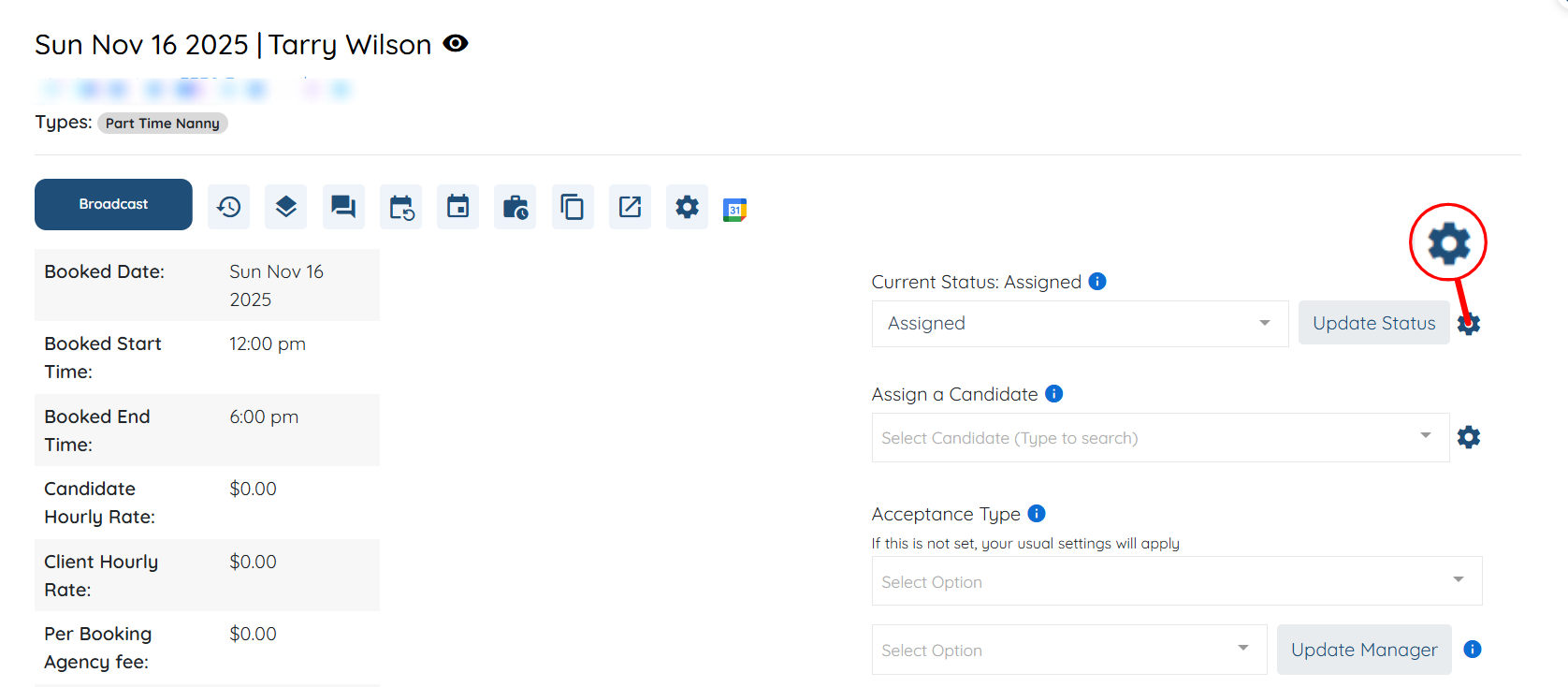
Step 3: Click the Gear icon next to the Update Status button to open the Settings panel.
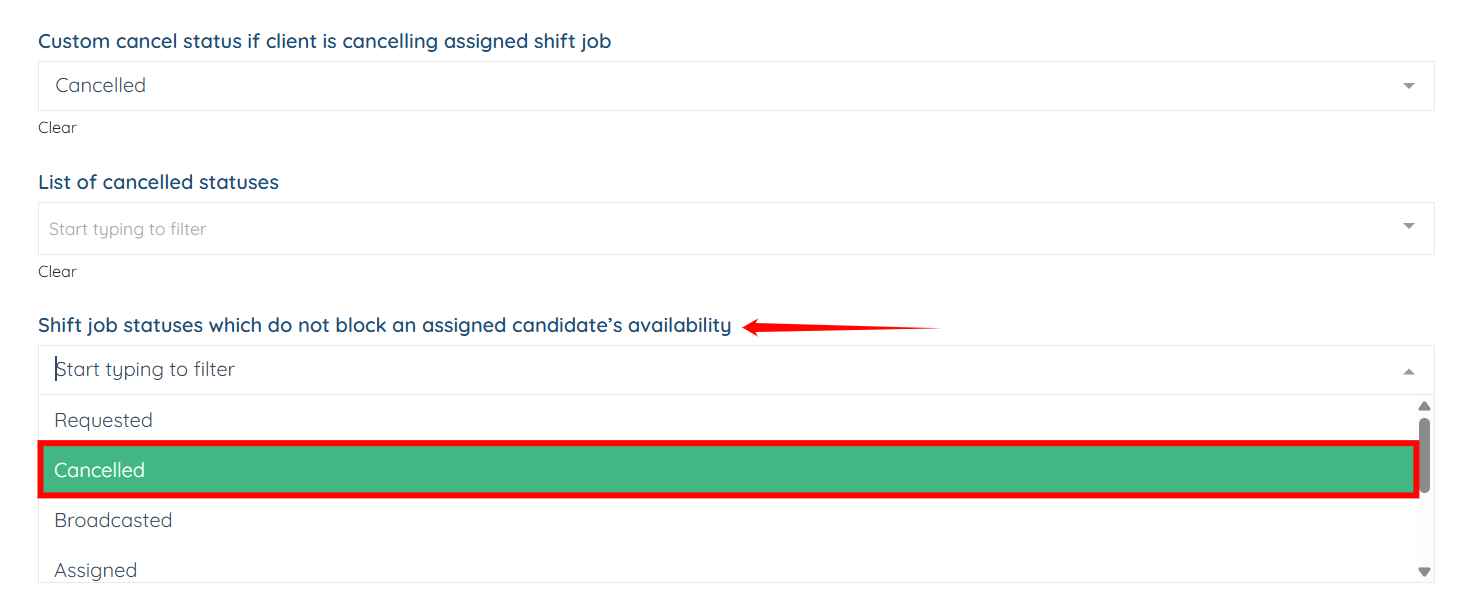
Step 4: Scroll down to the “Shift job statuses which do not block an assigned candidate’s availability” dropdown option and select the shift job statuses that should not block the assigned candidate’s availability.
You can add multiple status if you want to.
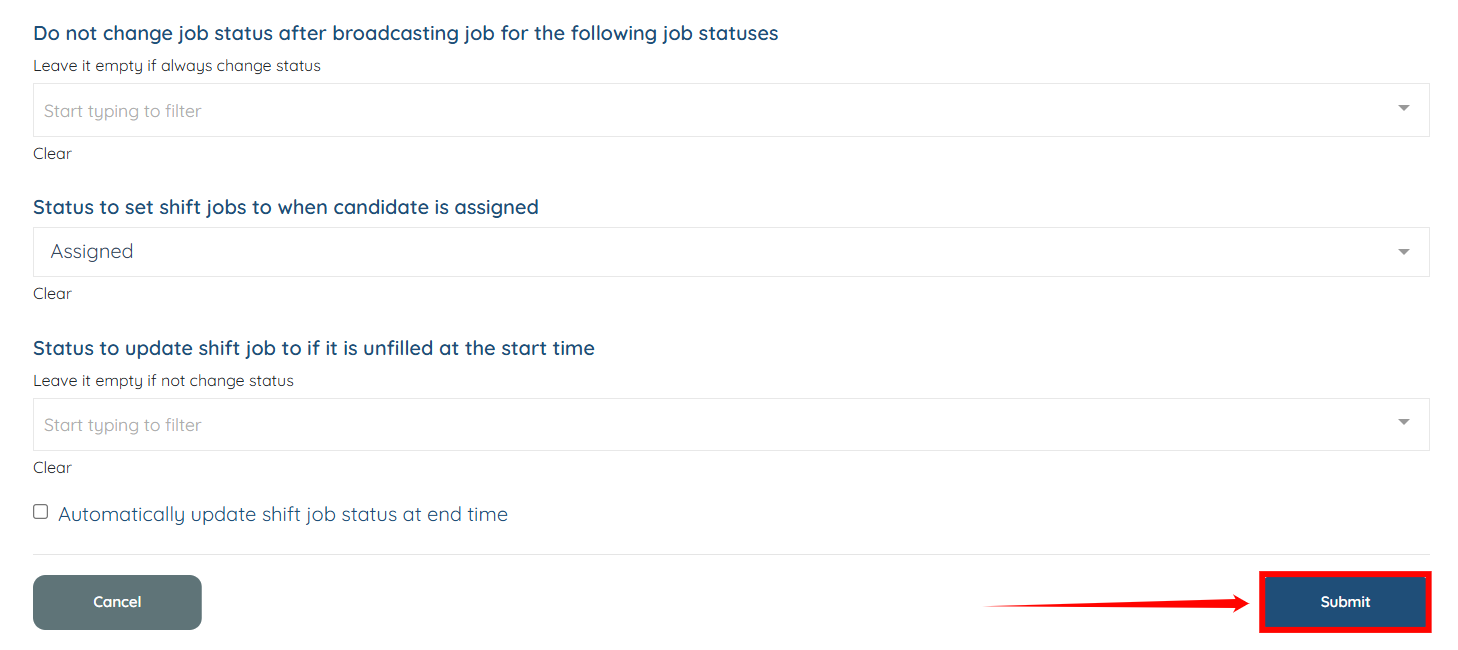
Step 5: After you add the required shift job statuses, click the Submit button to proceed.