![enginehire logo thin dark 1.0.png]](https://learn.enginehire.io/hs-fs/hubfs/enginehire%20logo%20thin%20dark%201.0.png?height=40&name=enginehire%20logo%20thin%20dark%201.0.png)
For demonstration purposes, this article uses the Clients list on the dashboard. However, the same process applies when searching for Candidates by phone number.
Let’s get started 🚀
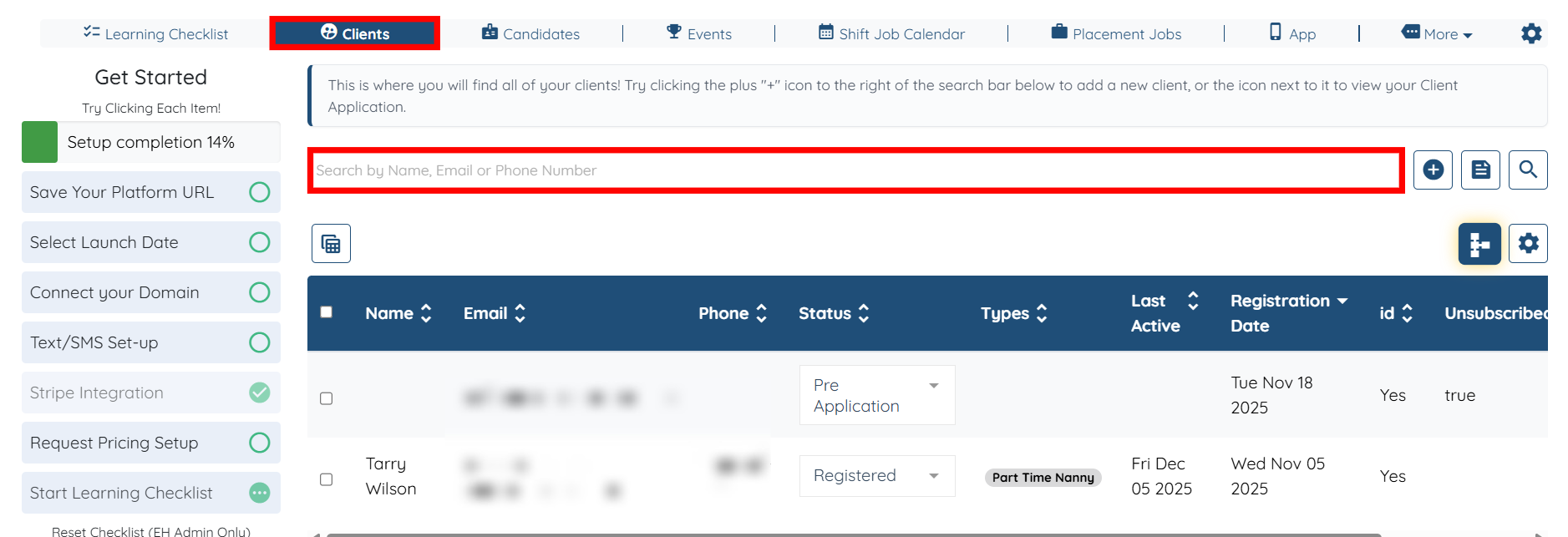
Step 1: Log in to your agent dashboard, and under Clients, click the search bar as shown in the screenshot below.
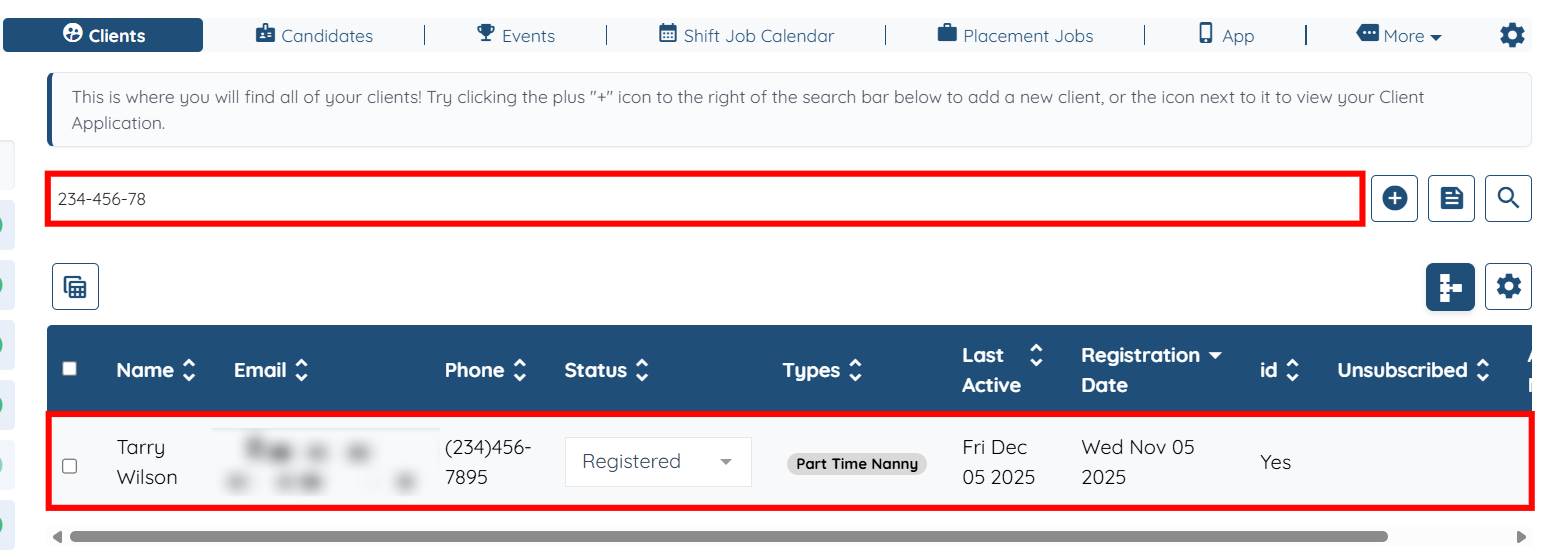
Step 2: Enter the phone number without dashes, and the system displays the corresponding client profile in the table.

You can also enter the phone number by using dashes to locate the relevant client profile.