![enginehire logo thin dark 1.0.png]](https://learn.enginehire.io/hs-fs/hubfs/enginehire%20logo%20thin%20dark%201.0.png?height=40&name=enginehire%20logo%20thin%20dark%201.0.png)
Let’s get Started🚀
Step 1. Log in to the platform and navigate to the Placement Job section.
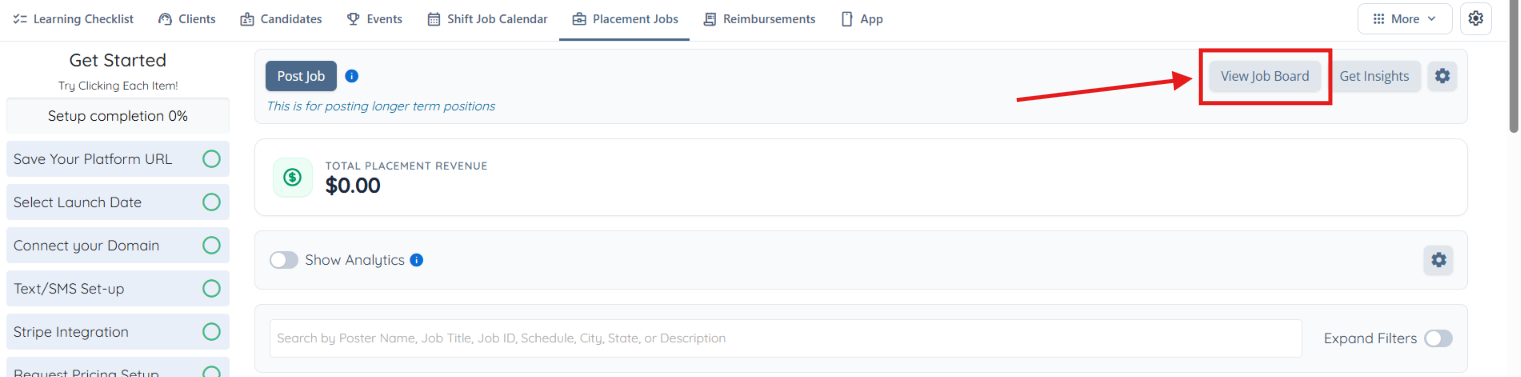
Step 2. Click on the View Job Board button to open the Job Board.
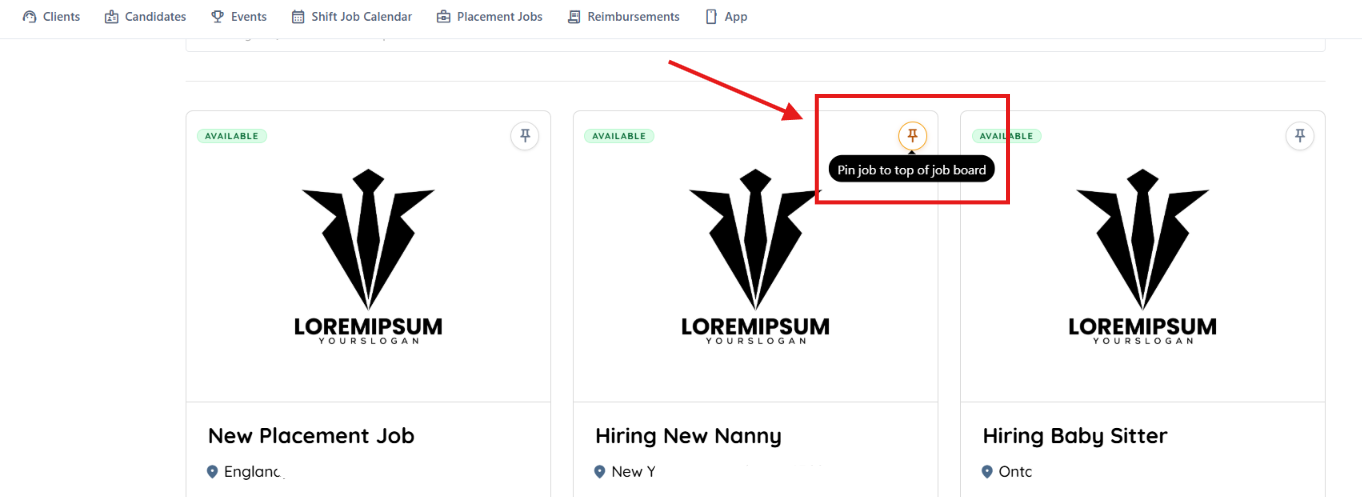
Step 3. Locate the job you want to pin and click the available Pin option.
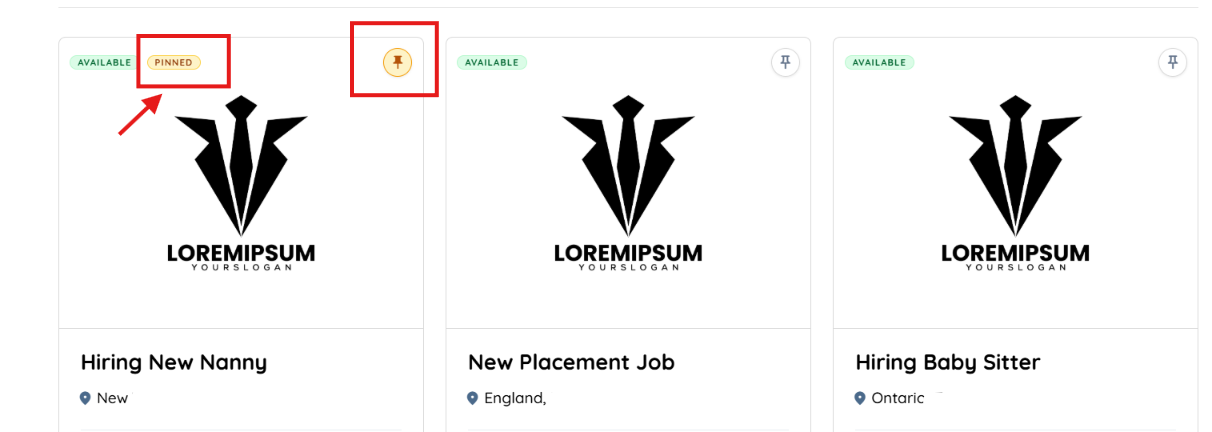
The selected job will display a yellow PINNED label and a highlighted pin icon, indicating that the job has been successfully pinned to the top of the Job Board.