![enginehire logo thin dark 1.0.png]](https://learn.enginehire.io/hs-fs/hubfs/enginehire%20logo%20thin%20dark%201.0.png?height=40&name=enginehire%20logo%20thin%20dark%201.0.png)
For demonstration purposes, this article uses clients as an example. However, you can follow the same steps for candidates.
Let’s get started 🚀
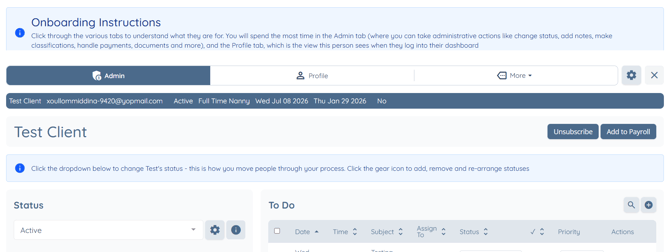
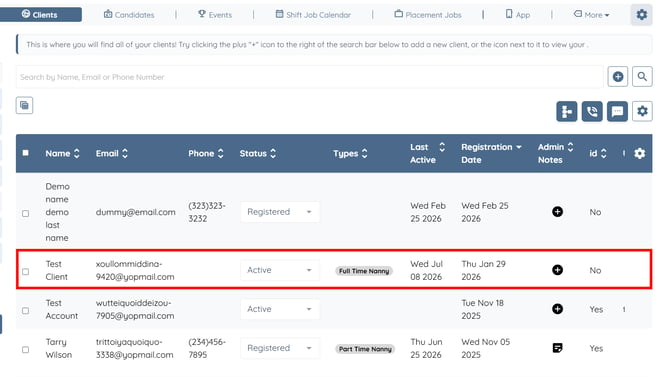
Step 1: Log in to your agent dashboard and click the client whose Job Application Log you want to review.
Step 2: Click More > Records as shown in the screenshot below.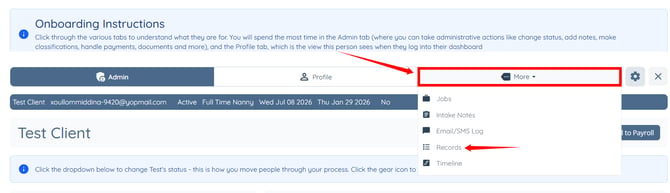
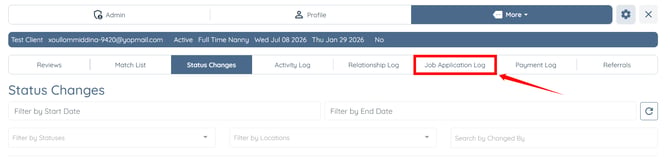
Step 3: Click the Job Application Log tab from the available tabs.
Step 4: Click the name under the Actor column. 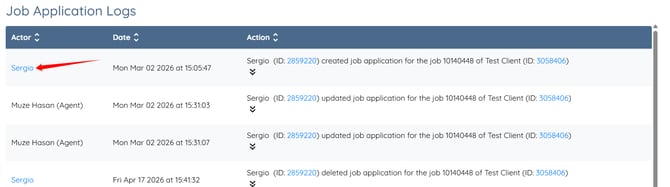
You will be navigated to the selected user's profile. 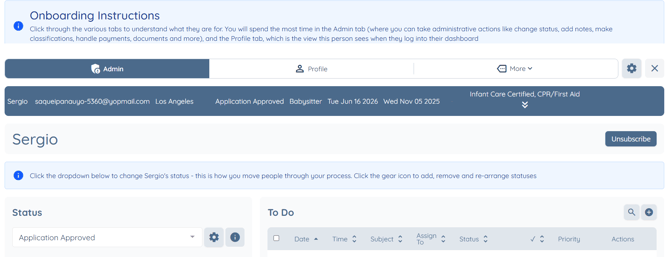
You can also click the ID displayed next to the name under the Action column.
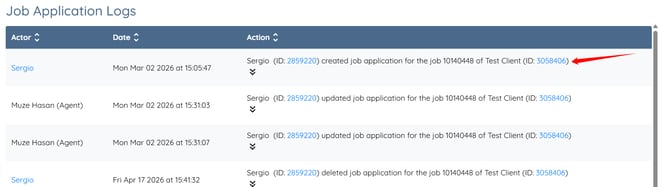
You will also be navigated directly to the corresponding user profile.