![enginehire logo thin dark 1.0.png]](https://learn.enginehire.io/hs-fs/hubfs/enginehire%20logo%20thin%20dark%201.0.png?height=40&name=enginehire%20logo%20thin%20dark%201.0.png)
Step 1: To login Admin account use the process mentioned below:
Admin ID: qa+<agency id>-admin@enginehire.io
Use the agency id you want to login for ex:
qa+664-admin@enginehire.io
Password: The password mentioned below should be used for all types of agencies and all types of users. (i.e. Admin, Client and Candidate).
Qa-_O-cLhOqjbyV 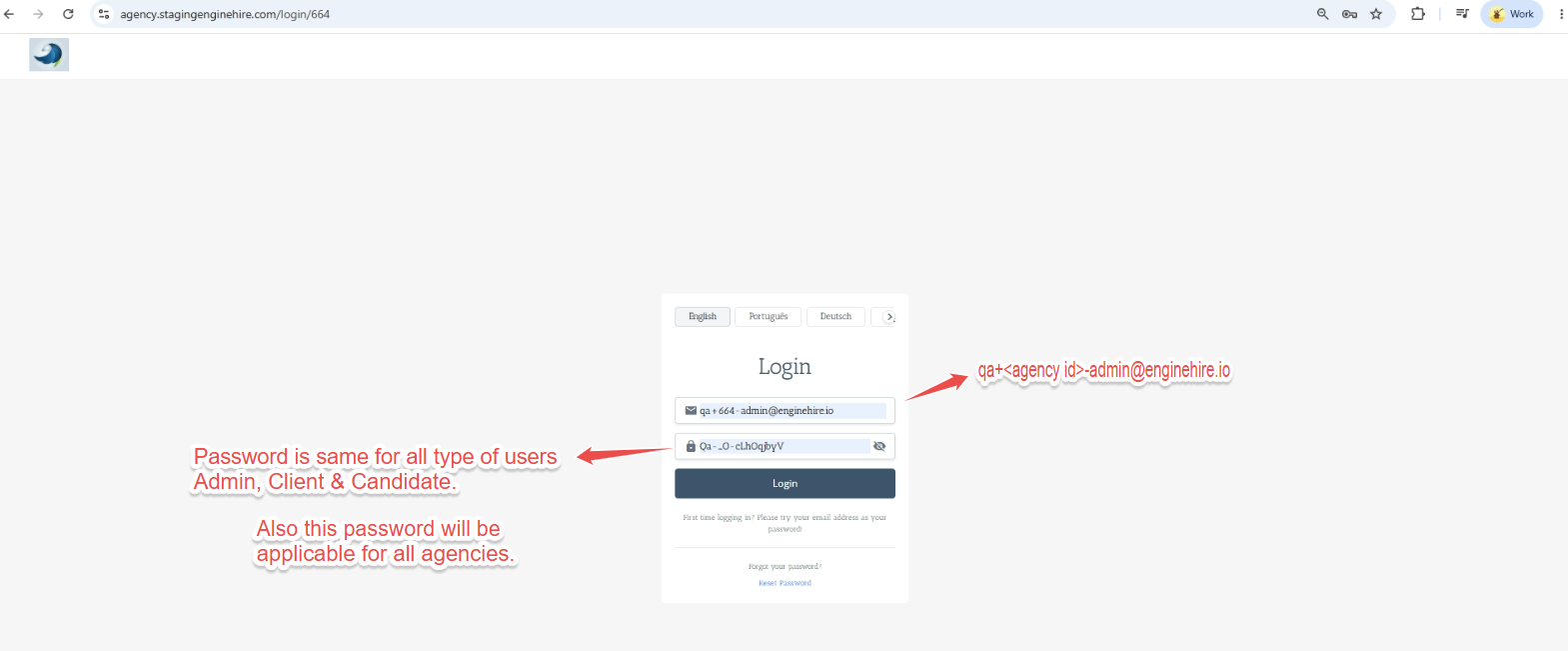
Step 2: You will see now there is no real customer data in them anymore: names, emails, phones, addresses, IDs.
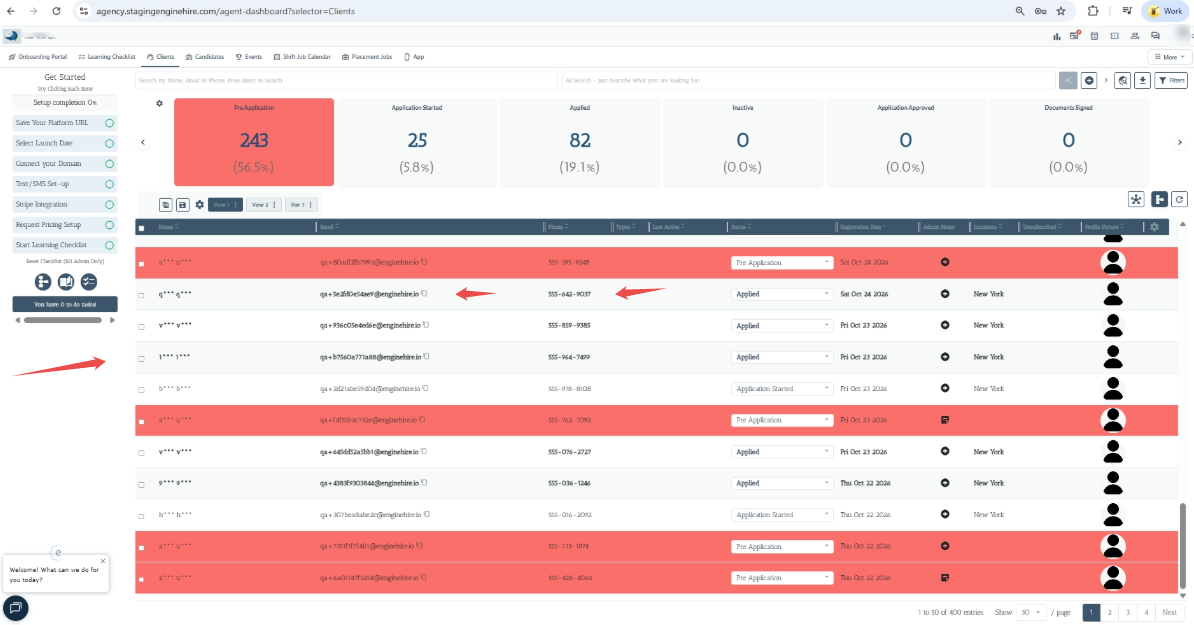
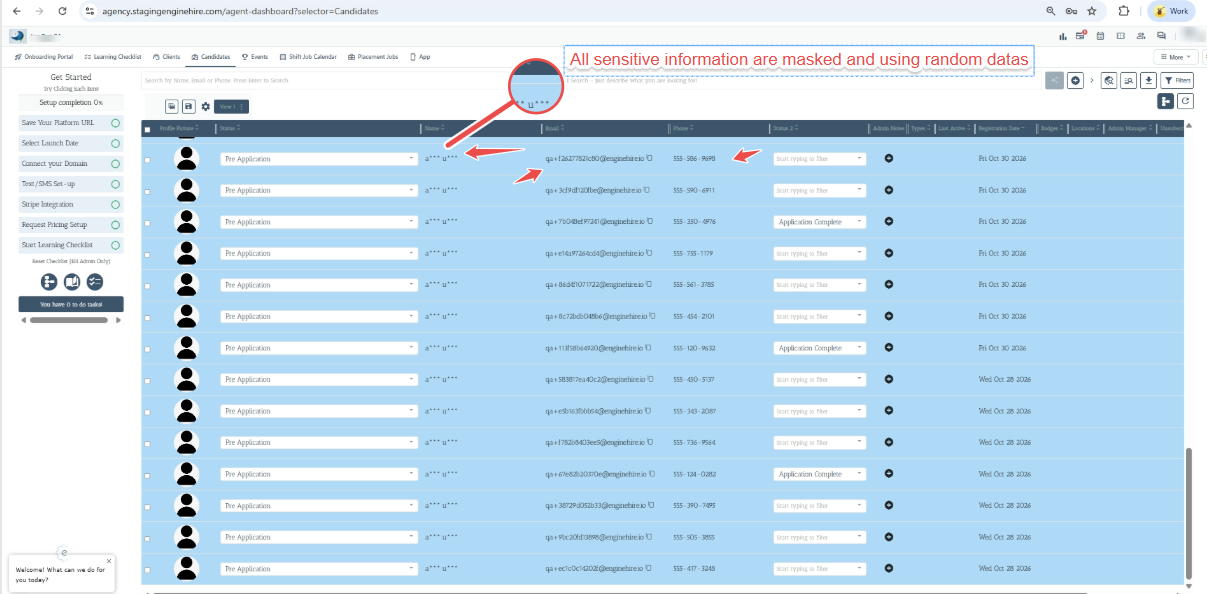
Similarly:
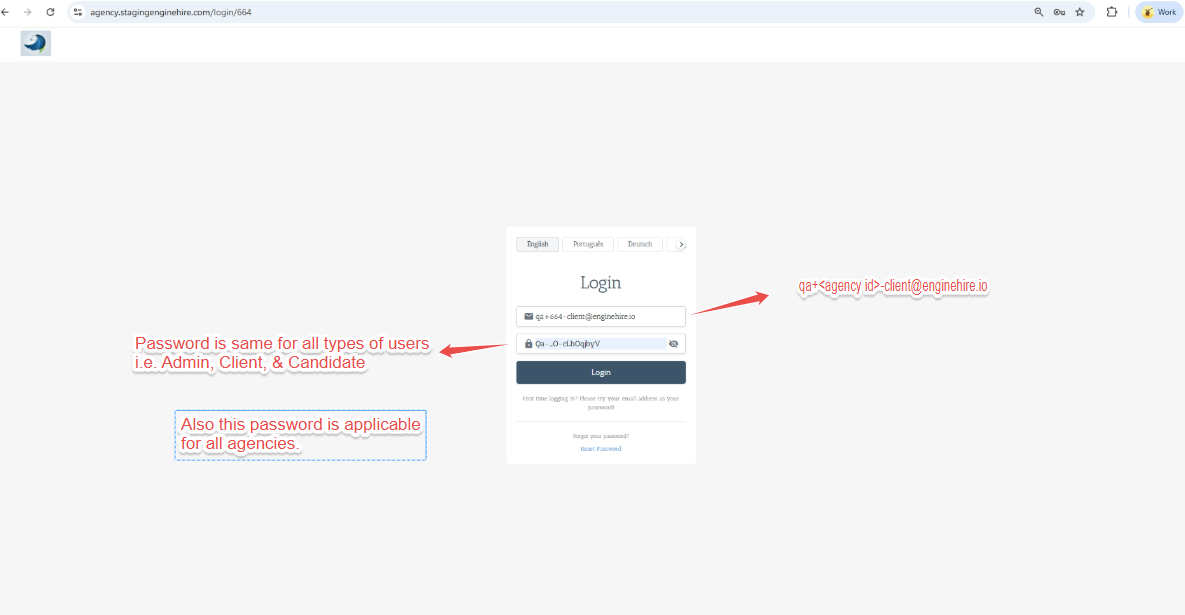
To login Client account use the process mentioned below:
Client ID: qa+<agency id>-client@enginehire.io
Use the agency id you want to login for ex:
qa+664-client@enginehire.io
Password: The password mentioned below should be used for all types of agencies and all types of users. (i.e. Admin, Client and Candidate).
Qa-_O-cLhOqjbyV
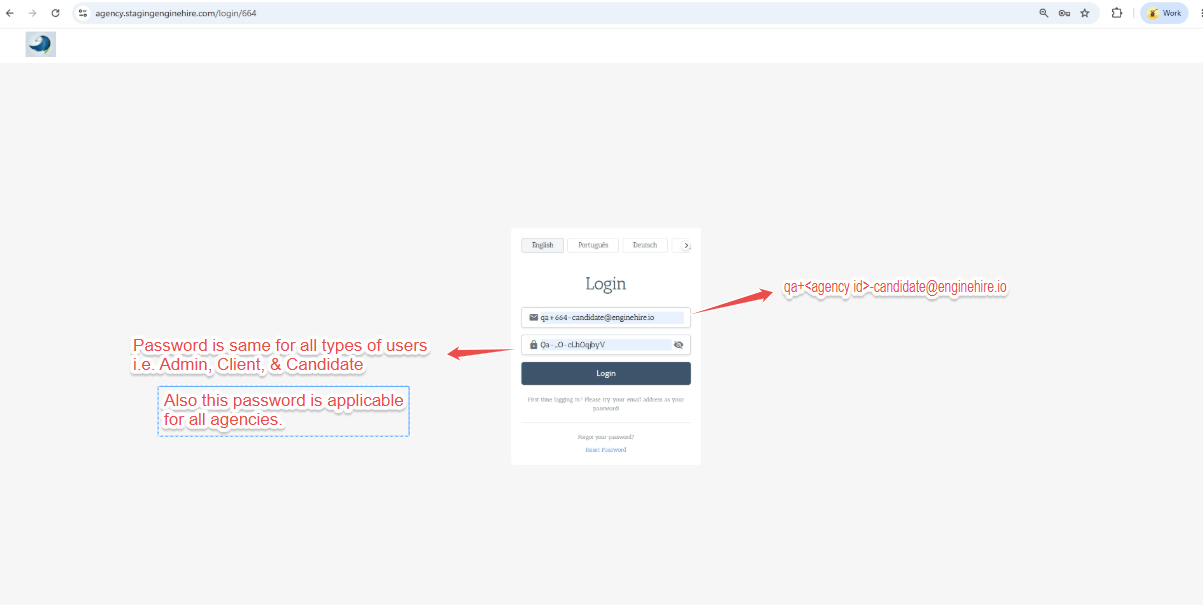
To login Candidate account use the process mentioned below:
Candidate ID: qa+<agency id>-candidate@enginehire.io
Use the agency id you want to login for ex:
qa+664-candidate@enginehire.io
Password: The password mentioned below should be used for all types of agencies and all types of users. (i.e. Admin, Client and Candidate).
Qa-_O-cLhOqjbyV
Note*
-
Your @Enginehire accounts still work as before.
-
The test accounts you created yourselves (yopmail, test.com etc.) and any real customer logins you were using no longer work.