![enginehire logo thin dark 1.0.png]](https://learn.enginehire.io/hs-fs/hubfs/enginehire%20logo%20thin%20dark%201.0.png?height=40&name=enginehire%20logo%20thin%20dark%201.0.png)
Let’s get started 🚀
Step 1: Log in to your app and click Open Jobs as shown in the screenshot below.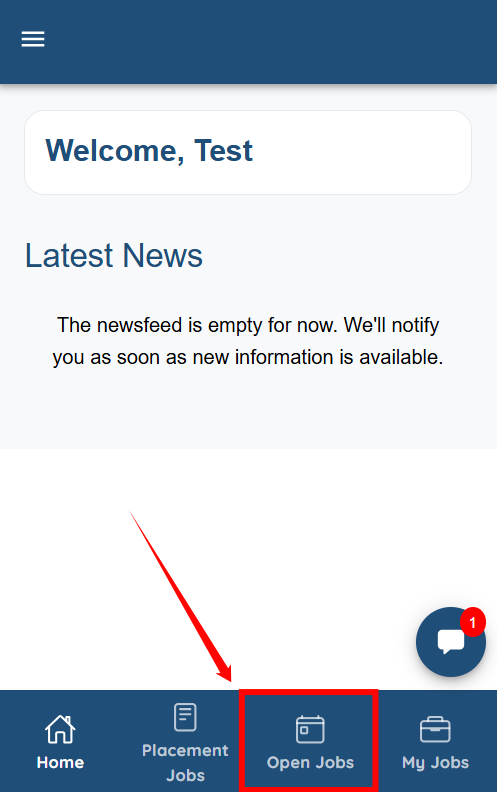
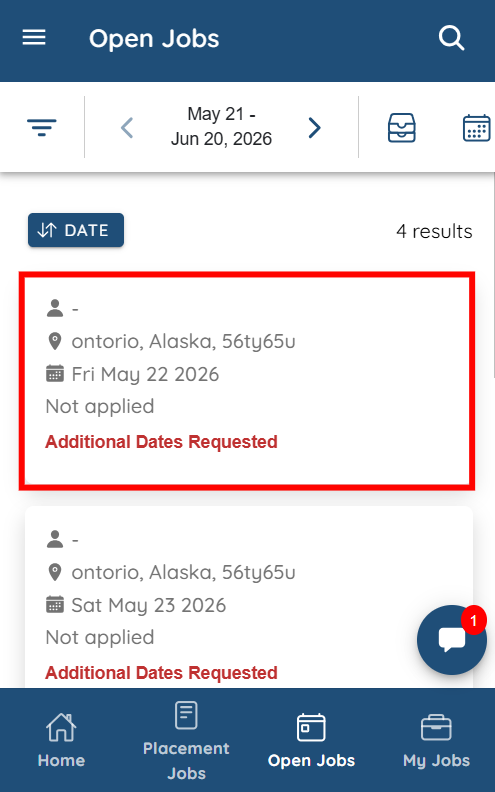
Step 2: Jobs configured as multi-day jobs will display the “Additional Dates Requested” label. Click any of those jobs to view more details.
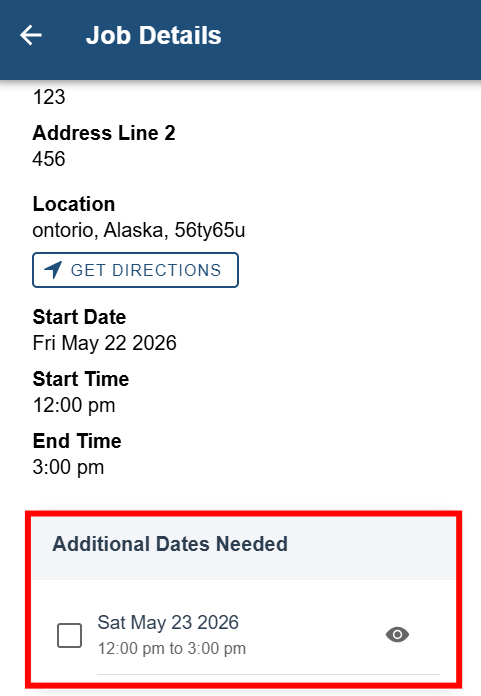
You can now view the additional requested dates for the selected multi-day job.