![enginehire logo thin dark 1.0.png]](https://learn.enginehire.io/hs-fs/hubfs/enginehire%20logo%20thin%20dark%201.0.png?height=40&name=enginehire%20logo%20thin%20dark%201.0.png)
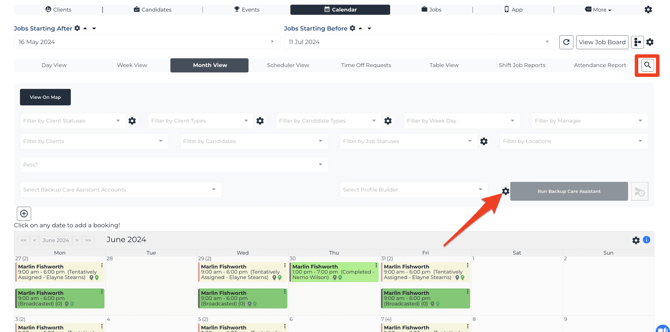
Go to the shift job calendar and click to open the search and tools, then click the gear icon to edit the backup care assistant settings:
Before you change a backup care assistant setting
These are global settings, so a change here applies to your whole agency rather than just to you or to the job you're currently looking at.
The settings you see also depend on which backup care integrations your agency has configured, which means your settings window won't necessarily look identical to one you've seen elsewhere. To find out what each setting does, see Backup Care Assistant settings explained.