![enginehire logo thin dark 1.0.png]](https://learn.enginehire.io/hs-fs/hubfs/enginehire%20logo%20thin%20dark%201.0.png?height=40&name=enginehire%20logo%20thin%20dark%201.0.png)
Let’s get started 🚀
Step 1: Log in to your agent dashboard and click More > Global Settings as shown in the screenshot below. 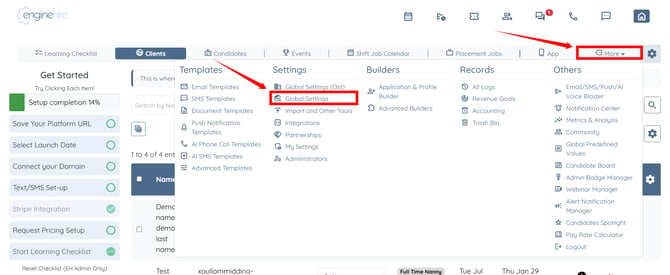
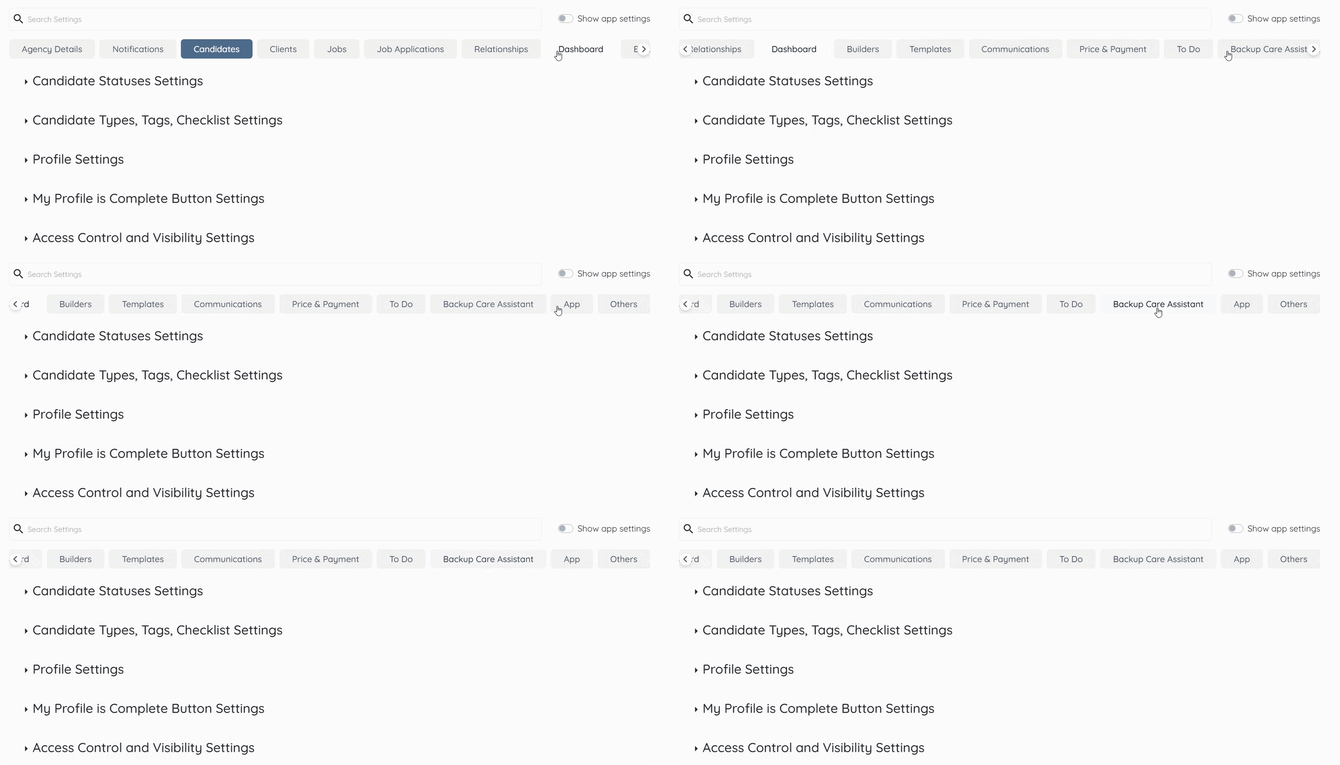
Step 2: Scroll tabs to the left and click the Backup Care Assistant tab.
Step 3: Click the Accounts option to expand and view its details.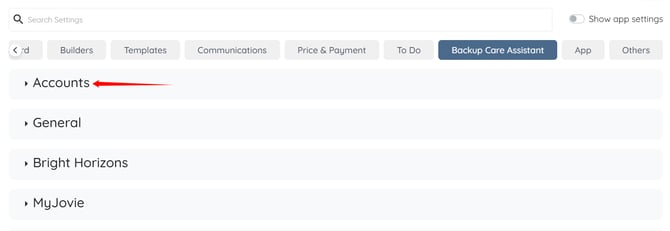
Step 4: Click the Check mismatch candidate names between EH and BH box.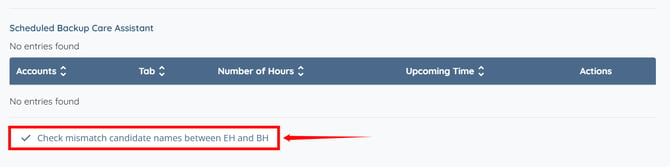
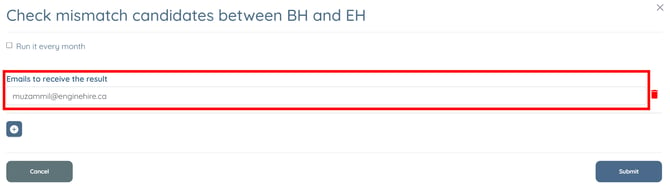
Step 5: Enter the email address in the Emails to receive the result field where you want to receive the mismatch report.
Enable the Run it every month checkbox to automatically receive the mismatch report each month at the specified email address. 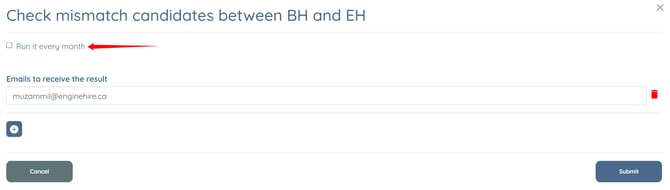
Step 6: Click the Submit button to proceed.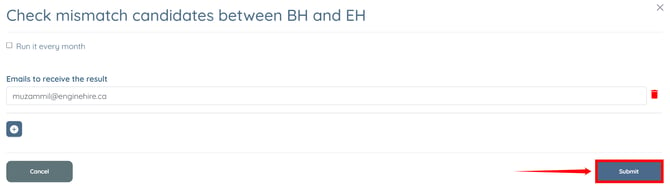
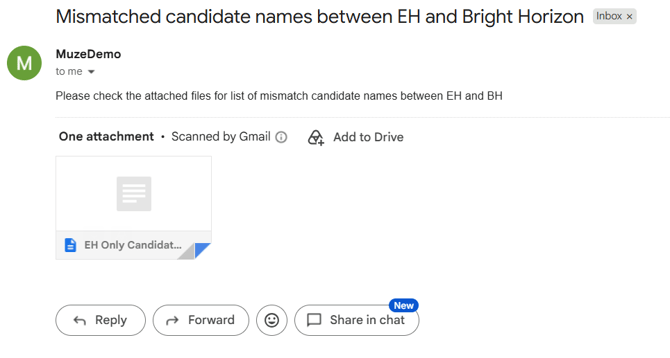
A text file containing the candidate name mismatch report will be sent to the specified email address.