![enginehire logo thin dark 1.0.png]](https://learn.enginehire.io/hs-fs/hubfs/enginehire%20logo%20thin%20dark%201.0.png?height=40&name=enginehire%20logo%20thin%20dark%201.0.png)
Settings
The following settings are available under the General option and can be configured based on your requirements.
- Controls the order and informational contents of the table
Defines how job information is displayed and organized within the My Jobs table. - My Jobs table has multiple tabs
Enables multiple tabs within the My Jobs table to organize job-related information. - Don’t allow candidates to leave reviews
Prevents candidates from submitting reviews for completed jobs. - If candidate has not worked a shift job for X days, set to a status
Automatically updates the candidate’s status if they have not worked a shift job for a specified number of days. - Allow candidates to submit shift job change requests to clients
Allows candidates to request changes to assigned shift jobs, which can then be reviewed by clients. - Show cancelled job
Displays cancelled jobs in the My Jobs tab. - Show Past Jobs
Allows candidates to view previously completed jobs. - Hide Summarize Information at the top of My Jobs table
Removes the summary section displayed at the top of the My Jobs table. - Shift job statuses hidden in My Jobs tab of Candidate Profile
Controls which shift job statuses are hidden from the candidate’s My Jobs tab.
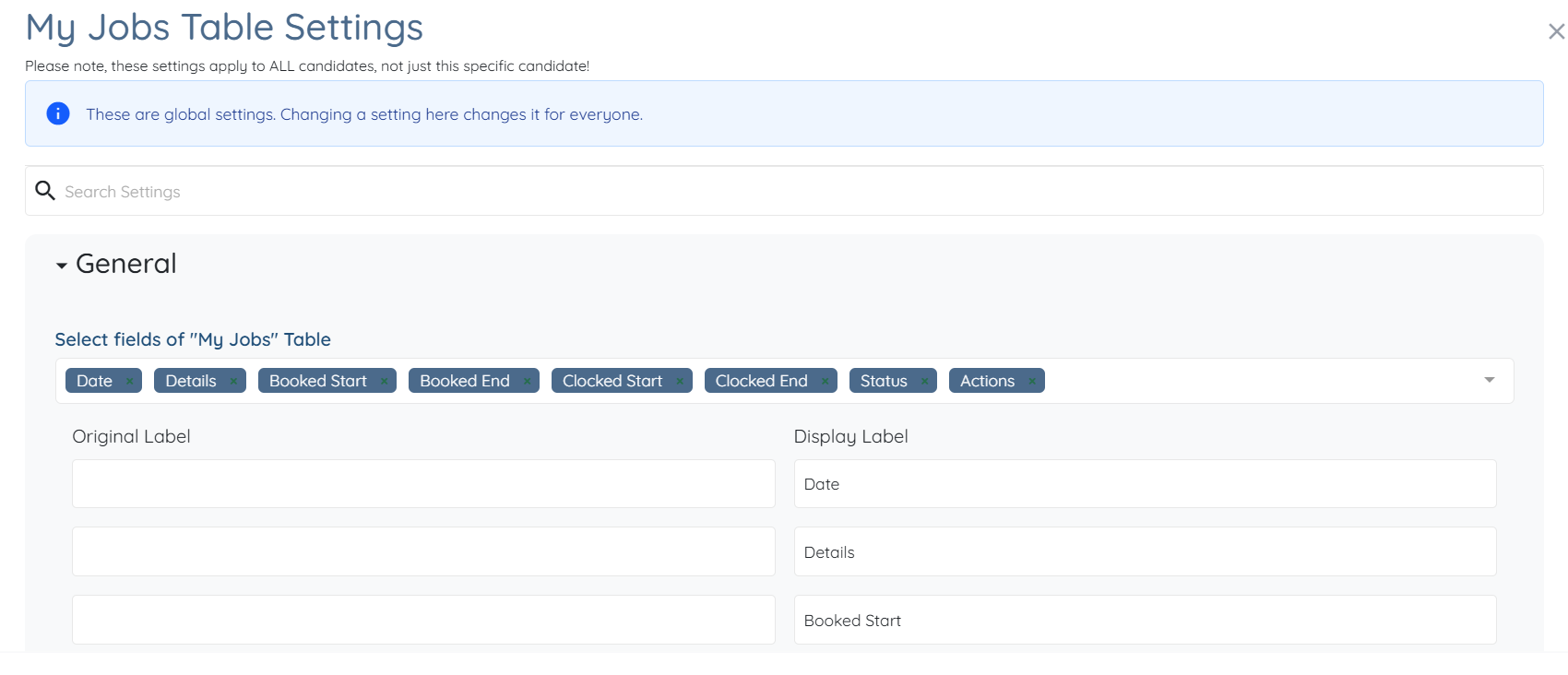
This article covers settings for the General option in the My Jobs tab. To explore all available options and settings, refer to the Configure the My Jobs Tab for Candidates article.