![enginehire logo thin dark 1.0.png]](https://learn.enginehire.io/hs-fs/hubfs/enginehire%20logo%20thin%20dark%201.0.png?height=40&name=enginehire%20logo%20thin%20dark%201.0.png)
For demonstration purposes, this article uses clients to show the workflow structure. You can follow the same steps to filter workflows for candidates.
Let’s get started 🚀
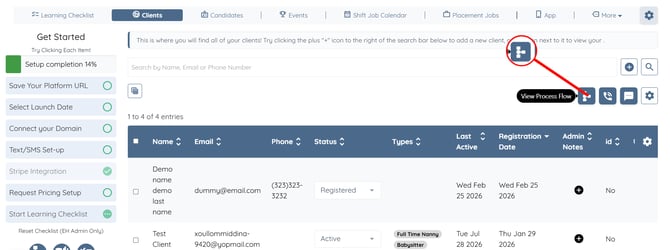
Step 1: Log in to your agent dashboard and click the View Process Flow button, as shown in the screenshot below.
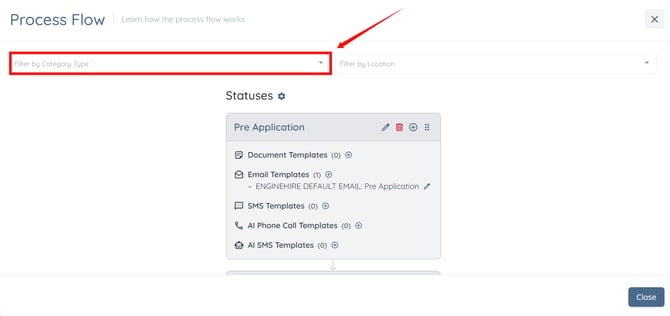
Step 2: Click the Filter by Category Type box to open the dropdown list.
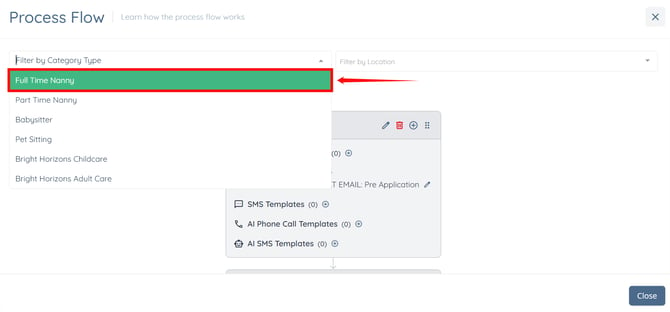
Step 3: Select the category by which you want to filter the Process Flow.
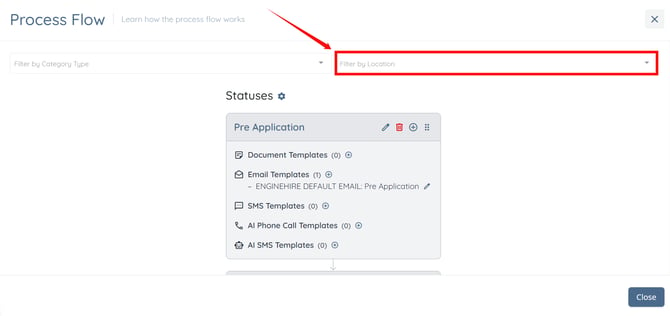
Step 4: Click the Filter by Location box to open the dropdown list.
Step 5: Select the location by which you want to filter the Process Flow.
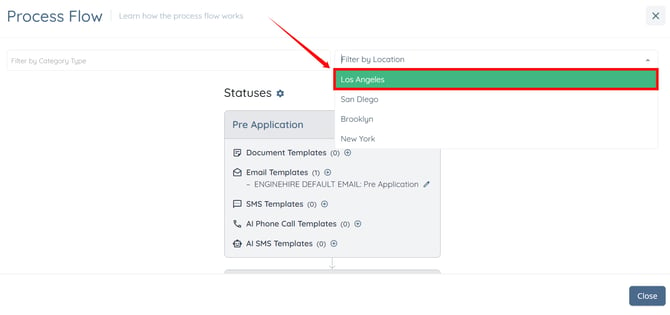
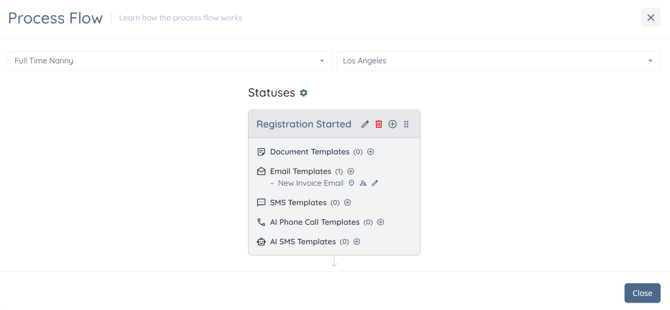
The Process Flow will be filtered to display only the statuses and workflow steps that match the selected category and location.