![enginehire logo thin dark 1.0.png]](https://learn.enginehire.io/hs-fs/hubfs/enginehire%20logo%20thin%20dark%201.0.png?height=40&name=enginehire%20logo%20thin%20dark%201.0.png)
Let’s get started 🚀
Step 1: Log in to your agent dashboard and click More > Global Settings as shown in the screenshot below.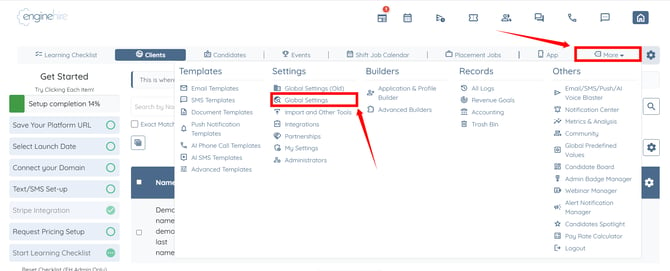
Step 2: Click the Schedule, Availability Settings option to expand and view its details.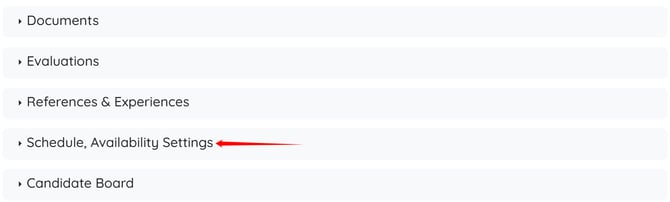
Step 3: Check the Allow candidate to select time off request category checkbox.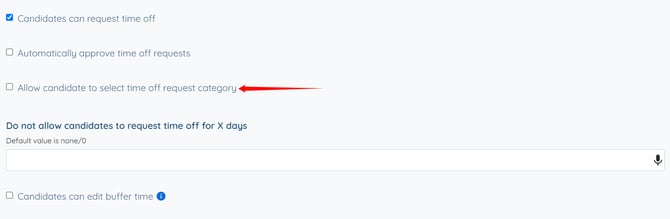
The settings will be saved automatically. 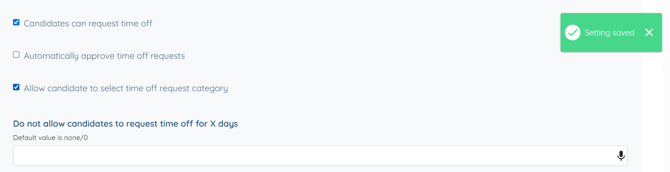
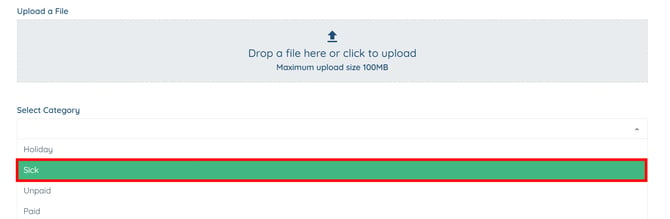
Candidates can now select a time off request category when submitting a time off request.