![enginehire logo thin dark 1.0.png]](https://learn.enginehire.io/hs-fs/hubfs/enginehire%20logo%20thin%20dark%201.0.png?height=40&name=enginehire%20logo%20thin%20dark%201.0.png)
Let’s get started 🚀
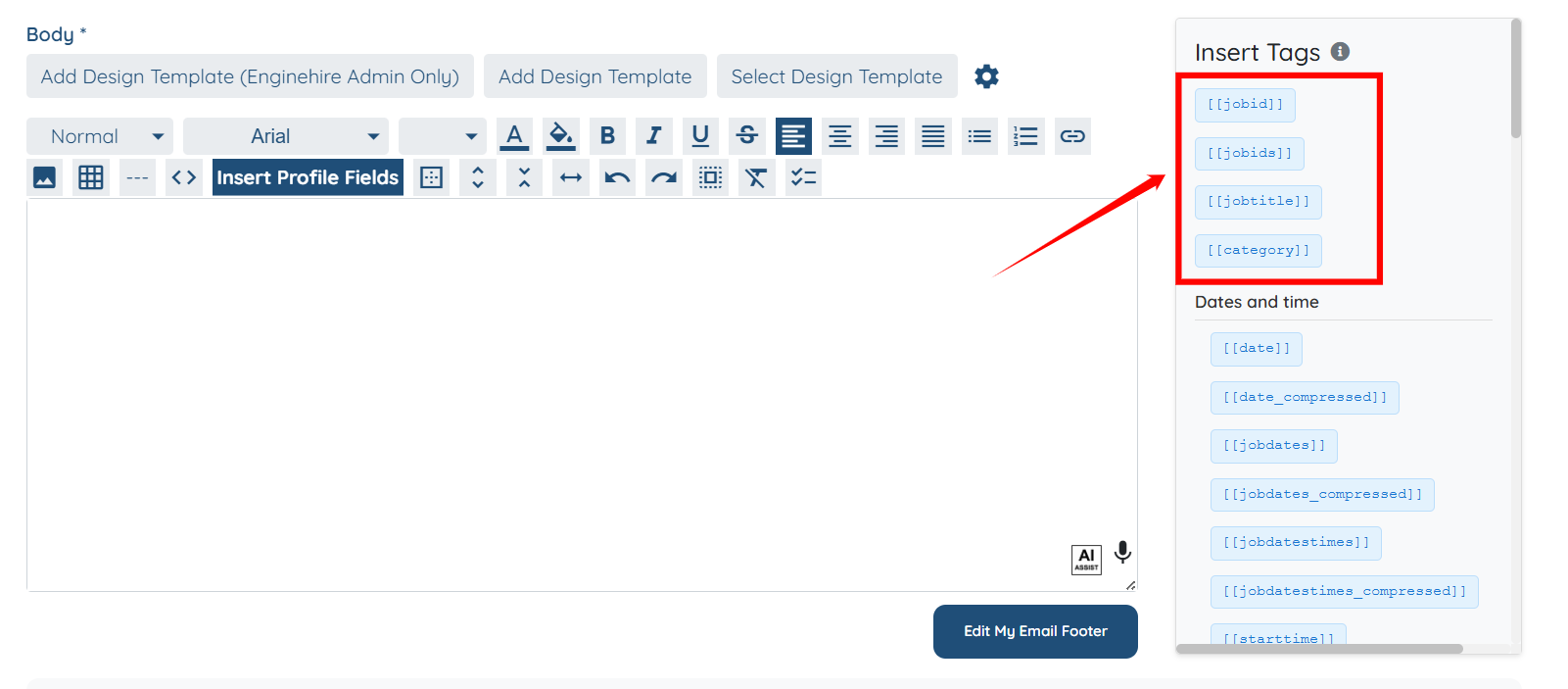
Job Details
|
Tag |
Description |
|
[[jobid]] |
Inserts the unique ID of the job. |
|
[[jobids]] |
Inserts the IDs of multiple jobs (used in bulk actions). |
|
[[jobtitle]] |
Inserts the job title. |
|
[[category]] |
Inserts the job category. |
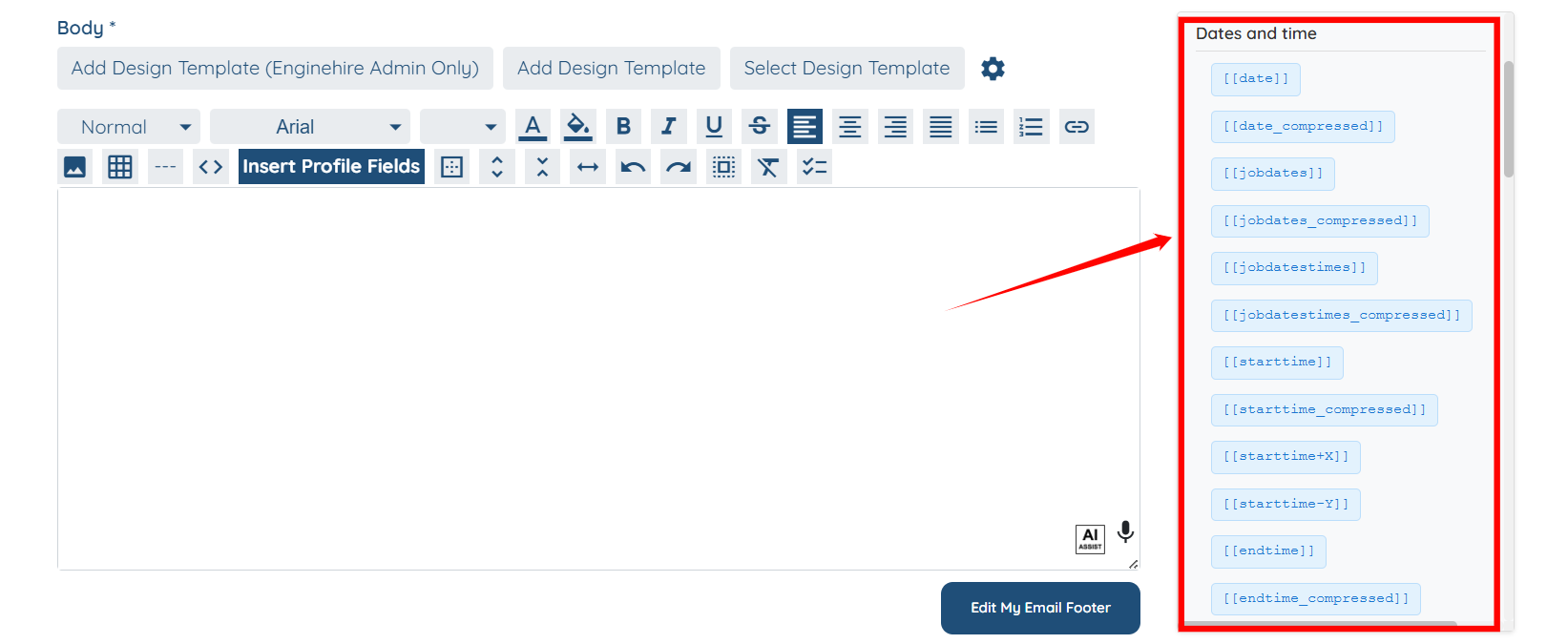
Dates and Time
|
Tag |
Description |
|
[[date]] |
Inserts the job date in a readable format (for example, Fri Apr 05, 2024). |
|
[[date_compressed]] |
Inserts the job date in a compact numeric format (for example, 1-23-2023). |
|
[[jobdates]] |
Inserts the dates for multiple jobs (useful for bulk actions). |
|
[[jobdates_compressed]] |
Inserts multiple job dates in a compact format. |
|
[[jobdatestimes]] |
Inserts dates and times for multiple jobs. |
|
[[jobdatestimes_compressed]] |
Inserts dates and times for multiple jobs in a compact format. |
|
[[starttime]] |
Inserts the job start time. |
|
[[starttime_compressed]] |
Inserts the job start time in a compact format. |
|
[[starttime+X]] |
Inserts a time that is X minutes after the job start time. |
|
[[starttime-Y]] |
Inserts a time that is Y minutes before the job start time. |
|
[[endtime]] |
Inserts the job end time. |
|
[[endtime_compressed]] |
Inserts the job end time in a compact format. |
|
[[associated_shift_jobs]] |
Inserts the dates of associated shift jobs. |
|
[[associated_shift_jobs_compressed]] |
Inserts associated shift job dates in a compact format. |
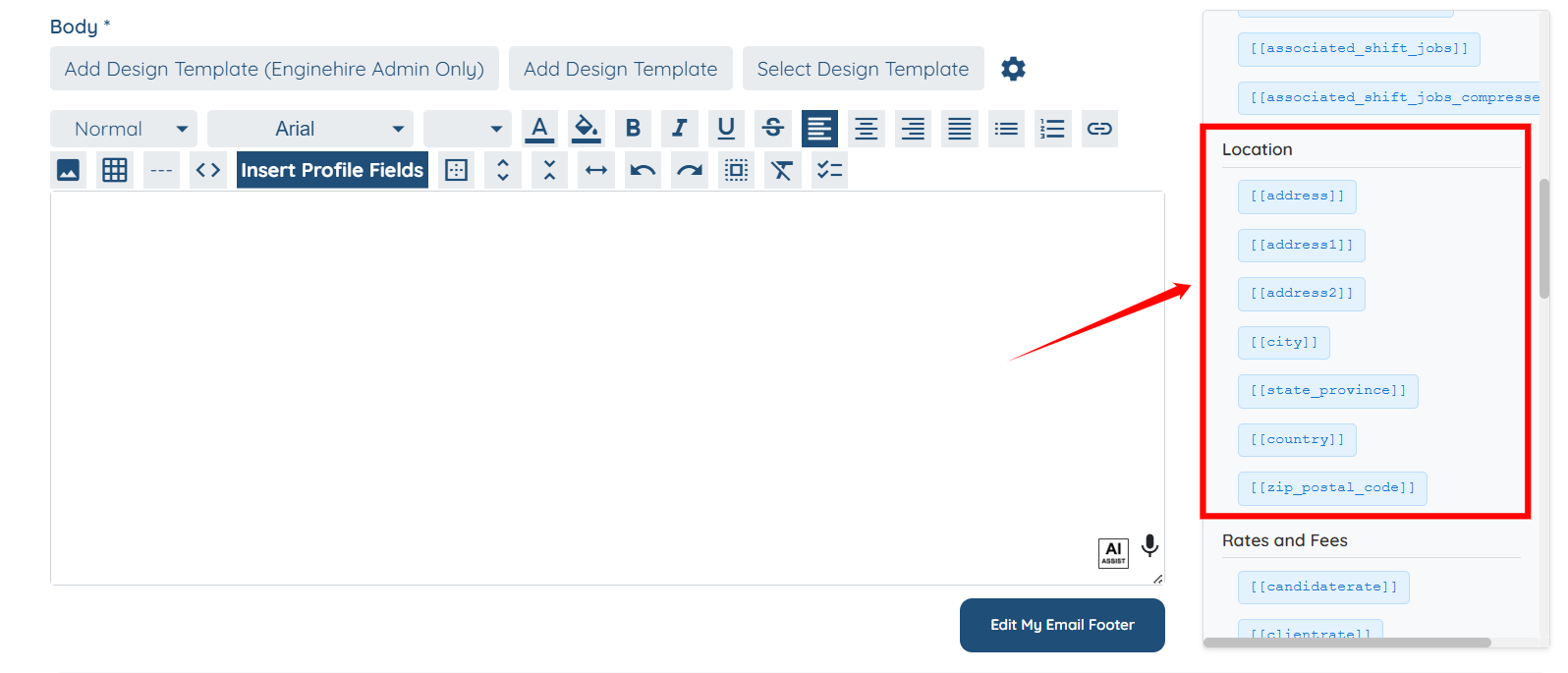
Location
|
Tag |
Description |
|
[[address]] |
Inserts the full job address. |
|
[[address1]] |
Inserts the first line of the job address. |
|
[[address2]] |
Inserts the second line of the job address. |
|
[[city]] |
Inserts the job city. |
|
[[state_province]] |
Inserts the job state or province. |
|
[[country]] |
Inserts the job country. |
|
[[zip_postal_code]] |
Inserts the job ZIP or postal code. |
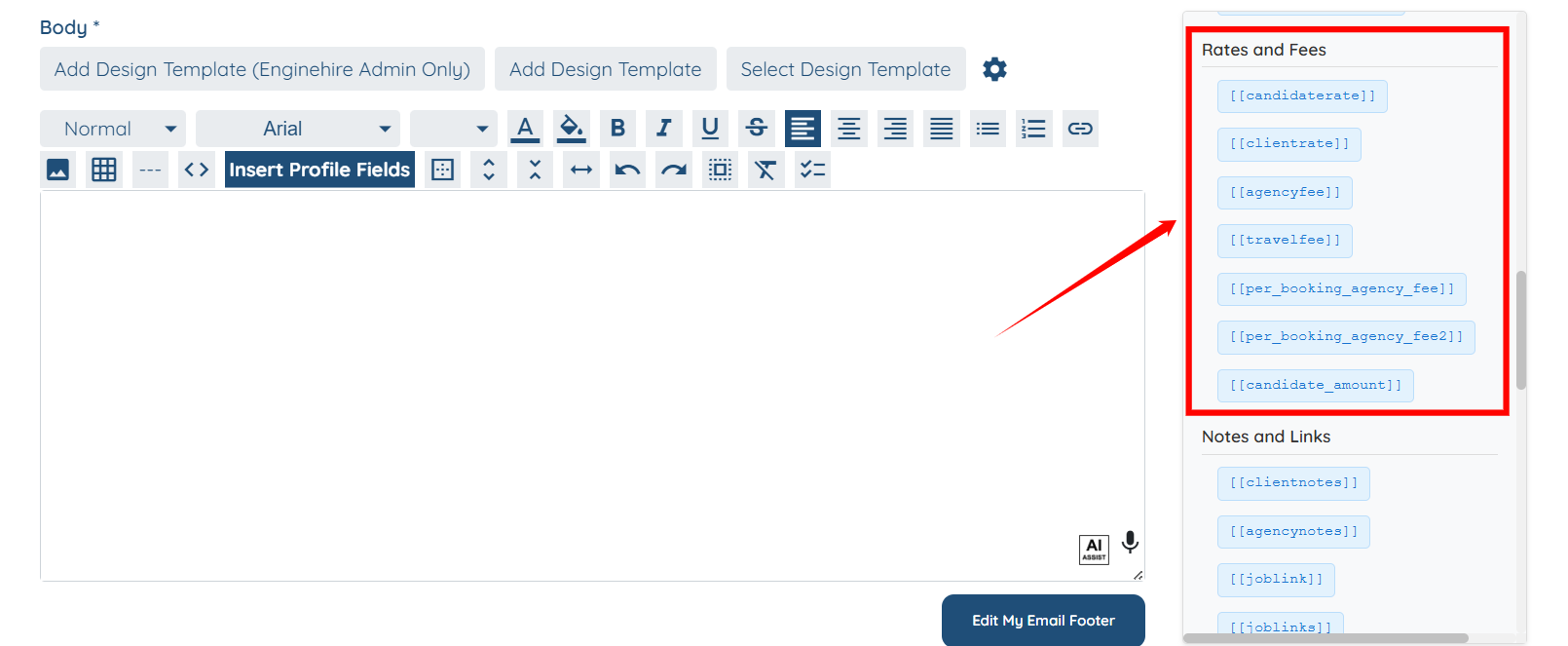
Rates and Fees
|
Tag |
Description |
|
[[candidaterate]] |
Inserts the hourly rate paid to the candidate. |
|
[[clientrate]] |
Inserts the hourly rate charged to the client for the candidate. |
|
[[agencyfee]] |
Inserts the hourly agency fee charged to the client. |
|
[[travelfee]] |
Inserts the travel fee amount. |
|
[[per_booking_agency_fee]] |
Inserts the per-booking agency fee. |
|
[[per_booking_agency_fee2]] |
Inserts the second per-booking agency fee. |
|
[[candidate_amount]] |
Inserts the total amount the candidate will earn. |
Notes and Links
|
Tag |
Description |
|
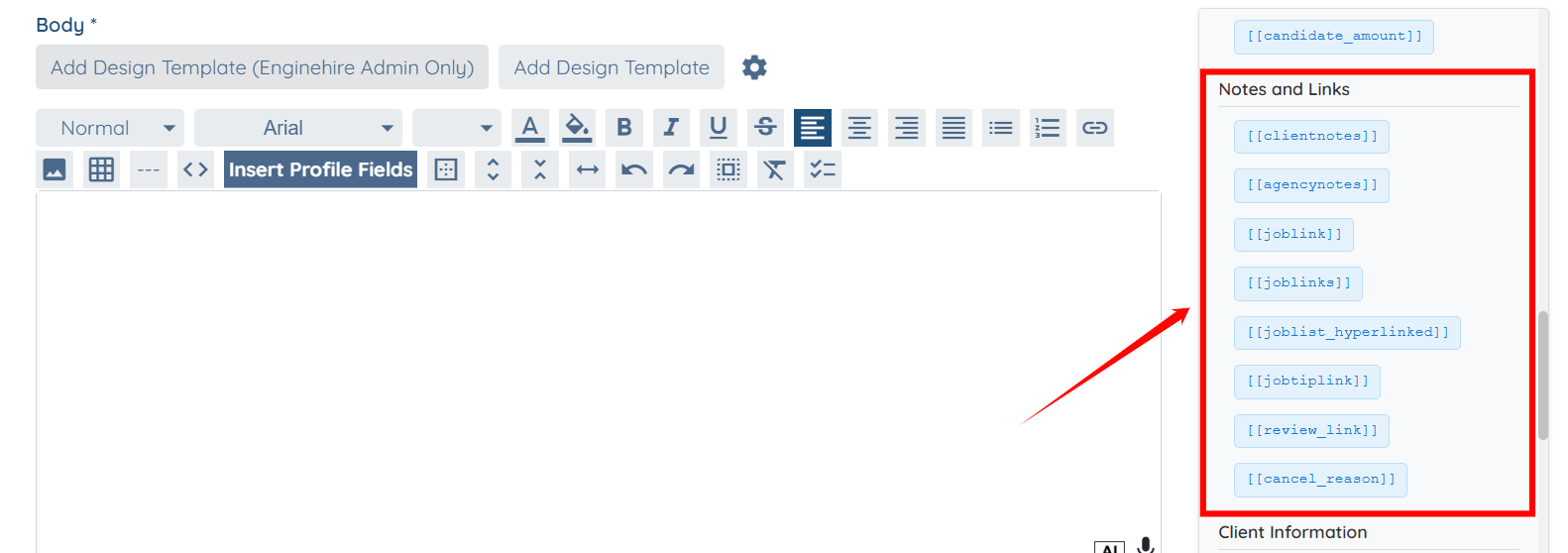
[[clientnotes]] |
Inserts notes added by the client. |
|
[[agencynotes]] |
Inserts internal agency or admin notes. |
|
[[joblink]] |
Inserts a direct link to the job. |
|
[[joblinks]] |
Inserts links for multiple jobs. |
|
[[joblist_hyperlinked]] |
Inserts a hyperlinked list of jobs. |
|
[[jobtiplink]] |
Inserts the tipping link for the job. |
|
[[review_link]] |
Inserts a link for the candidate or client to leave a review. |
|
[[cancel_reason]] |
Inserts the reason provided for canceling the job. |
Client Information
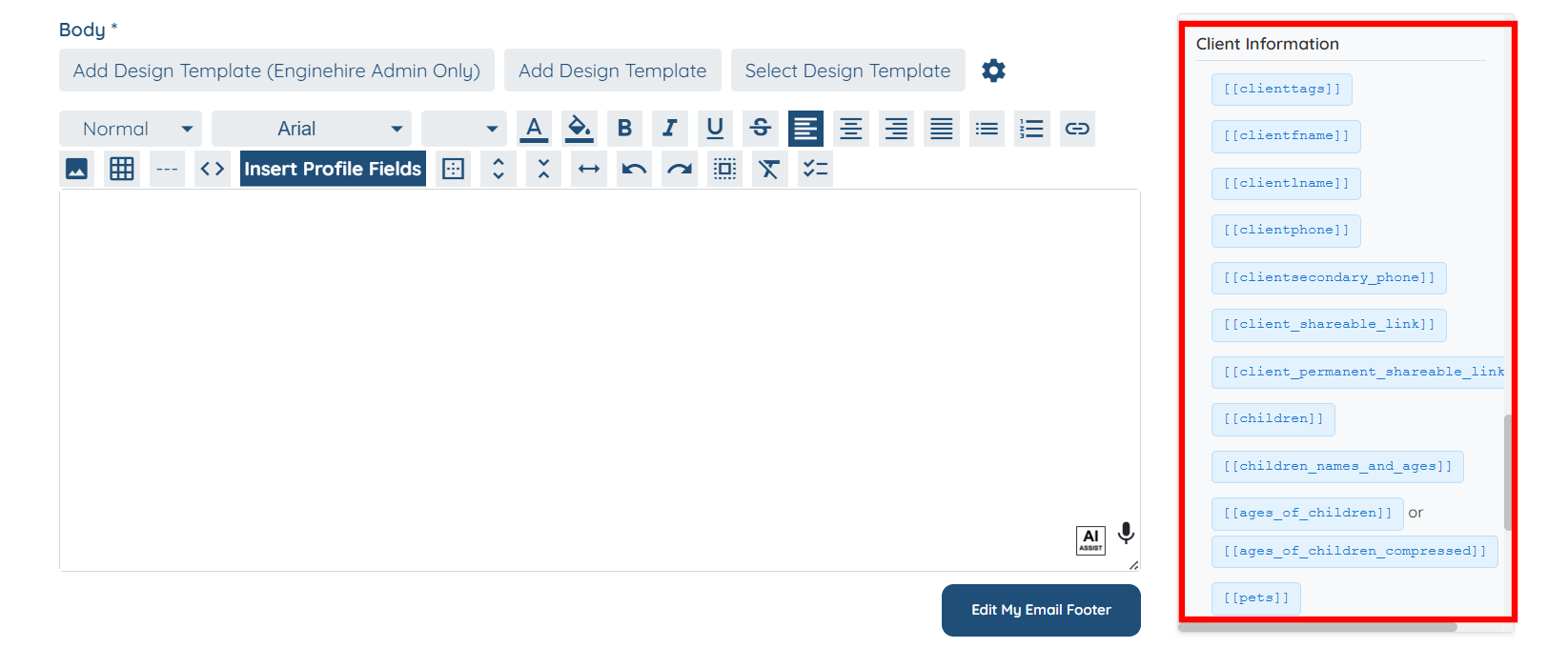
Use these tags to personalize emails with client-specific details.
|
Tag |
Description |
|
[[clienttags]] |
Inserts tags associated with the client. |
|
[[clientfname]] |
Inserts the client’s first name. |
|
[[clientlname]] |
Inserts the client’s last name. |
|
[[clientphone]] |
Inserts the client’s primary phone number. |
|
[[clientsecondary_phone]] |
Inserts the client’s secondary phone number. |
|
[[client_shareable_link]] |
Inserts a shareable link to the client profile. |
|
[[client_permanent_shareable_link]] |
Inserts the permanent shareable link to the client profile. |
|
[[children]] |
Inserts client children information with field labels. |
|
[[children_names_and_ages]] |
Inserts names and ages of the client’s children. |
|
[[ages_of_children]] |
Inserts the ages of the client’s children. |
|
[[ages_of_children_compressed]] |
Inserts children’s ages in a compact format. |
|
[[pets]] |
Inserts pet information with field labels and values. |
|
[[pets_value_only]] |
Inserts only the pet field values without labels. |
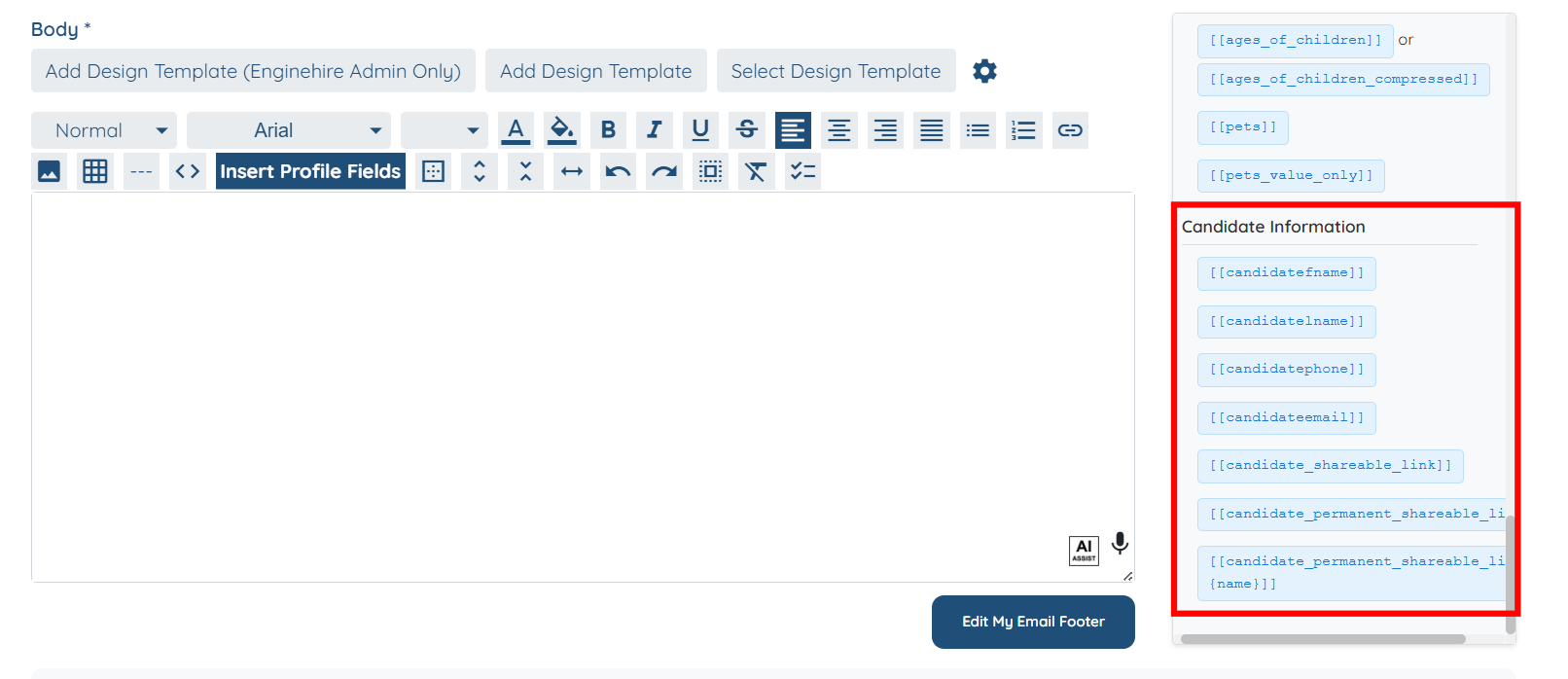
Candidate Information
Use these tags to insert candidate-specific information into emails.
|
Tag |
Description |
|
[[candidatefname]] |
Inserts the candidate’s first name. |
|
[[candidatelname]] |
Inserts the candidate’s last name. |
|
[[candidatephone]] |
Inserts the candidate’s phone number. |
|
[[candidateemail]] |
Inserts the candidate’s email address. |
|
[[candidate_shareable_link]] |
Inserts a shareable link to the candidate profile. |
|
[[candidate_permanent_shareable_link]] |
Inserts the permanent shareable link to the candidate profile. |
|
[[candidate_permanent_shareable_link-{name}]] |
Inserts a named version of the candidate’s permanent shareable link. |