![enginehire logo thin dark 1.0.png]](https://learn.enginehire.io/hs-fs/hubfs/enginehire%20logo%20thin%20dark%201.0.png?height=40&name=enginehire%20logo%20thin%20dark%201.0.png)
For demonstration purposes, this article uses the I’M INTERESTED option to show how to customize questions. You can follow the same steps for the I’M NOT INTERESTED and I MIGHT BE INTERESTED options.
Let’s get started 🚀
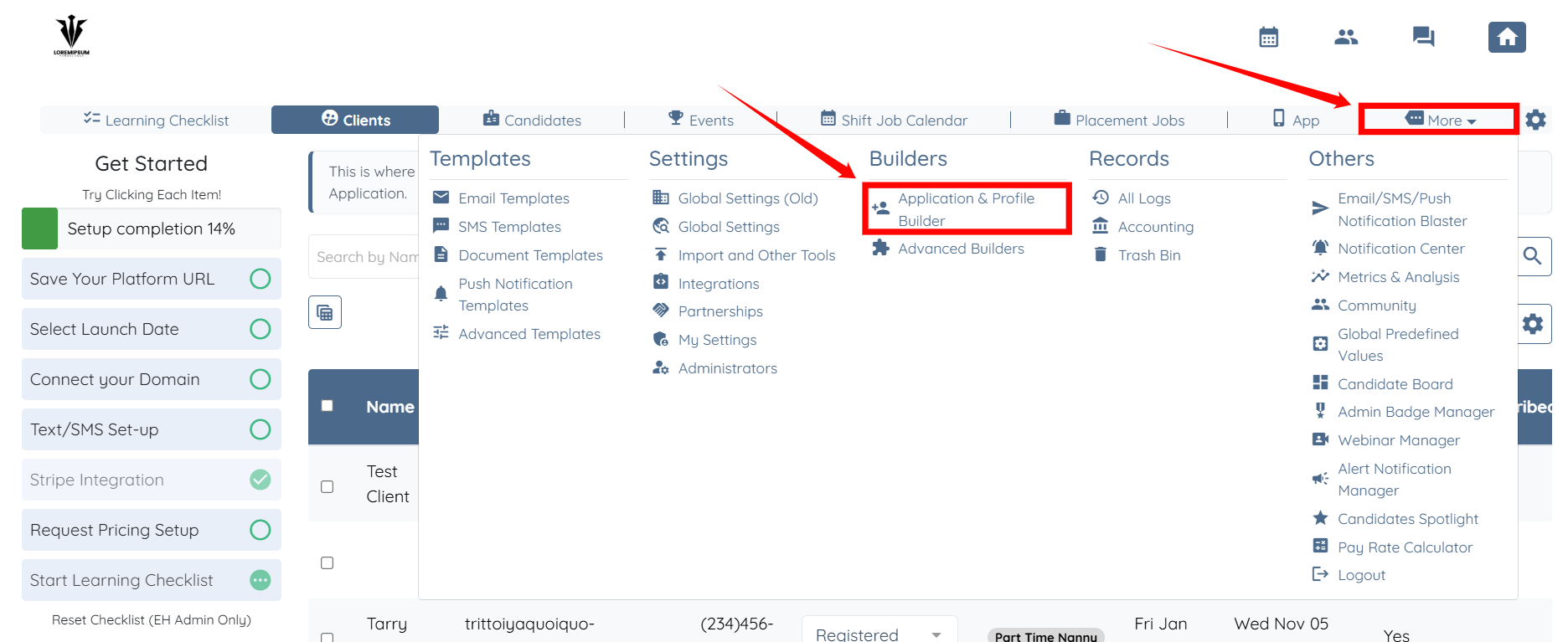
Step 1: Log in to your agent dashboard, and click on More > Application & Profile Builder as shown in the screenshot below.
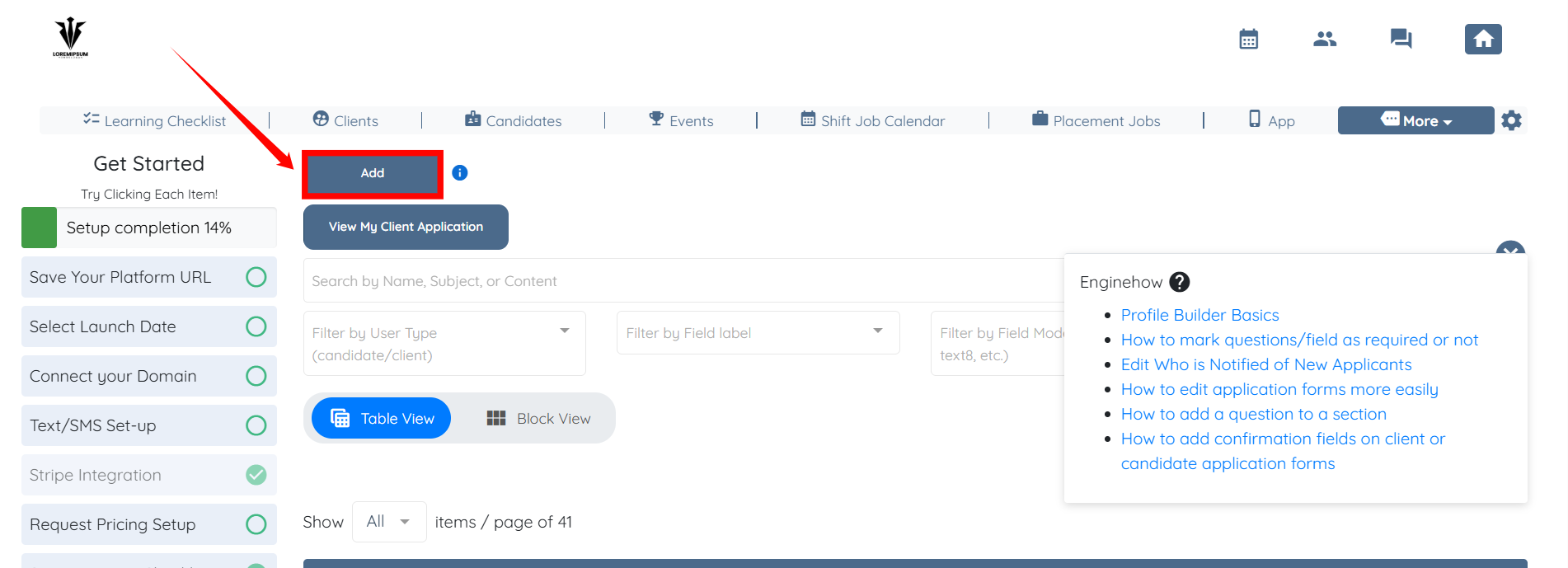
Step 2: Click the Add button.
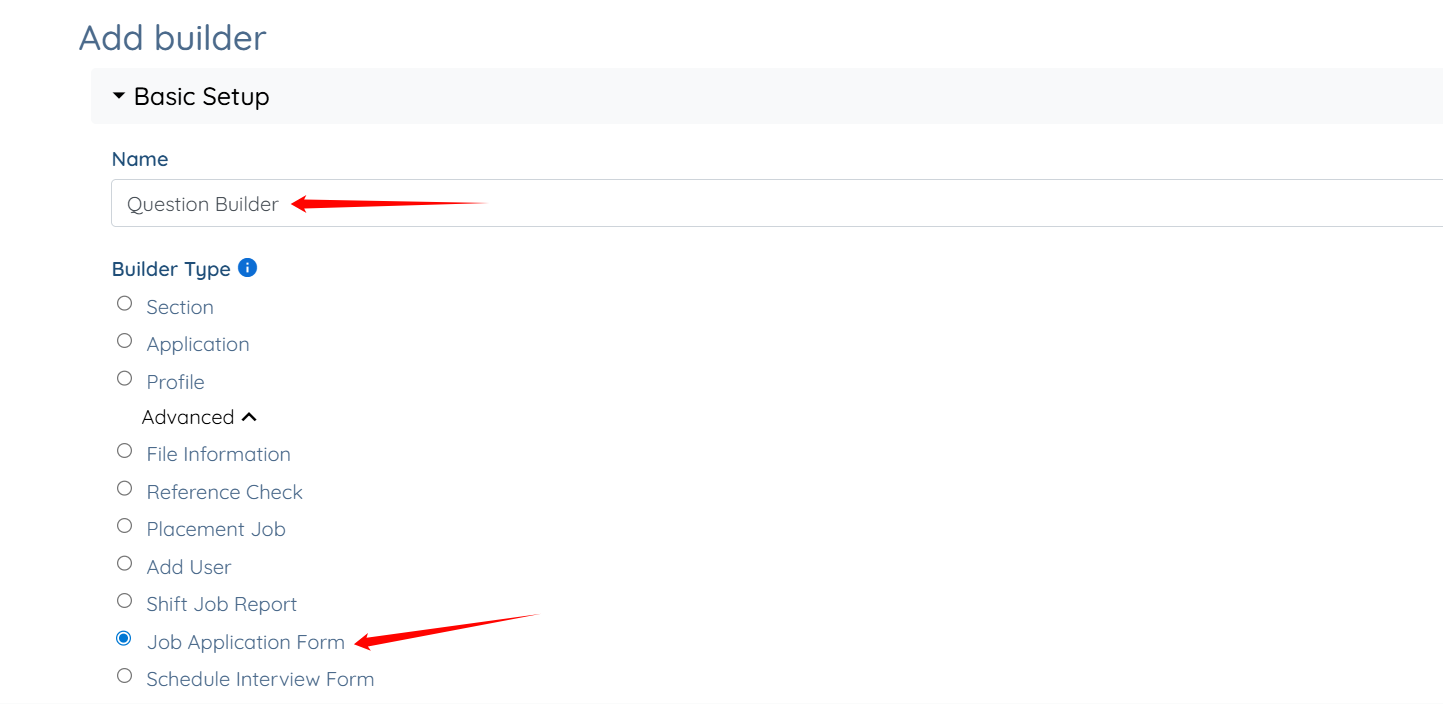
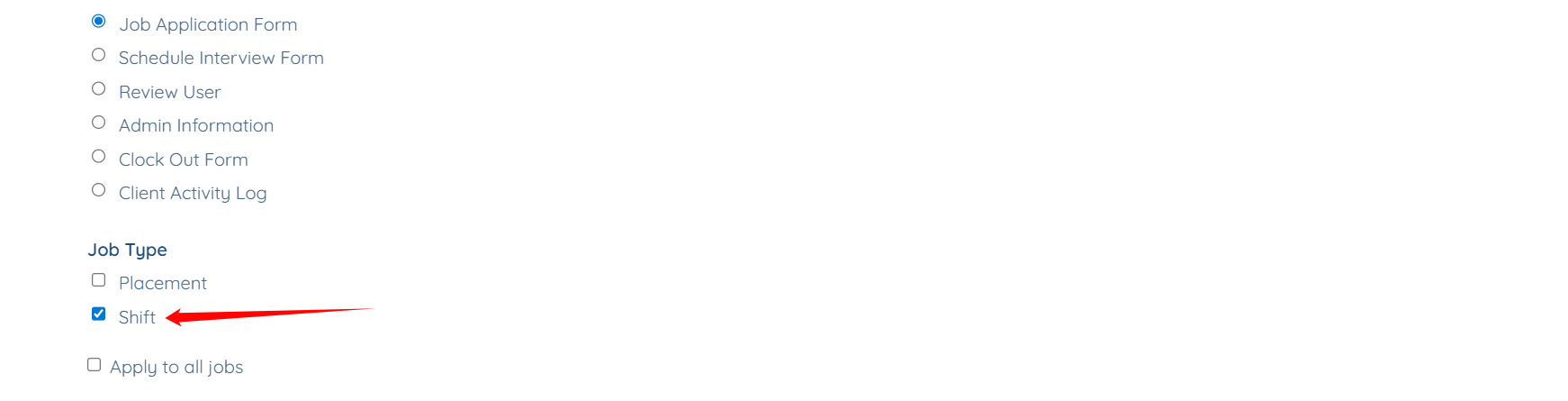
Step 3: Enter a name for your builder, and then select the Job Application Form option as the Builder Type.
Step 4: Select Shift option as the Job Type.
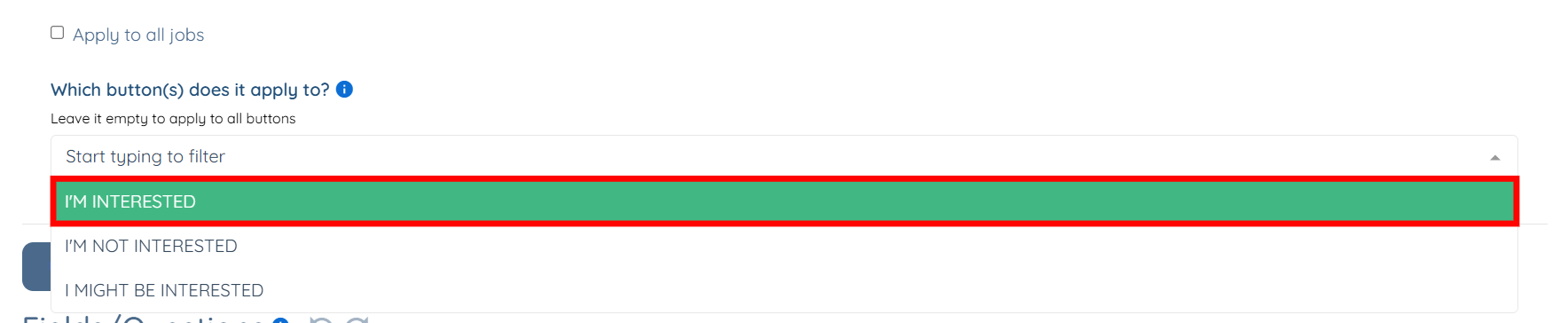
Step 5: Select the option from the dropdown for which you want to customize the questions.
You can also select all three options at once if you want to customize the same set of questions for all three options.
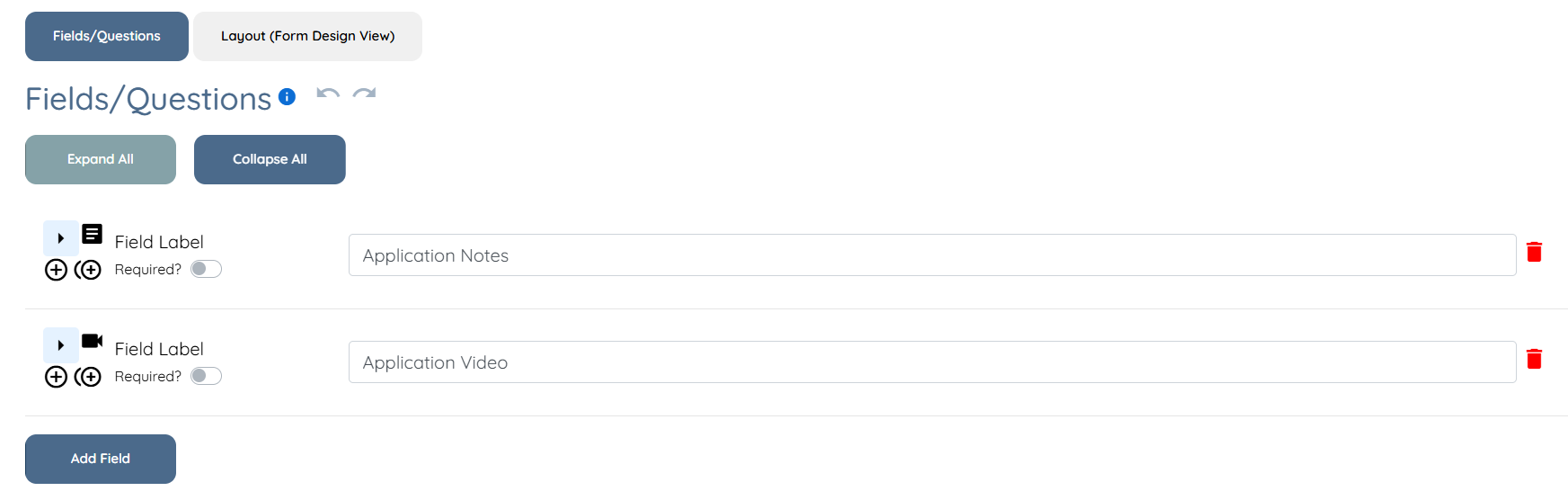
Step 6: Scroll down to view a set of questions that the system automatically adds based on the option you selected in the previous step.
You can manage the questions as needed by adding new ones, editing existing ones, or rearranging their order. For more information, refer to the Manage Application Questions article.
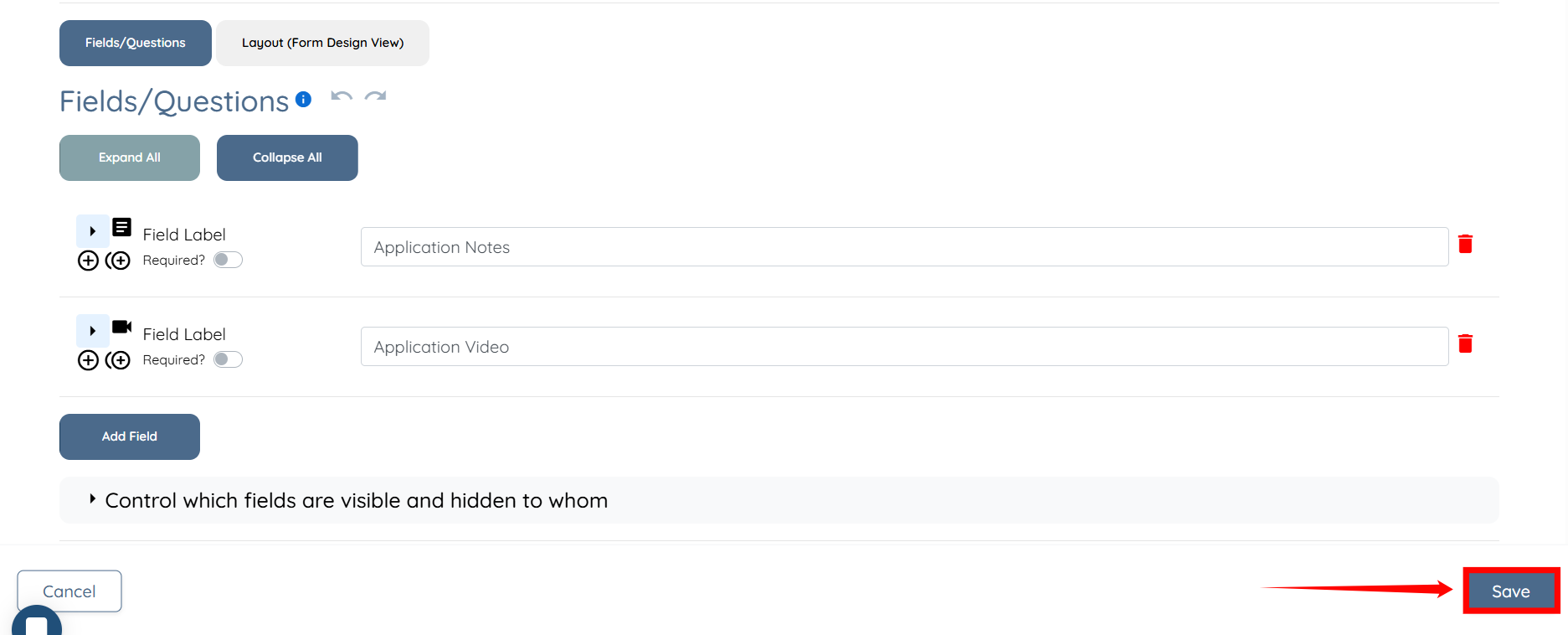
Step 7: After you customize the questions as required, click the Save button to confirm your changes.