![enginehire logo thin dark 1.0.png]](https://learn.enginehire.io/hs-fs/hubfs/enginehire%20logo%20thin%20dark%201.0.png?height=40&name=enginehire%20logo%20thin%20dark%201.0.png)
When you match a candidate with a client, you can set an end date for that relationship, such as the end of a placement or a replacement guarantee period. The End Date Follow Up trigger lets you send an email automatically a set number of days after that end date, so you can check in, ask for feedback, or prompt a renewal without having to remember to do it yourself.
Set the end date when you match a candidate with a client
The follow-up is based on the end date you set on the match, so start there. Open the client's profile and go to the Matches (My Candidates) tab.
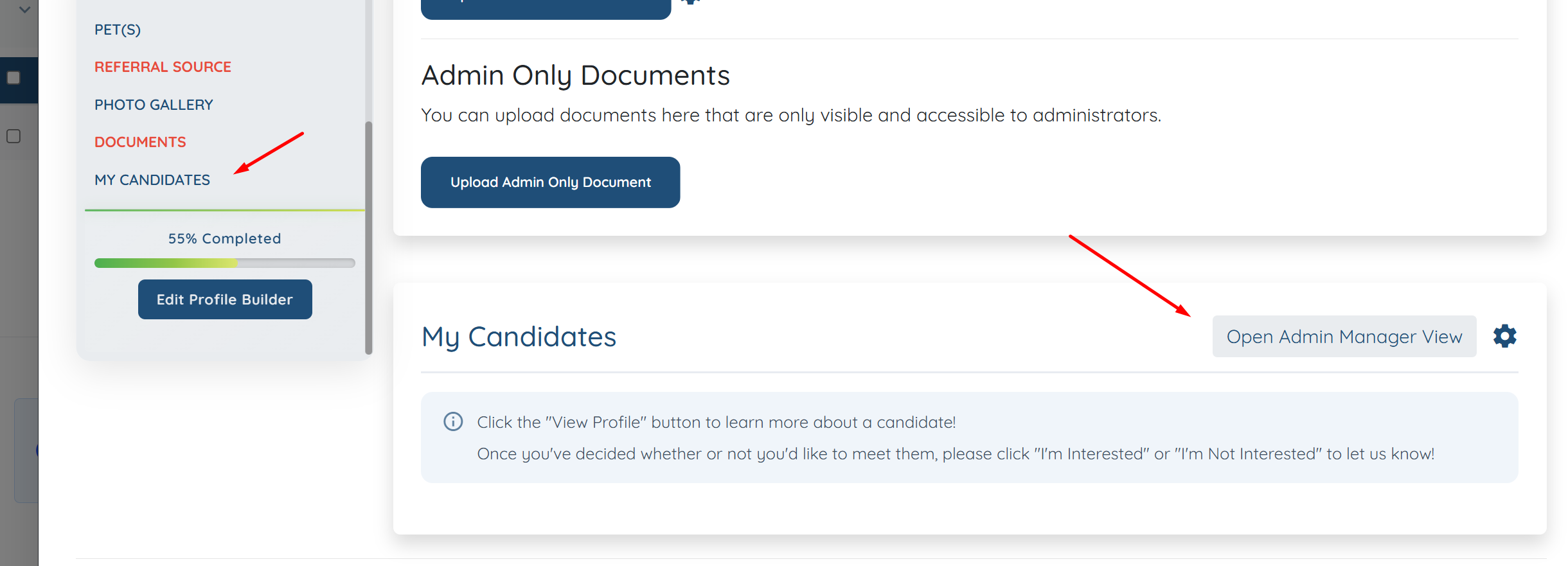
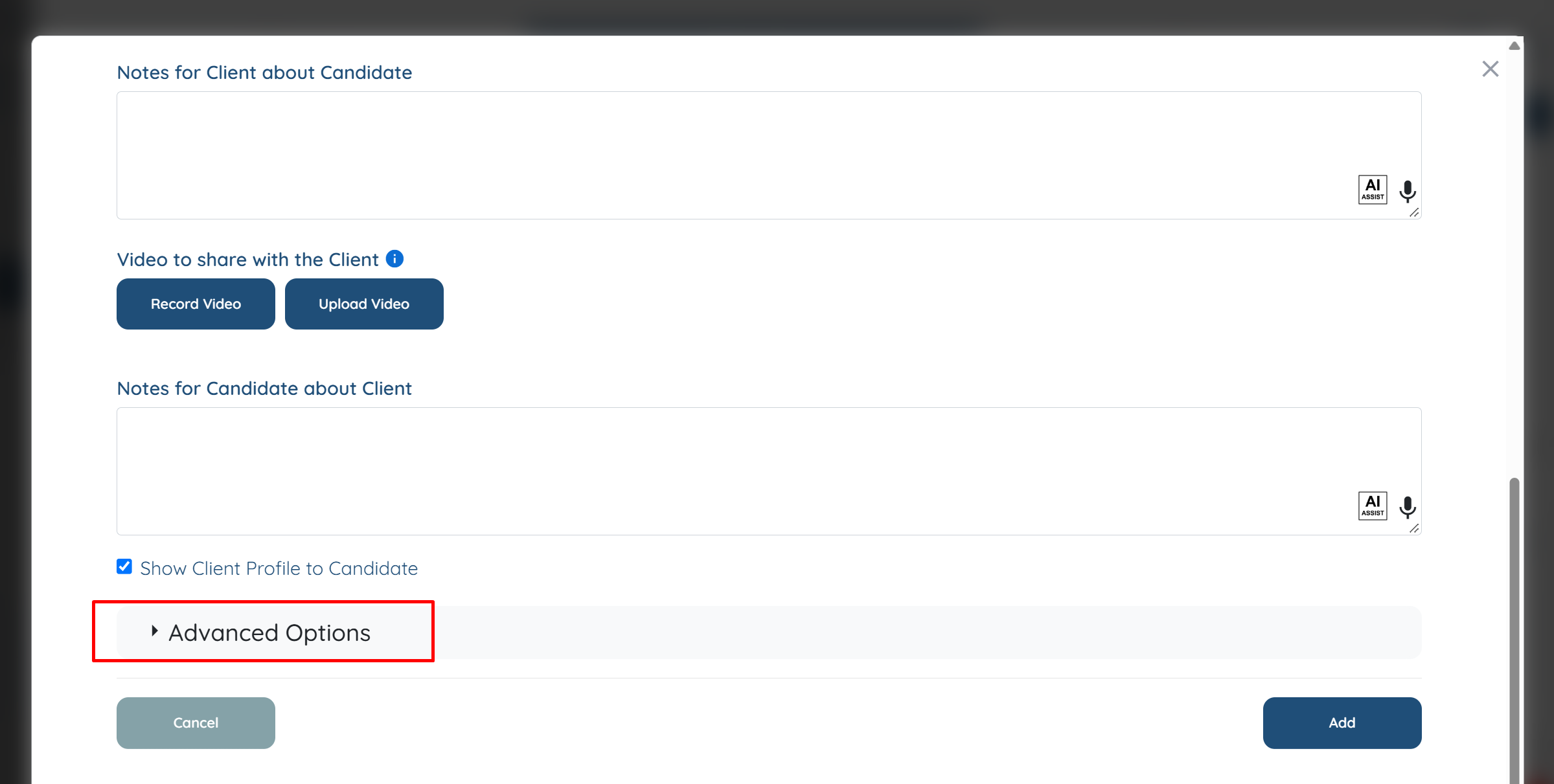
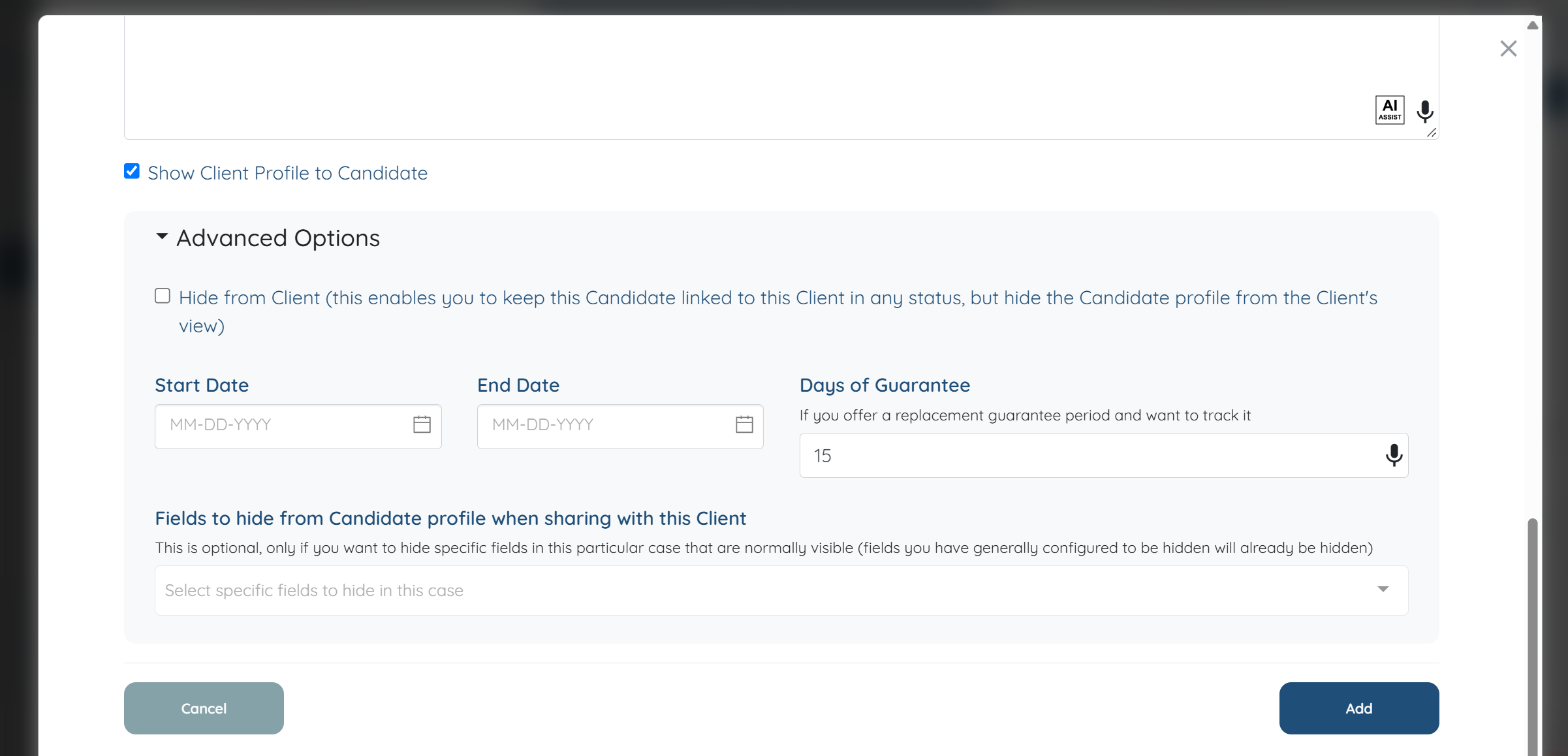
When you add or edit an assigned candidate, open Advanced Options and set the Start Date and End Date for the relationship, along with the relationship status. If you track a replacement guarantee period, you can also set Days of Guarantee. Save the match.
Create the End Date Follow-Up email template
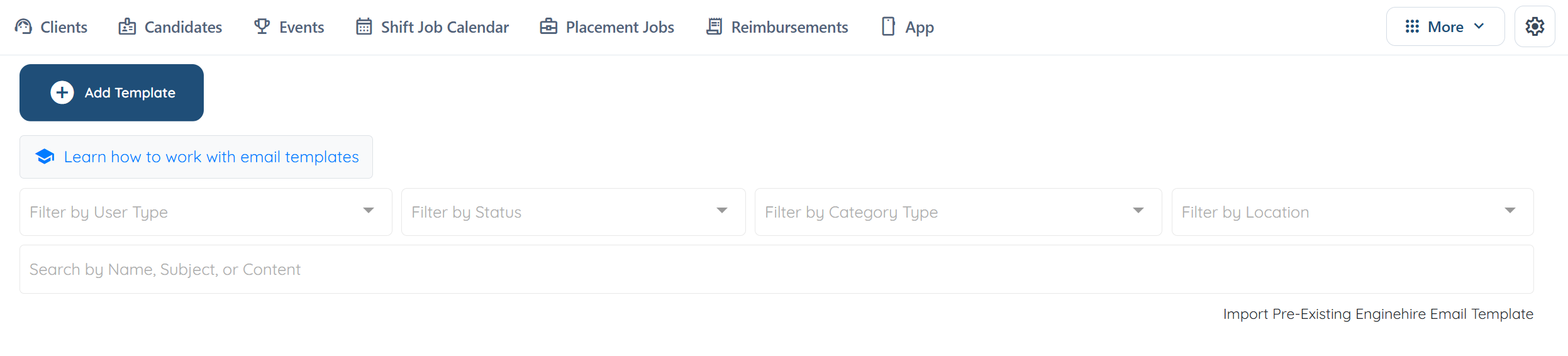
- From the top navigation, select More → Email Templates.

- Select Add Template.
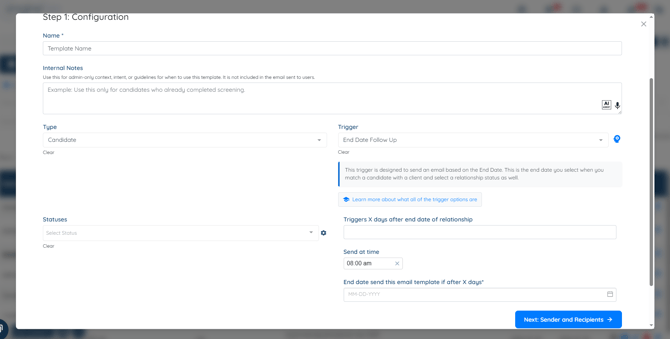
- On Step 1: Configuration, enter a Name for the template.
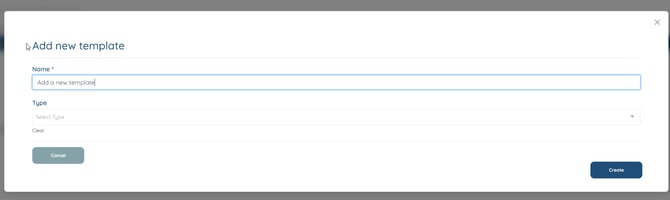
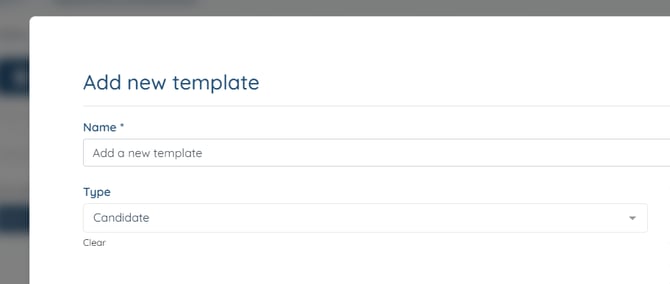
- Set Type to choose who receives the email, such as Client or Admin.
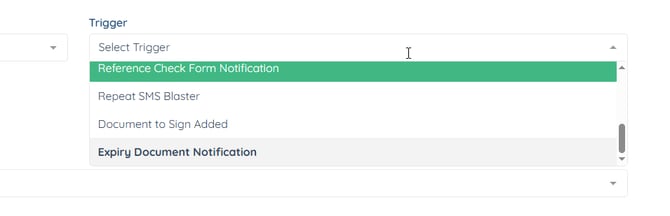
- Set Trigger to End Date Follow Up. A note confirms the email sends based on the end date you set when matching a candidate with a client.
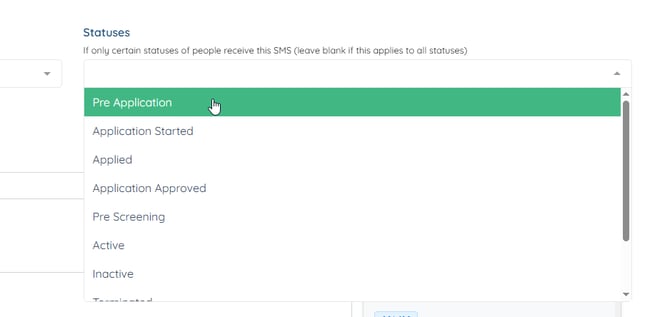
- Optionally narrow who this applies to using User Type and Statuses.
- In Triggers X days after end date of relationship, enter how many days after the end date the email should send (for example, 30).
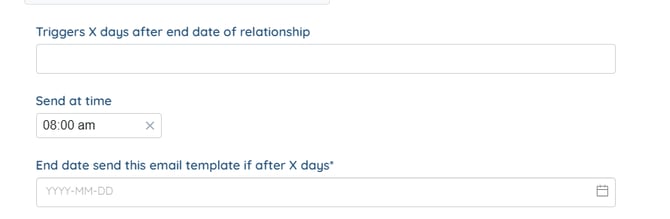
- Set Send at time for the time of day it goes out.
- In End date send this email template if after X days, set the date the template should start applying from.
- Continue through Step 2: Sender and Recipients and Step 3: Content to write your subject and body, inserting any tags you need.
- Select Create to save.
Once saved, any relationship with an end date will trigger this email automatically at the interval you set.