Let’s get started 🚀
Step 1: Log in to your agent dashboard and click More > Global Settings as shown in the screenshot below.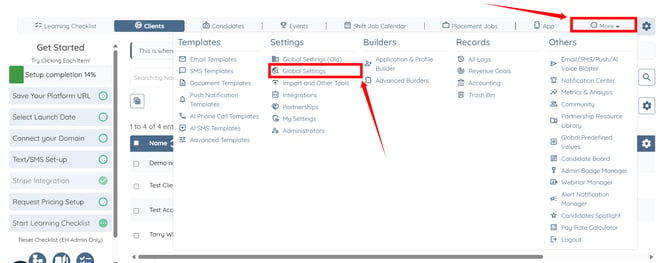
Step 2: Scroll through the tabs and click the Backup Care Assistant tab. 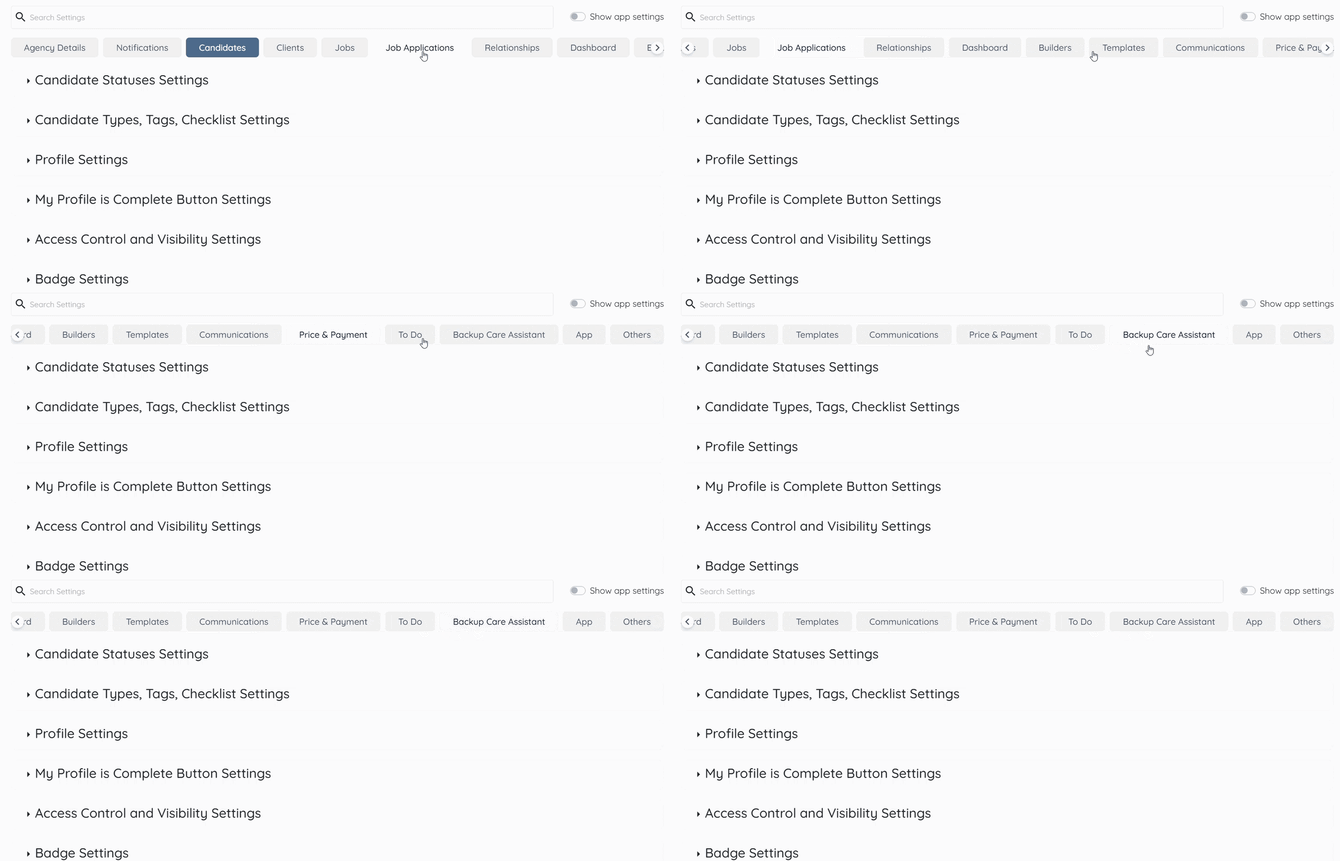
Step 3: Click the Accounts option to expand and view its details.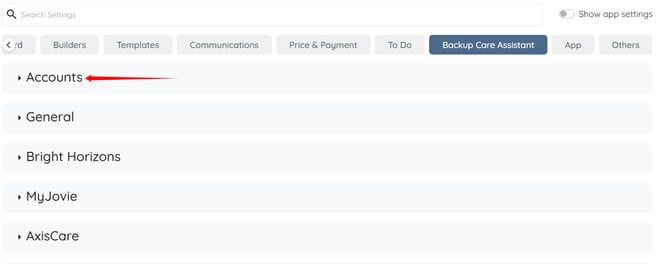
Step 4: Click the pencil icon under the Actions column next to your Kantime Account.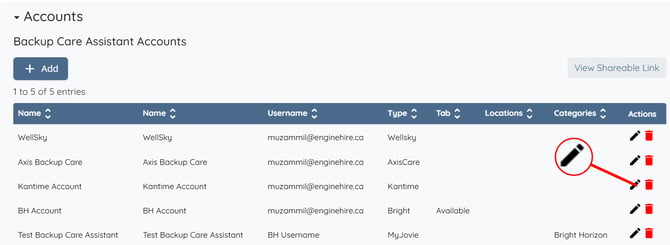
Step 5: Enable the Notify caregiver via Email through KanTime when creating a shift and/or Notify caregiver via SMS through KanTime when creating a shift checkboxes as required. 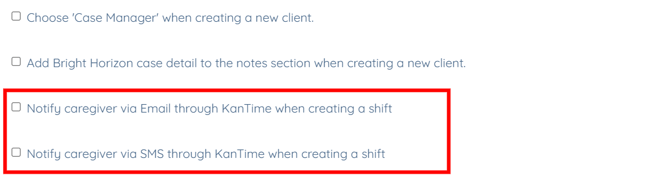
Step 6: Scroll to the bottom and click the Submit button.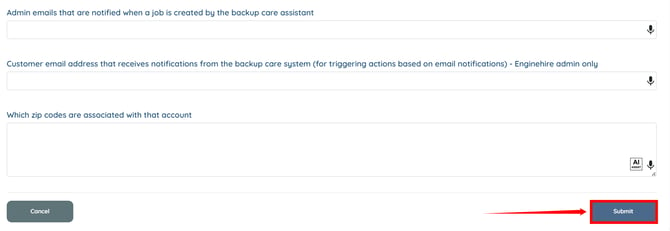
English
![enginehire logo thin dark 1.0.png]](https://learn.enginehire.io/hs-fs/hubfs/enginehire%20logo%20thin%20dark%201.0.png?height=40&name=enginehire%20logo%20thin%20dark%201.0.png)